Time Tracker
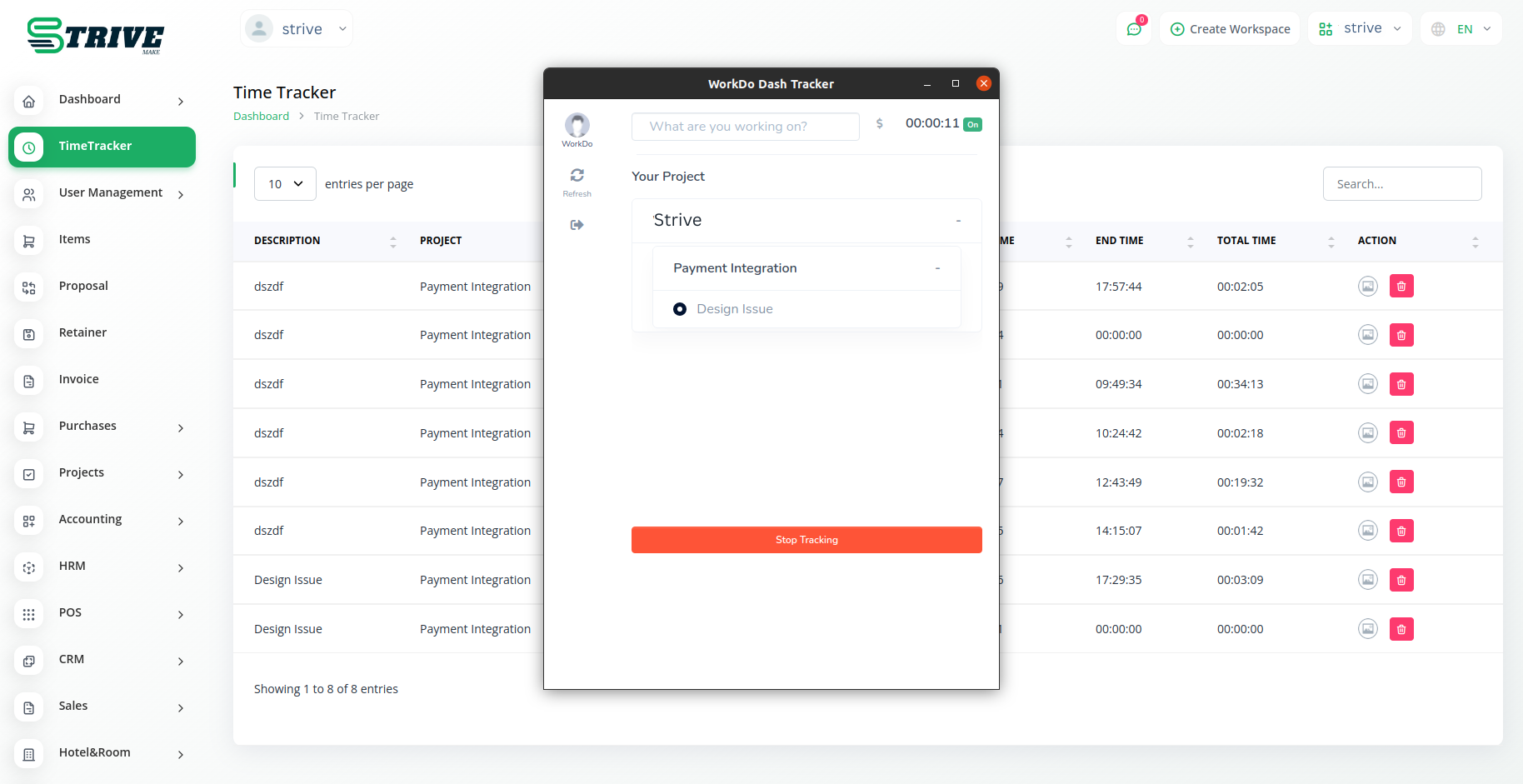
The Time Tracker Module in StriveMake redefines the way businesses manage their workforce, offering a suite of tools designed to enhance productivity, transparency, and accountability. With seamless task tracking, managers gain real-time visibility into ongoing activities, promoting efficient project management and a culture of responsibility within the organization.
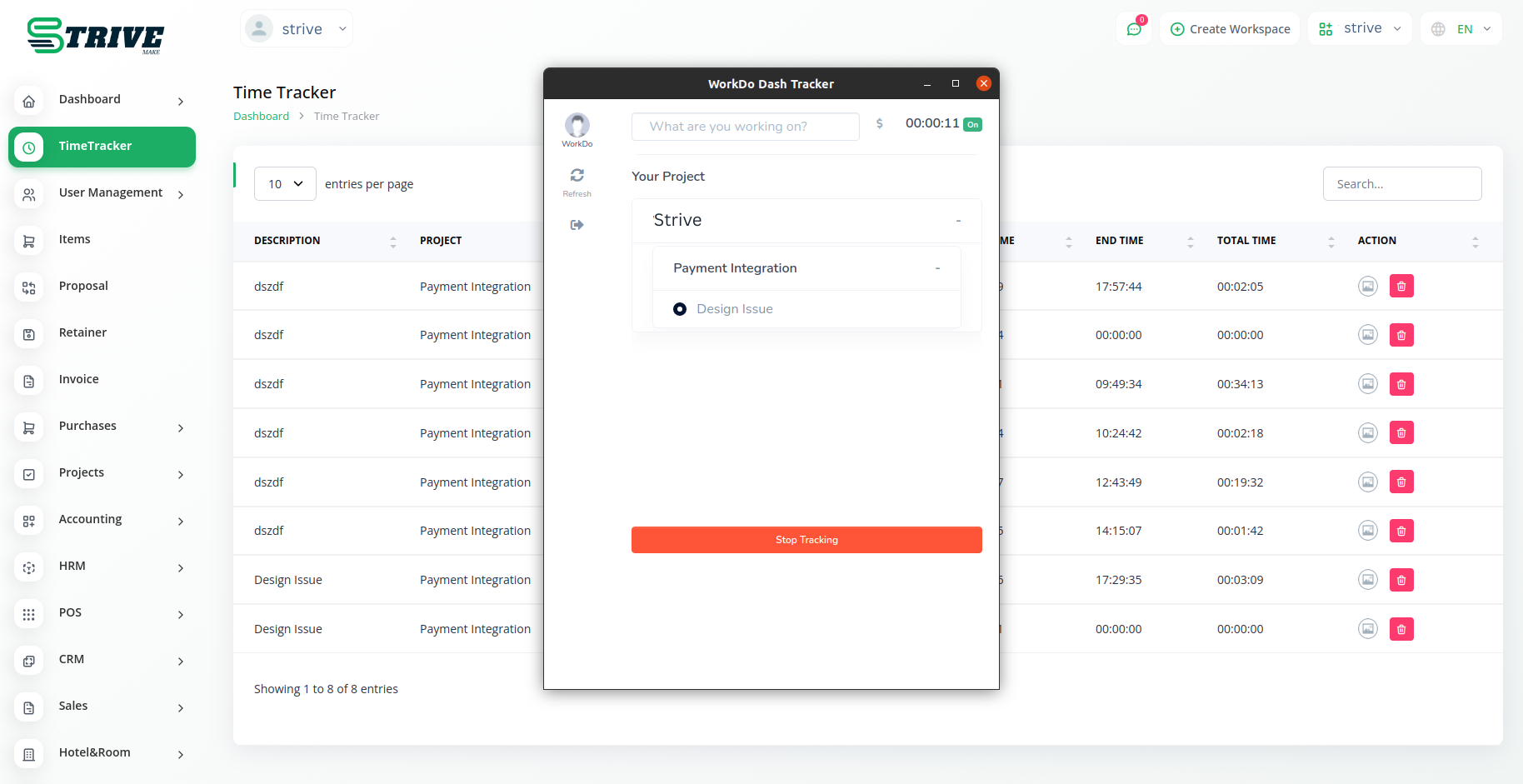
Track, Capture, Elevate: StriveMake Time Tracker
Effortlessly manage tasks, capture real-time insights, and optimize project time with StriveMake's Time Tracker. Enhance transparency and boost efficiency in workforce management for unparalleled success.
Visualizing Productivity
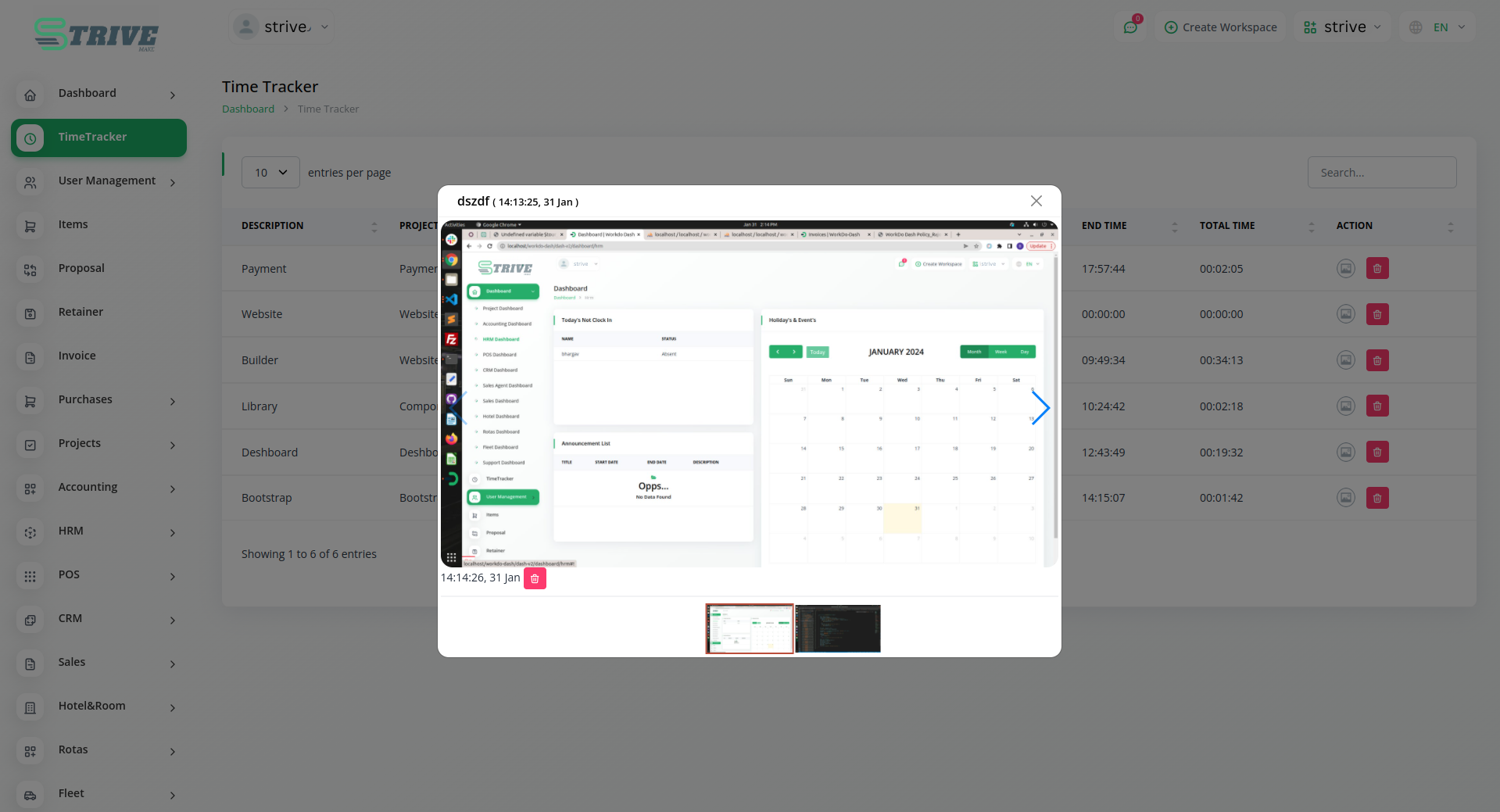
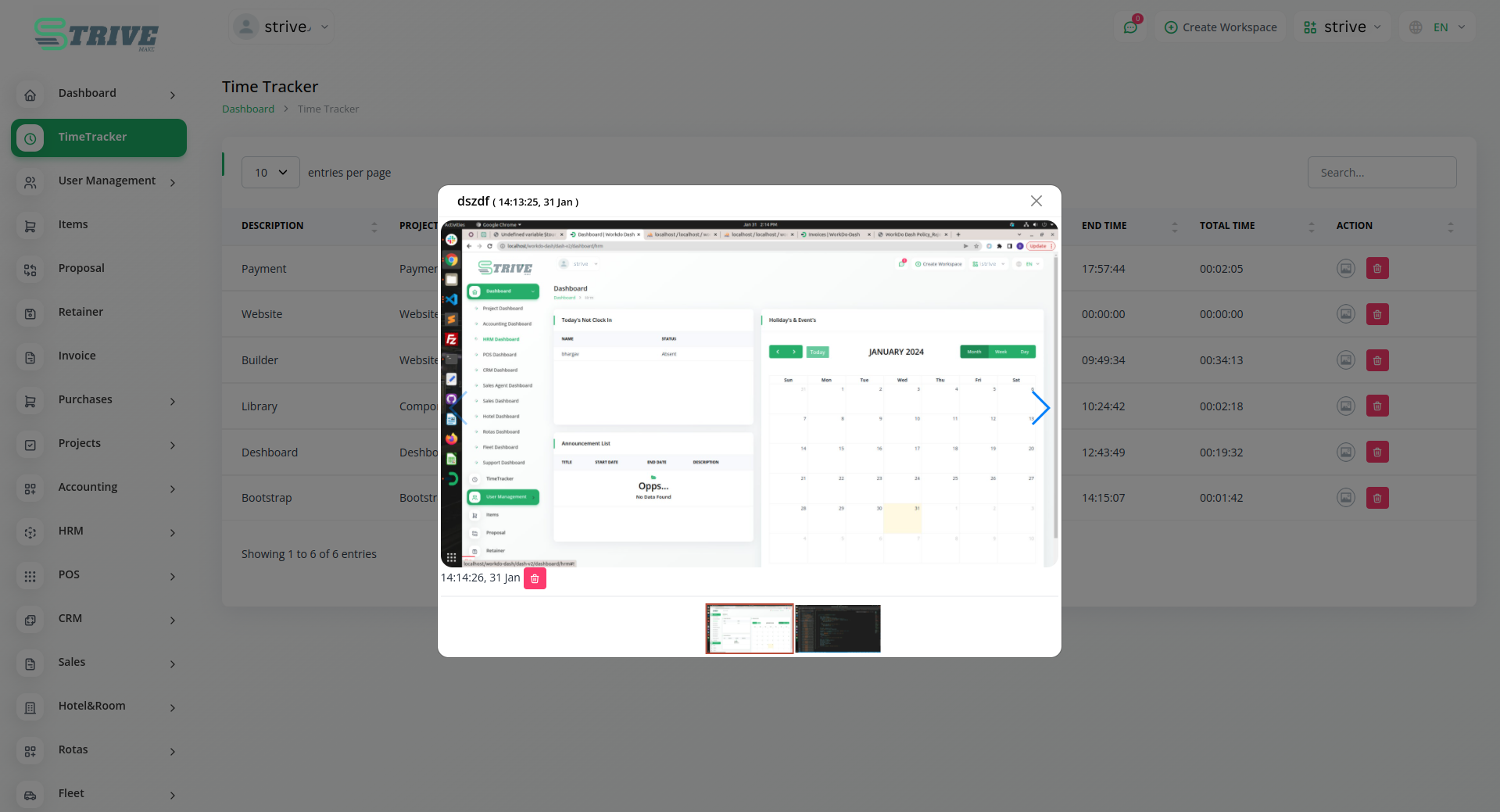
A standout feature of the Time Tracker Module is the ability to capture real-time screenshots of employees' screens during tracker engagement. This powerful tool provides managers with immediate insights into work environments, aiding in task evaluation, and offering targeted support. The visual representation facilitates the identification of bottlenecks and areas for improvement.
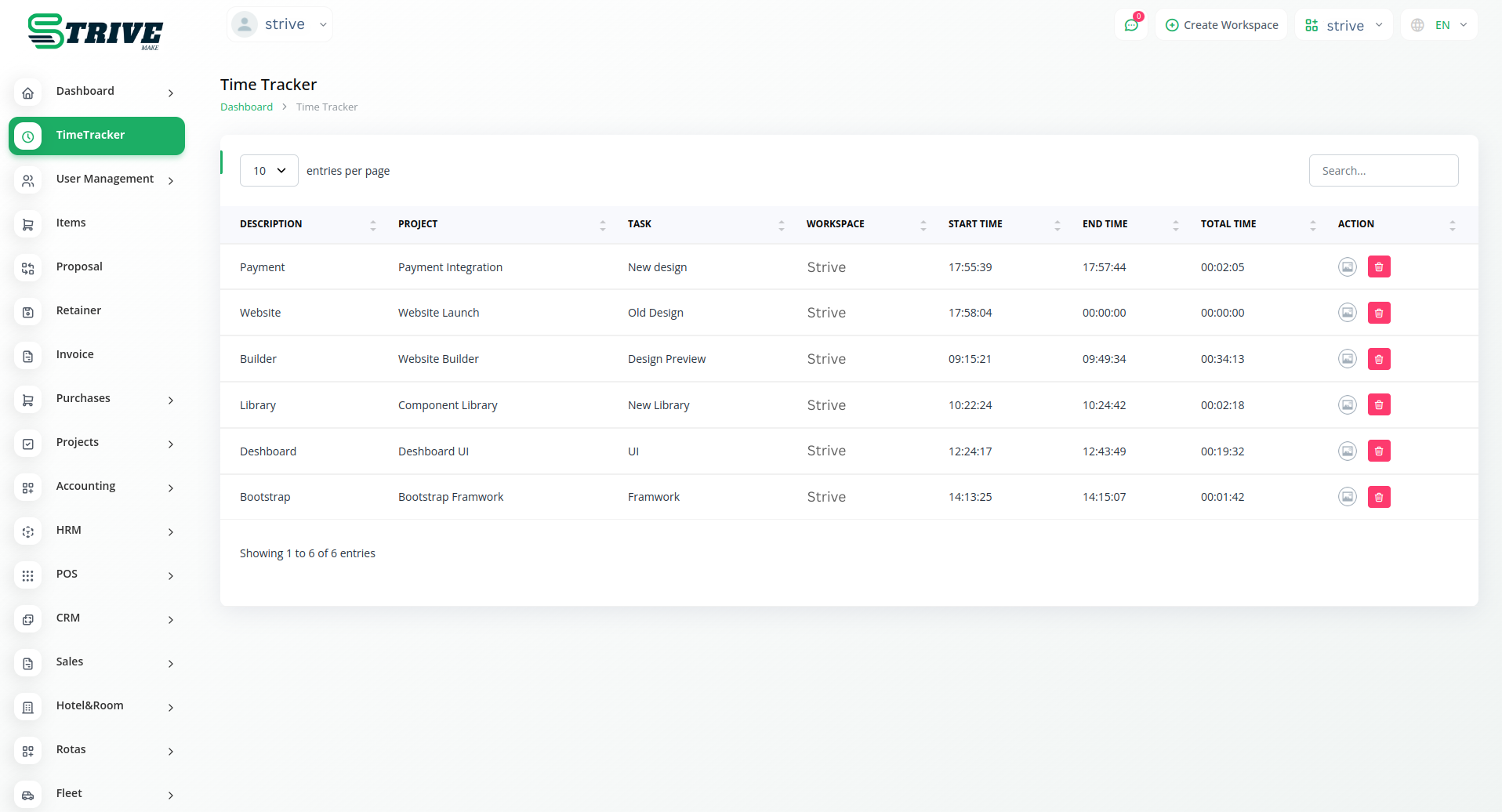
Strategic Time Monitoring
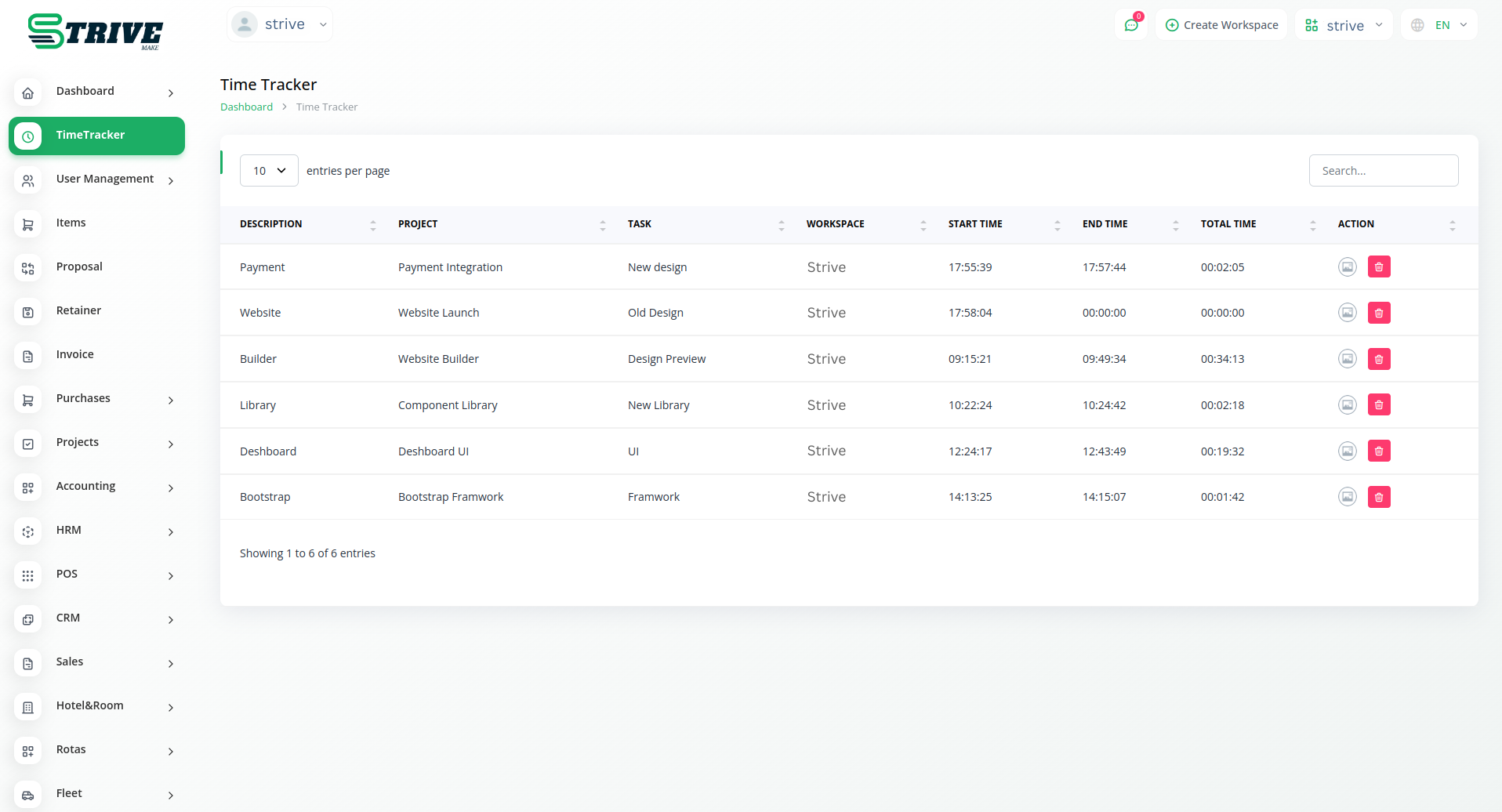
The Time Tracker Module empowers organizations with the capability to monitor time spent on specific tasks, contributing to accurate project planning and resource allocation. This feature also facilitates efficient client billing by providing transparent and detailed breakdowns of time invested in various project components.
Transparency and Accountability
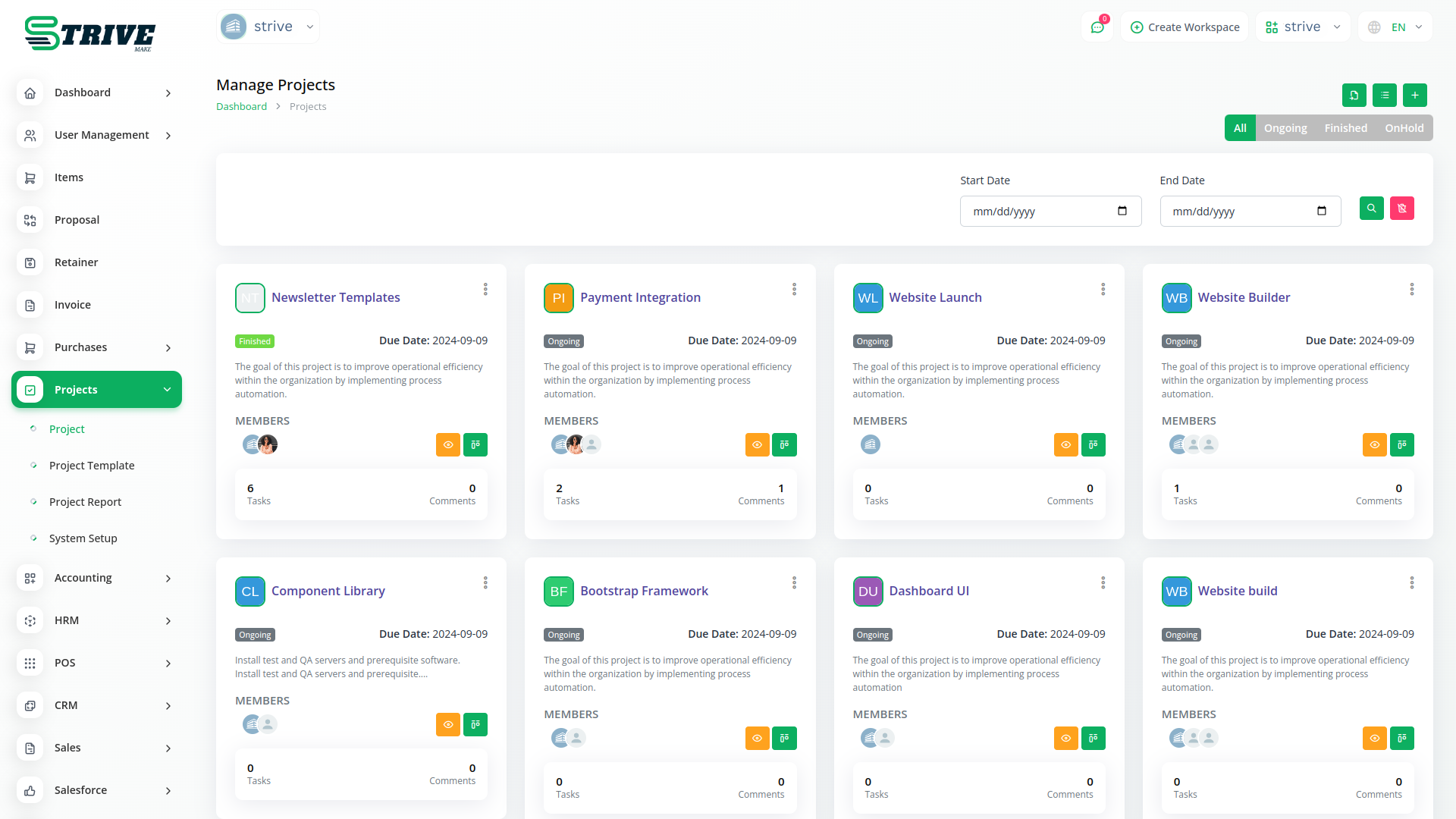
By offering real-time monitoring capabilities, the Time Tracker Module transforms workforce management into a transparent and data-driven process. This dynamic view enhances overall productivity and facilitates timely decision-making based on the latest insights. Additionally, providing employees with visibility into how their time contributes to overarching goals encourages a sense of ownership and responsibility.
Comprehensive Solution
StriveMake's Time Tracker Module emerges as a comprehensive solution for businesses aiming to optimize their workforce management strategies. Its combination of task tracking, screen capture, and time monitoring features positions it as a valuable asset in fostering a culture of efficiency, transparency, and accountability within the organization.
Why choose dedicated modules for your business?
The Time Tracker module connects directly to the rest of your StriveMake workspace, so the data your team captures here stays in sync with the modules you already rely on.
Add Time Tracker to your plan
Subscribe to Time Tracker as part of any StriveMake plan. Cancel anytime — no contracts, no hidden fees.
- Pay-as-you-go
- Unlimited installation
- Secure cloud storage
- Instant activation
- Cancel anytime
- All updates included
- 24/7 priority support
- Instant activation
- Cancel anytime
- All updates included
- 24/7 priority support
About the Time Tracker add-on
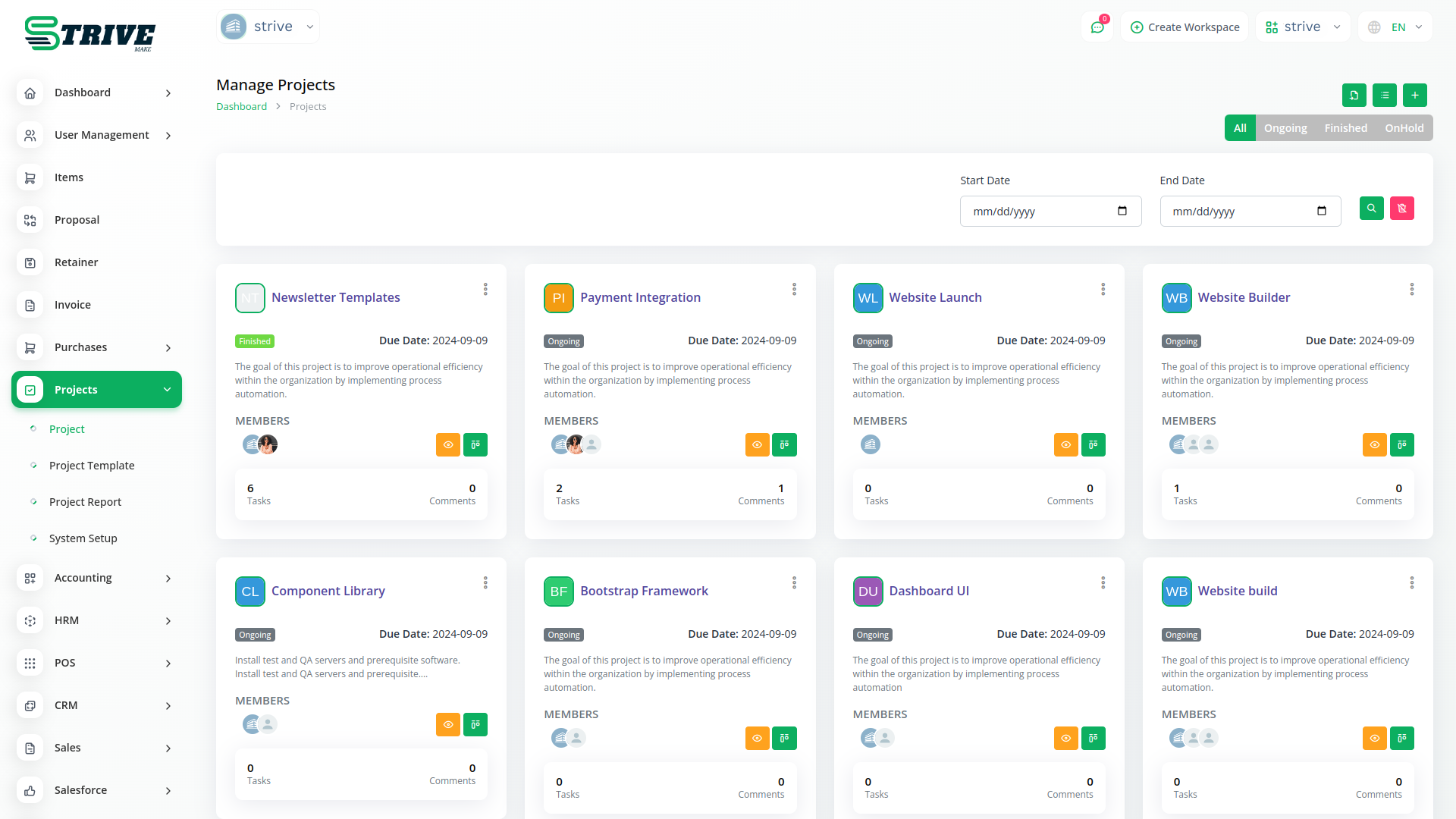
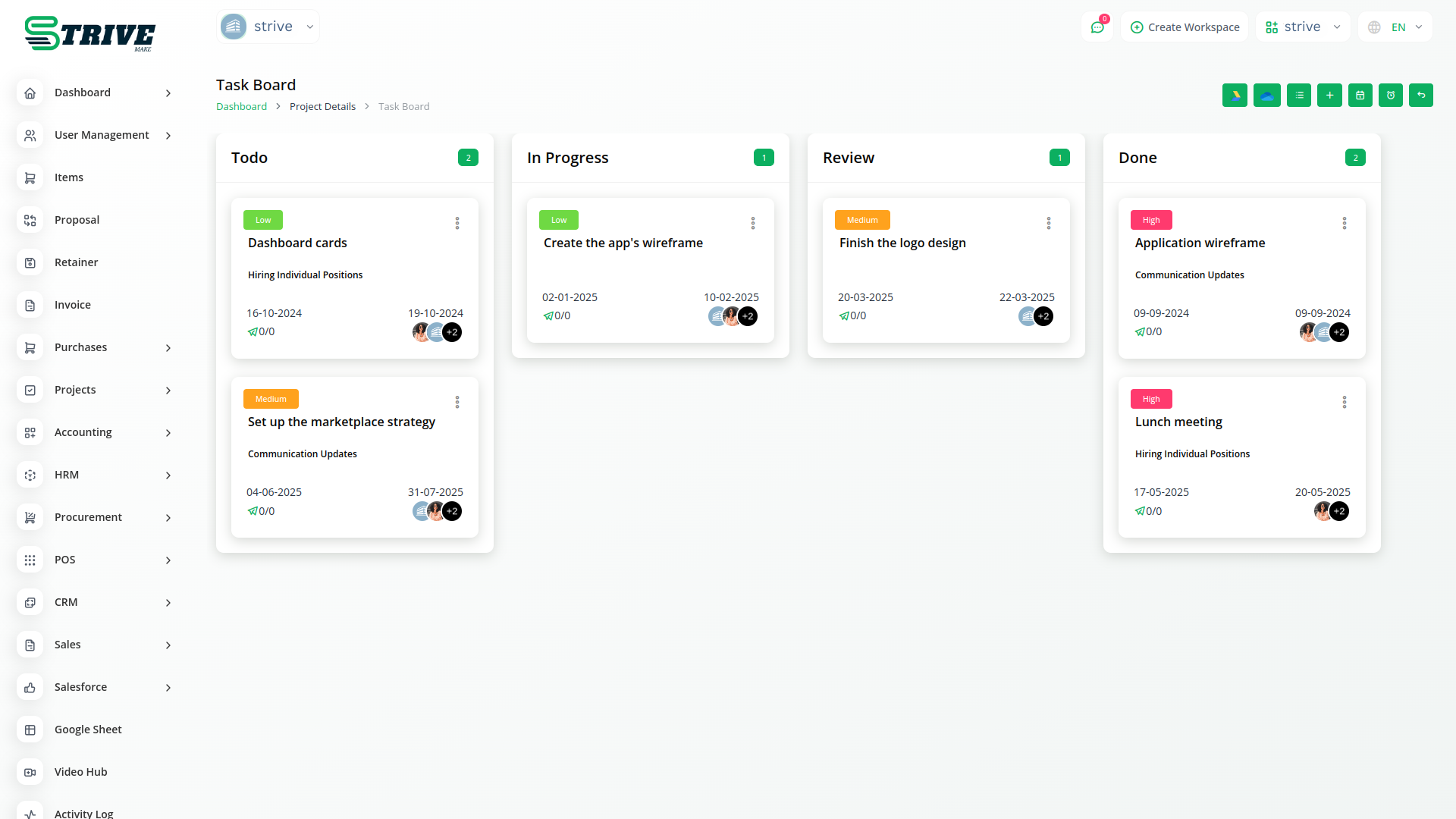
Time Tracker lets your team record time as they work, often with start and stop timers, so hours are captured accurately rather than reconstructed later. Those entries become the basis for billing, payroll, and understanding where effort goes. Inside StriveMake, tracked time connects to the projects and tasks it belongs to and the invoices that bill it. One login keeps timing, projects, and money in the same workspace, so the hours you log turn into reliable data.
What you can do with Time Tracker
- Record time with start and stop timers
- Attribute time to specific projects and tasks
- Feed tracked hours into billing and reports
- Review time entries by person and period
Who Time Tracker is for
Freelancers, agencies, and teams that track time as they work for billing and analysis.
Time Tracker — frequently asked questions
What does the Time Tracker add-on do?
It lets people record time as they work, typically with timers they start and stop, so hours are captured in the moment rather than estimated afterward. The tracked time attaches to projects and tasks and feeds billing, payroll, and reporting, giving an accurate account of where effort is actually spent.
How much does the Time Tracker add-on cost?
The Time Tracker add-on is $9,00/month or $86,00/year on top of your StriveMake plan, and you can turn it off whenever you like.
How is Time Tracker different from a timesheet?
A time tracker usually captures hours live, often with running timers, while a timesheet is commonly filled in after the fact. Both record worked time, but tracking in real time tends to be more accurate. Depending on your workflow, you might use tracking, timesheets, or both together.
Does Time Tracker work with the rest of StriveMake?
Yes. Tracked time connects to the projects and tasks it belongs to and the invoices that bill it. With one login, the hours you log flow into financial and project reporting, so timing data is not isolated but feeds directly into how you bill clients and measure effort.
Related modules you might like
Add the Time Tracker module to your StriveMake account in one click. Pay only for what you use, scale up or down anytime, and keep one unified workspace.