OneNote
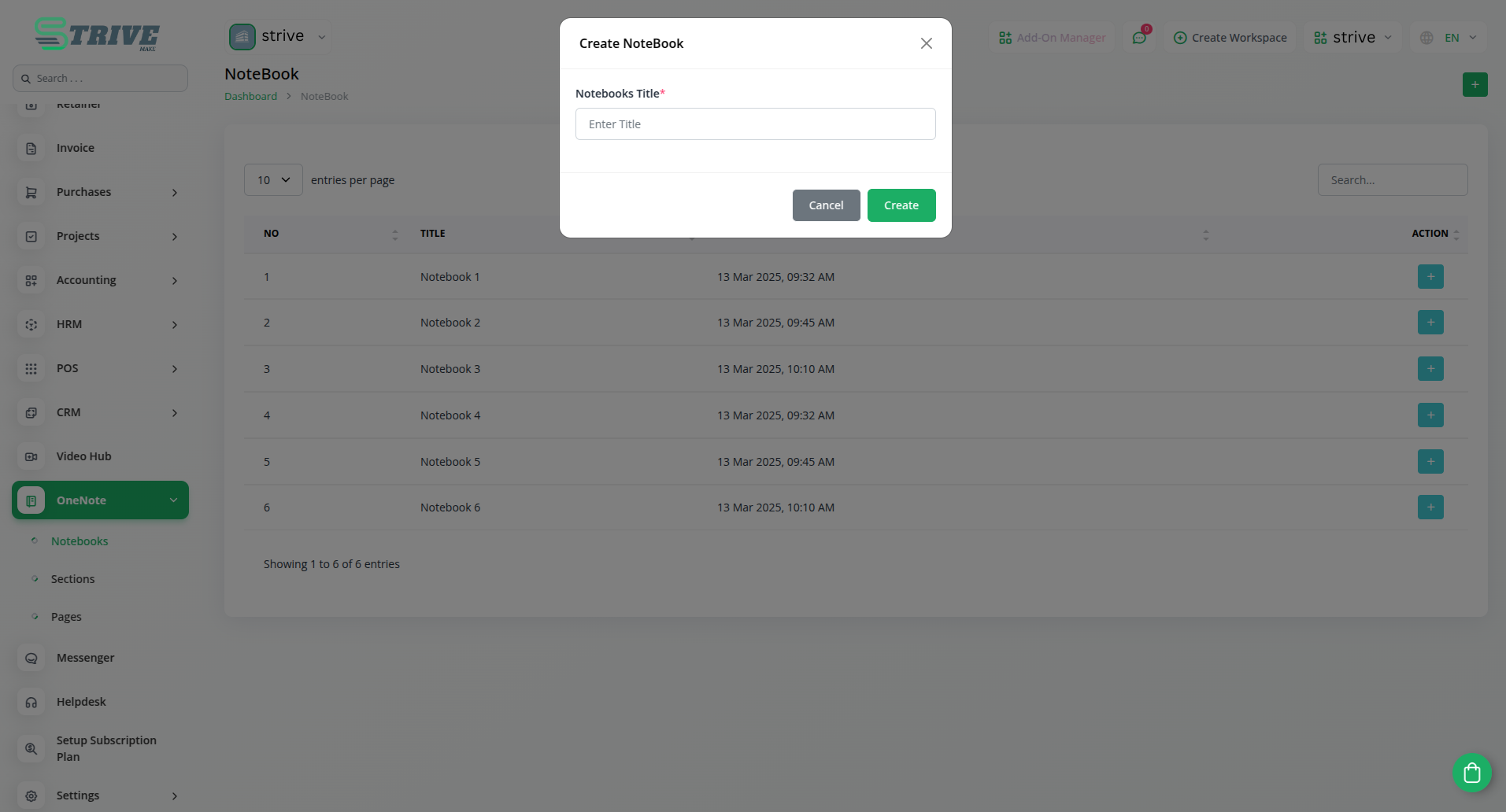
With this add-on, you can easily create, and organize multiple notebooks in OneNote directly from StriveMake. Whether managing personal notes or collaborative documents, this feature ensures a structured approach to storing information. Users can categorize content effectively, making it simple to retrieve and update notes as needed.
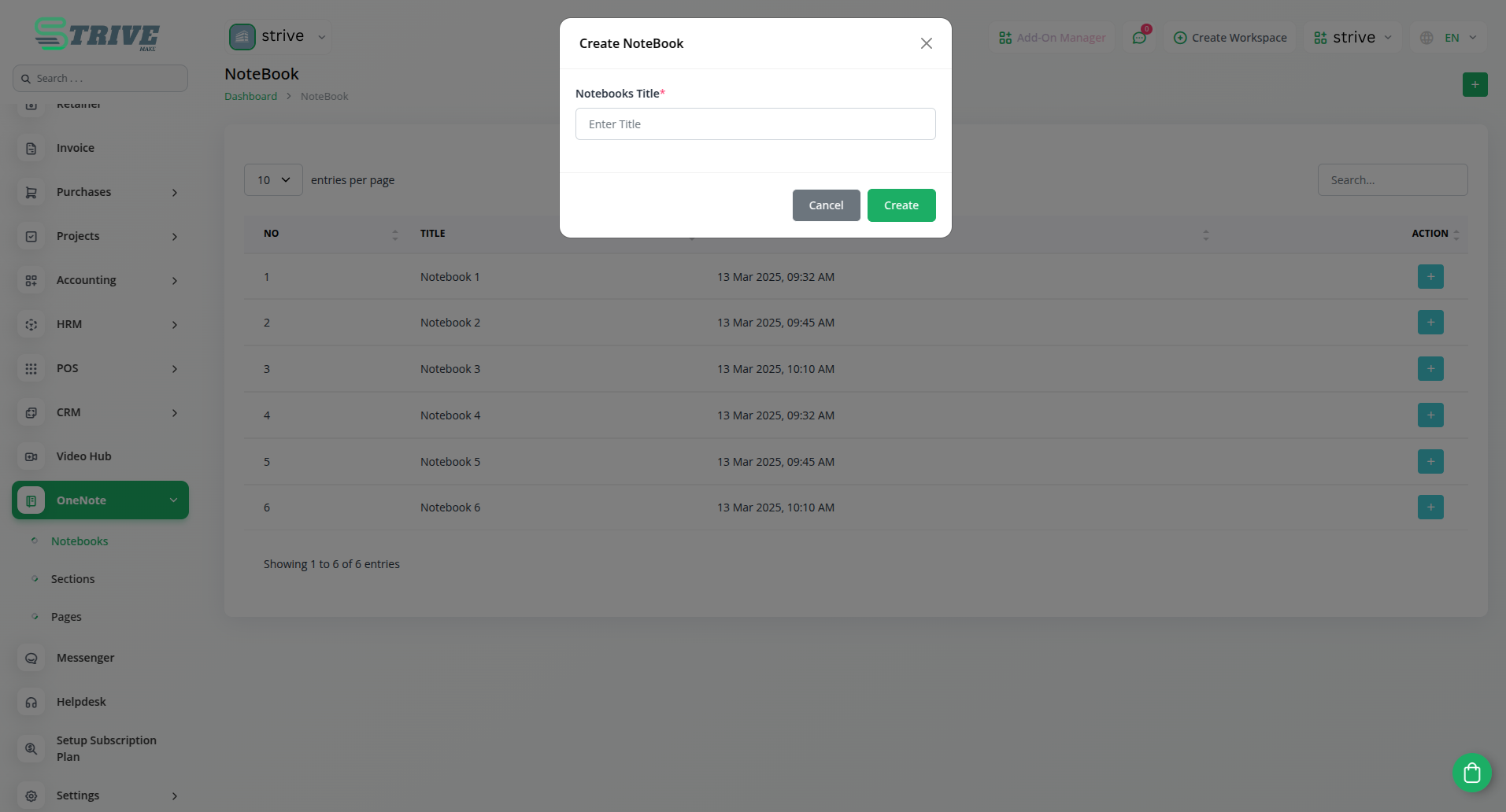
OneNote Integration in StriveMake
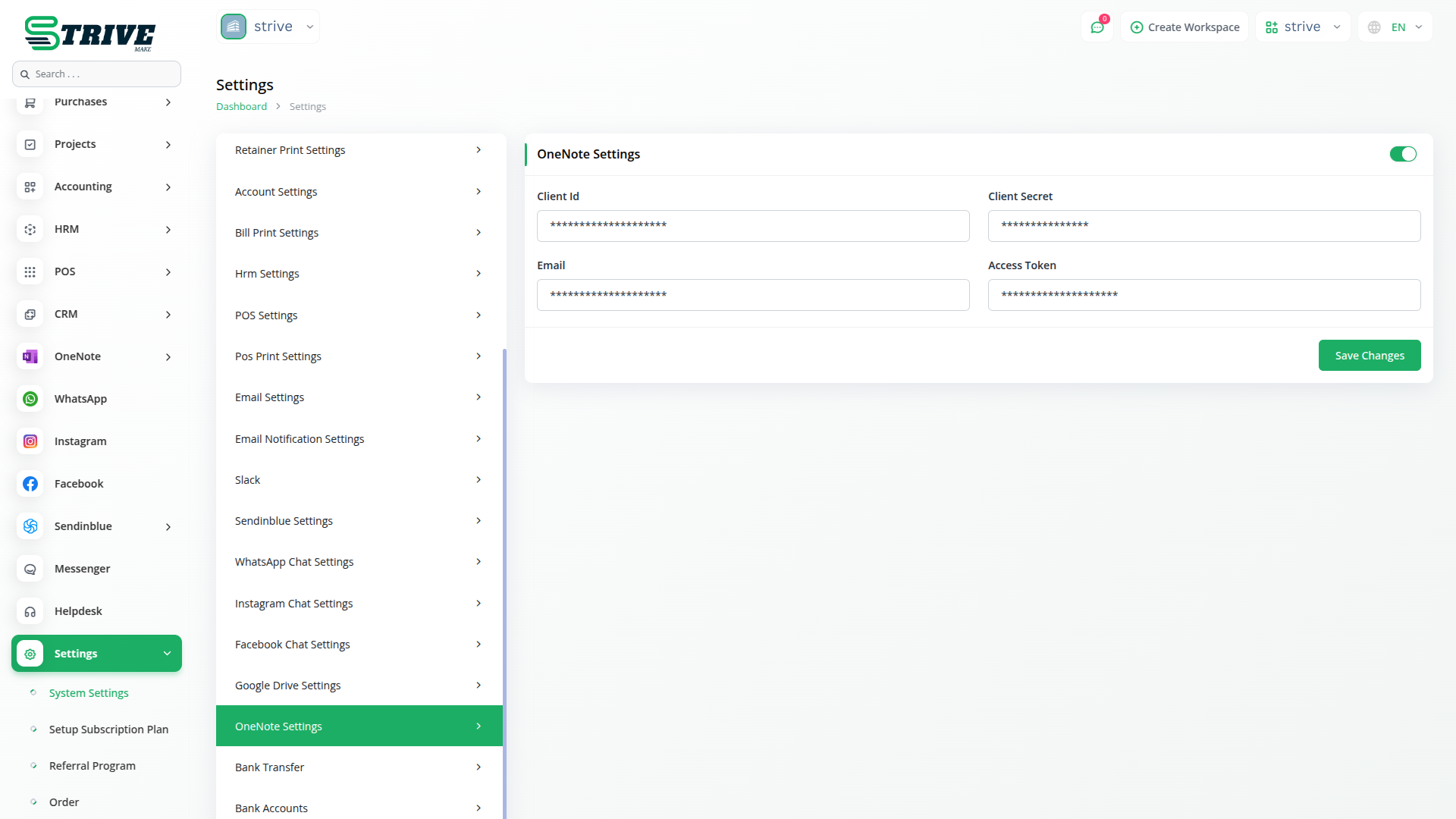
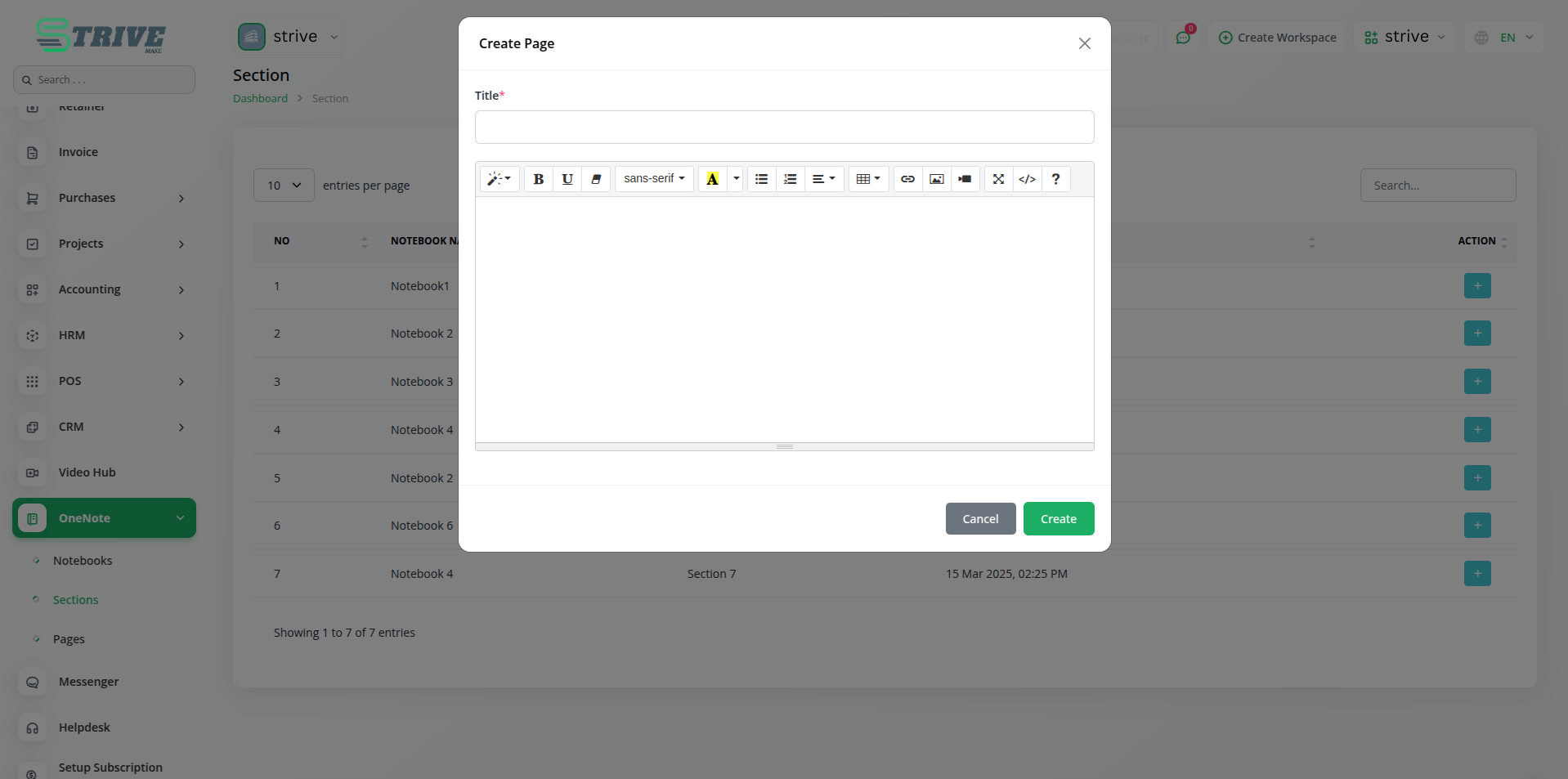
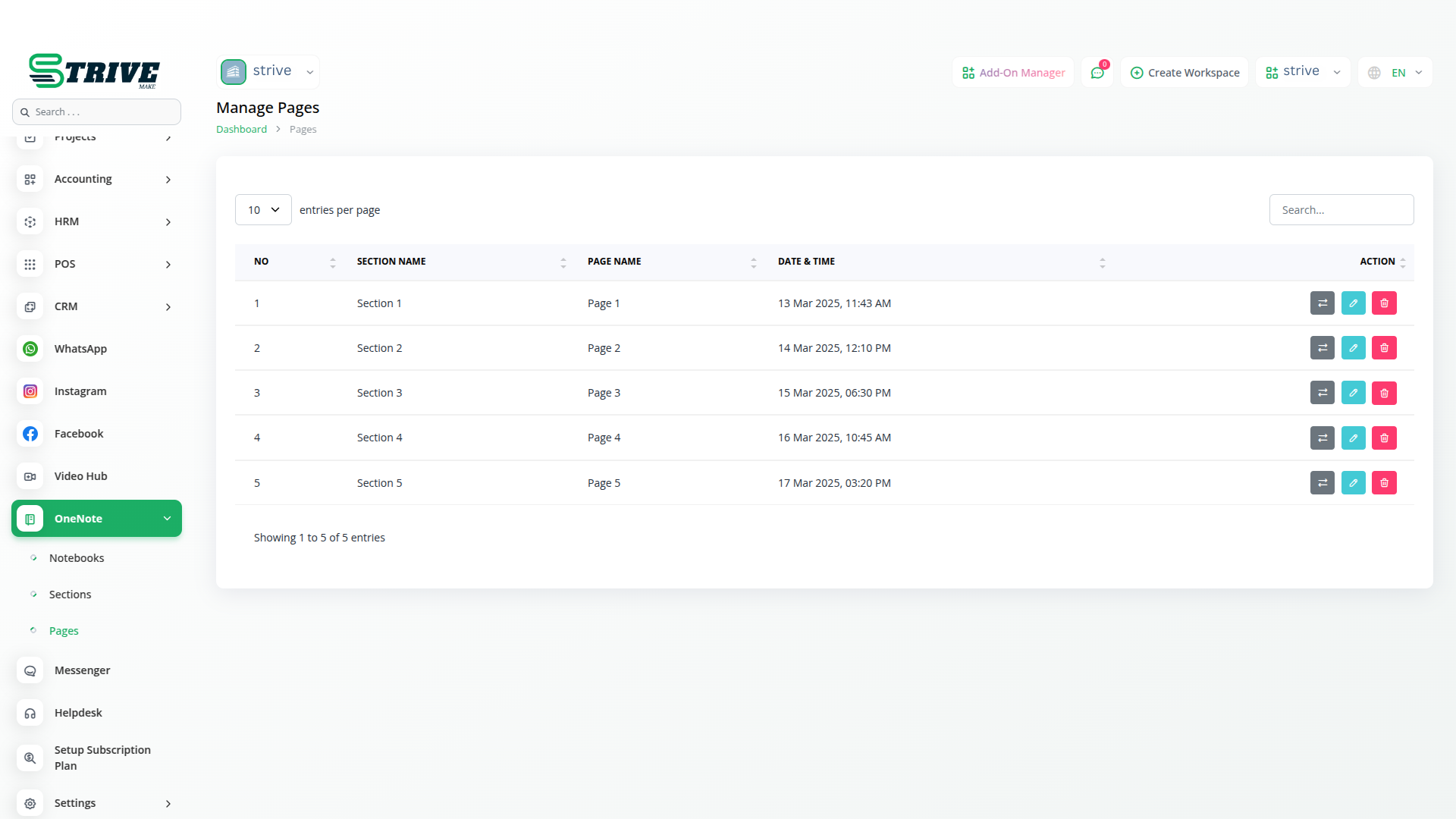
The OneNote Add-On in StriveMake enables seamless note-taking and organization by integrating Microsoft`s OneNote with your workspace. This add-on allows users to create and manage notebooks, sections, and pages while ensuring secure access through client credentials and authentication tokens.
Structured Sections and Pages
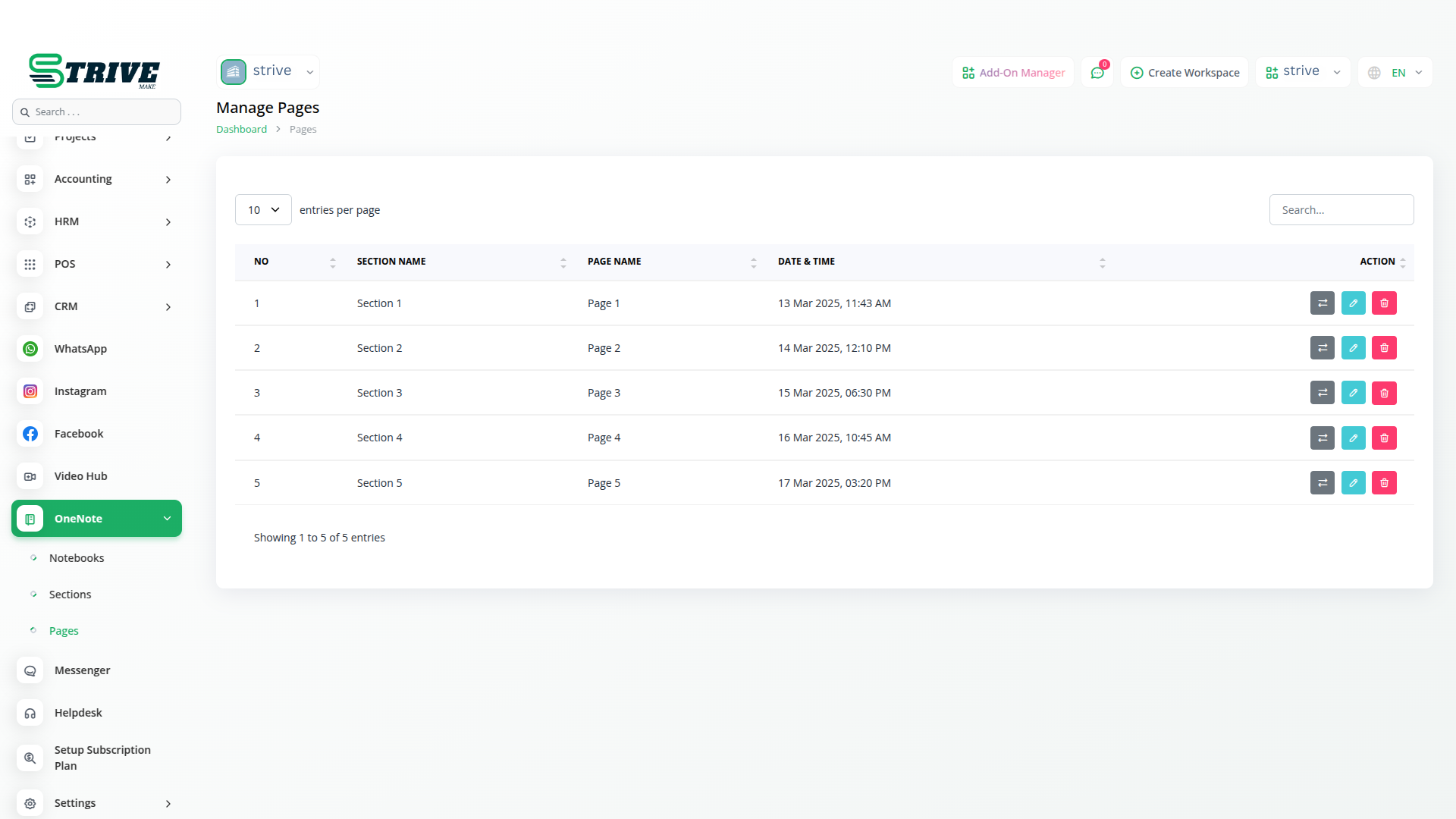
The ability to add sections and pages within notebooks allows for better organization of data. Users can create structured notes for projects, meetings, and important records, ensuring everything is well-documented. With seamless synchronization, any updates made in StriveMake are reflected instantly in OneNote, keeping all information up to date.
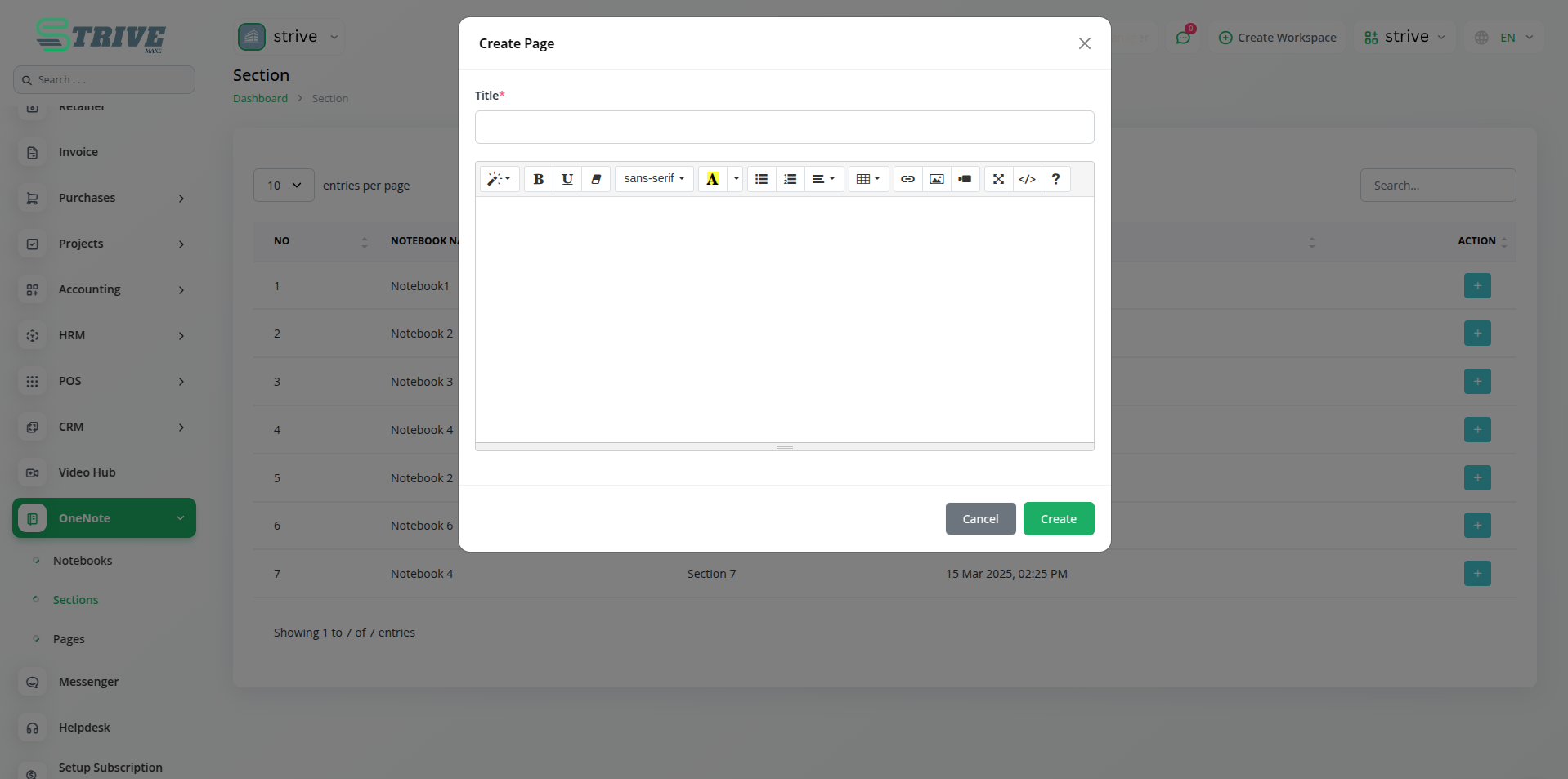
Secure Authentication and Access
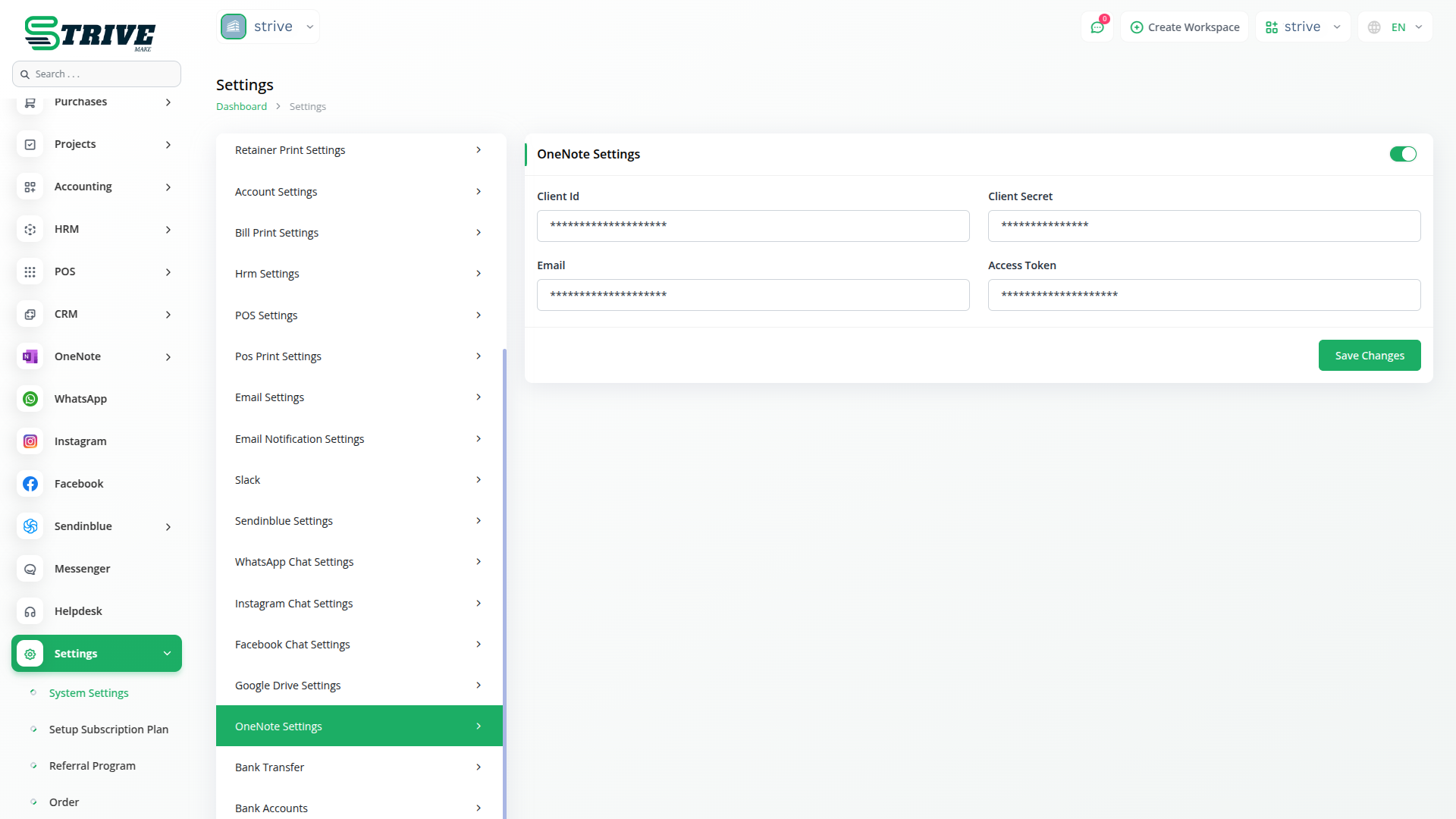
To integrate OneNote with StriveMake, users need to enter their Client ID, Client Secret, Email, and Access Token. This secure authentication process ensures that only authorized users can access and manage notes. By maintaining strict access control, businesses can safeguard sensitive data while leveraging the power of cloud-based note-taking.
Enhanced Productivity and Collaboration
The OneNote Add-On enhances productivity by allowing teams to collaborate efficiently. Users can share notebooks, assign sections to different team members, and track changes in real time. Whether for brainstorming ideas, maintaining project logs, or managing daily tasks, this integration ensures that all notes are well-organized and easily accessible.
Why choose dedicated modules for your business?
With StriveMake, you can conveniently manage all your business functions from a single location.
Empower Your Workforce with StriveMake
Access over Premium Add-ons for Accounting, HR, Payments, Leads, Communication, Management, and more, all in one place!
- Pay-as-you-go
- Unlimited installation
- Secure cloud storage
- Instant activation
- Cancel anytime
- All updates included
- 24/7 priority support
- Instant activation
- Cancel anytime
- All updates included
- 24/7 priority support
About the OneNote add-on
OneNote connects StriveMake to Microsoft OneNote, the digital note-taking app used to capture ideas, meeting notes, and reference material. With the link active, notes can move between OneNote and your workspace so the context your team writes down stays close to the records it relates to. Under one login the connector sits alongside CRM, HR, and projects, meaning notes about a client, a task, or a meeting connect to the right place. Your written knowledge in OneNote and your structured StriveMake data work together instead of living apart.
What you can do with OneNote
- Connect StriveMake to Microsoft OneNote
- Notes linked to relevant workspace records
- Capture meeting and client notes in OneNote
- Reference notes available alongside StriveMake data
Who OneNote is for
Teams that take notes in Microsoft OneNote and want that context connected to their StriveMake records.
OneNote — frequently asked questions
What does the OneNote add-on do?
It connects StriveMake to Microsoft OneNote so your notes and the records they relate to stay linked. Teams that capture meeting notes, ideas, and client details in OneNote can keep that context connected to the customers, tasks, and projects they manage inside StriveMake.
How much does the OneNote add-on cost?
The OneNote add-on is $5,00/month or $48,00/year on top of your StriveMake plan, and you can turn it off whenever you like.
Do I need a Microsoft OneNote account?
Yes. This add-on is a connector to OneNote, so you keep your existing Microsoft account and notebooks. The integration bridges OneNote with StriveMake, letting your notes connect to workspace records while you continue writing and organizing them in OneNote itself.
Does OneNote work with the rest of StriveMake?
It does. Once connected, OneNote notes can sit alongside CRM clients, HR records, and project tasks under one login. That keeps the informal context your team writes down close to the structured business data it relates to, all reachable from the same workspace.
Related modules you might like
With StriveMake, you can conveniently manage all your business functions from a single location.


