Google Drive
Discover the freedom of accessing your Google Drive files directly from StriveMake. No more switching between applications or dealing with cumbersome downloads. With this integration, your Google Drive documents, files, and folders are at your fingertips, effortlessly accessible within the StriveMake interface. Edit and view a wide range of file types – from Word documents to Excel spreadsheets, text files, and images – using the Google File Viewer/Editor, all without the need to save files locally.
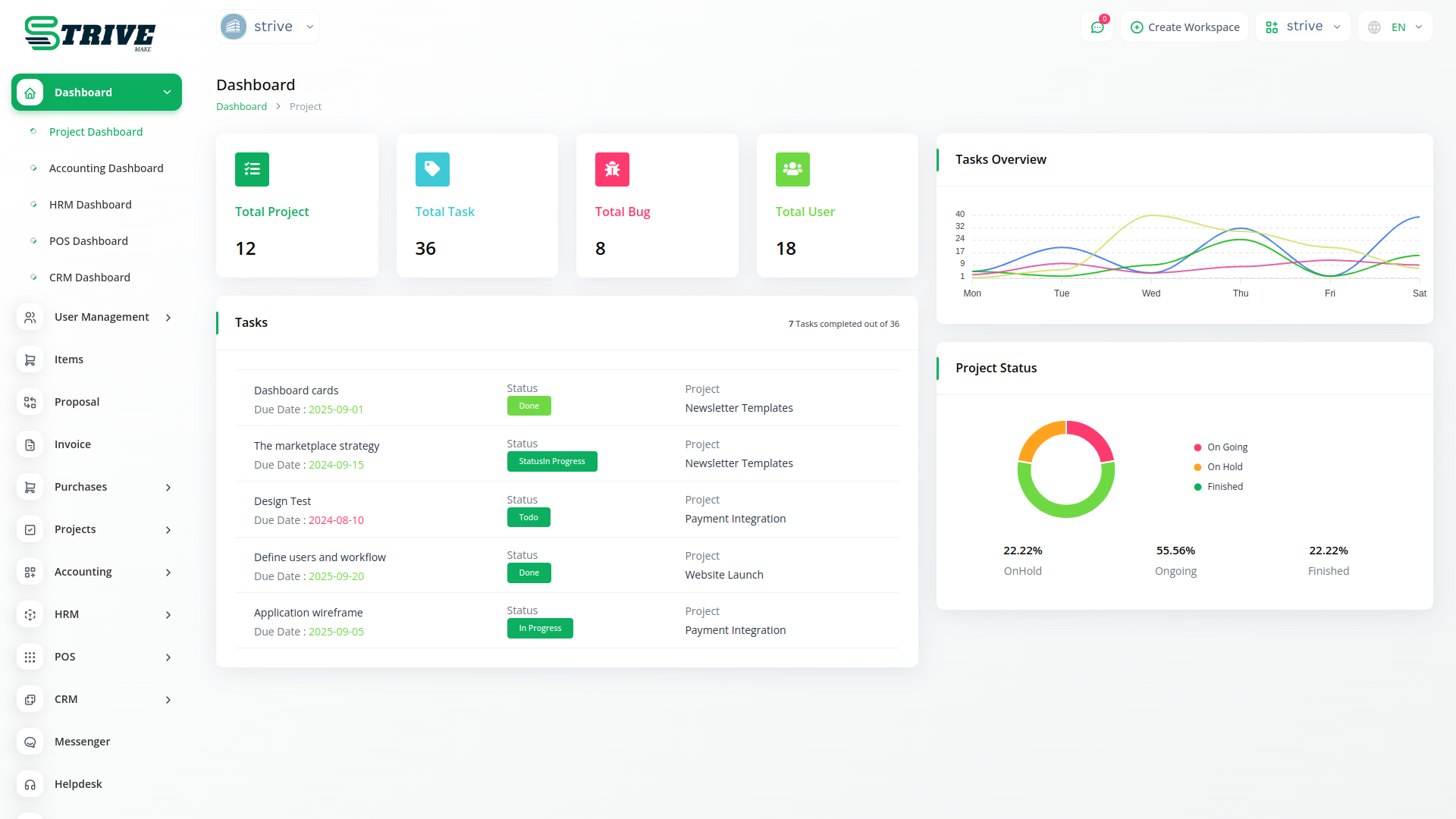
Seamless Google Drive Integration
Experience a new era of efficiency and collaboration with our cutting-edge Google Drive integration.
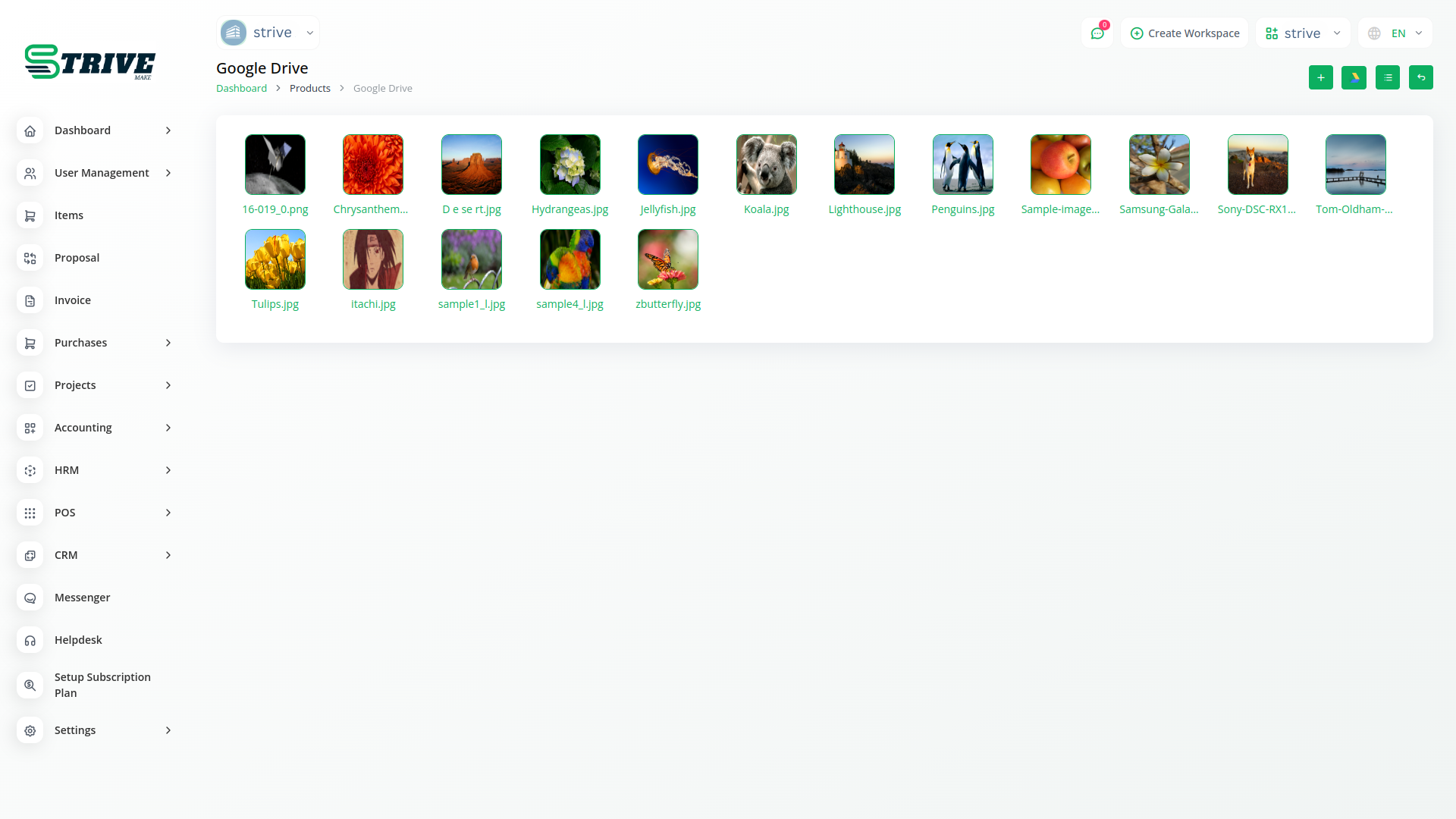
Grid View to Visualize Your Files and Images with Clarity
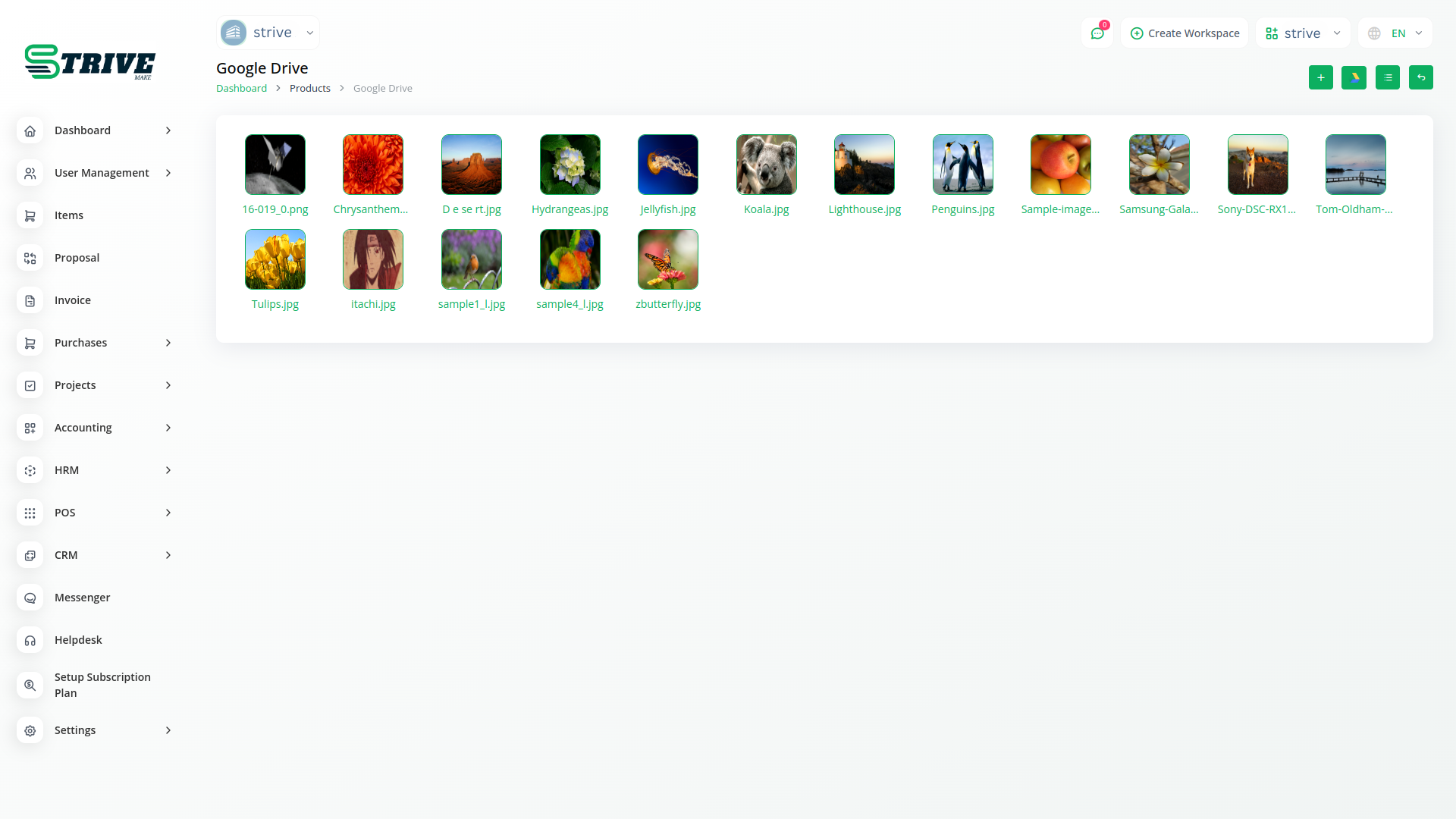
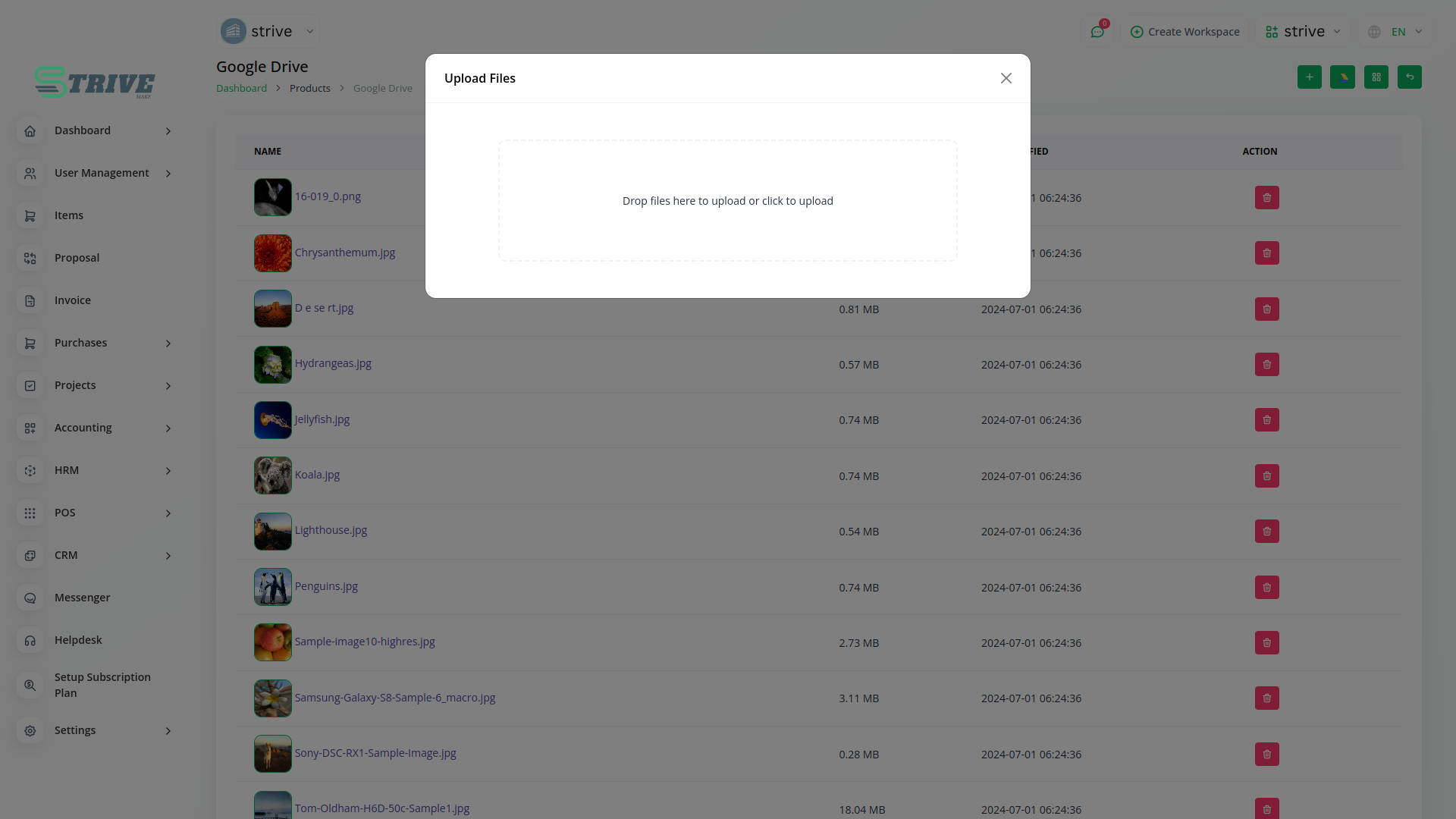
Introducing the Google Drive Module Grid View – a dynamic visual hub where your files and images come to life. With seamless integration between StriveMake and Google Drive, this innovative feature showcases your documents in a stunning grid layout. Effortlessly browse through your Google Drive files and images right from within our platform, providing an immersive and intuitive experience. Say goodbye to clutter and confusion – our grid view offers clarity at a glance, allowing you to easily locate and access the files that matter most.
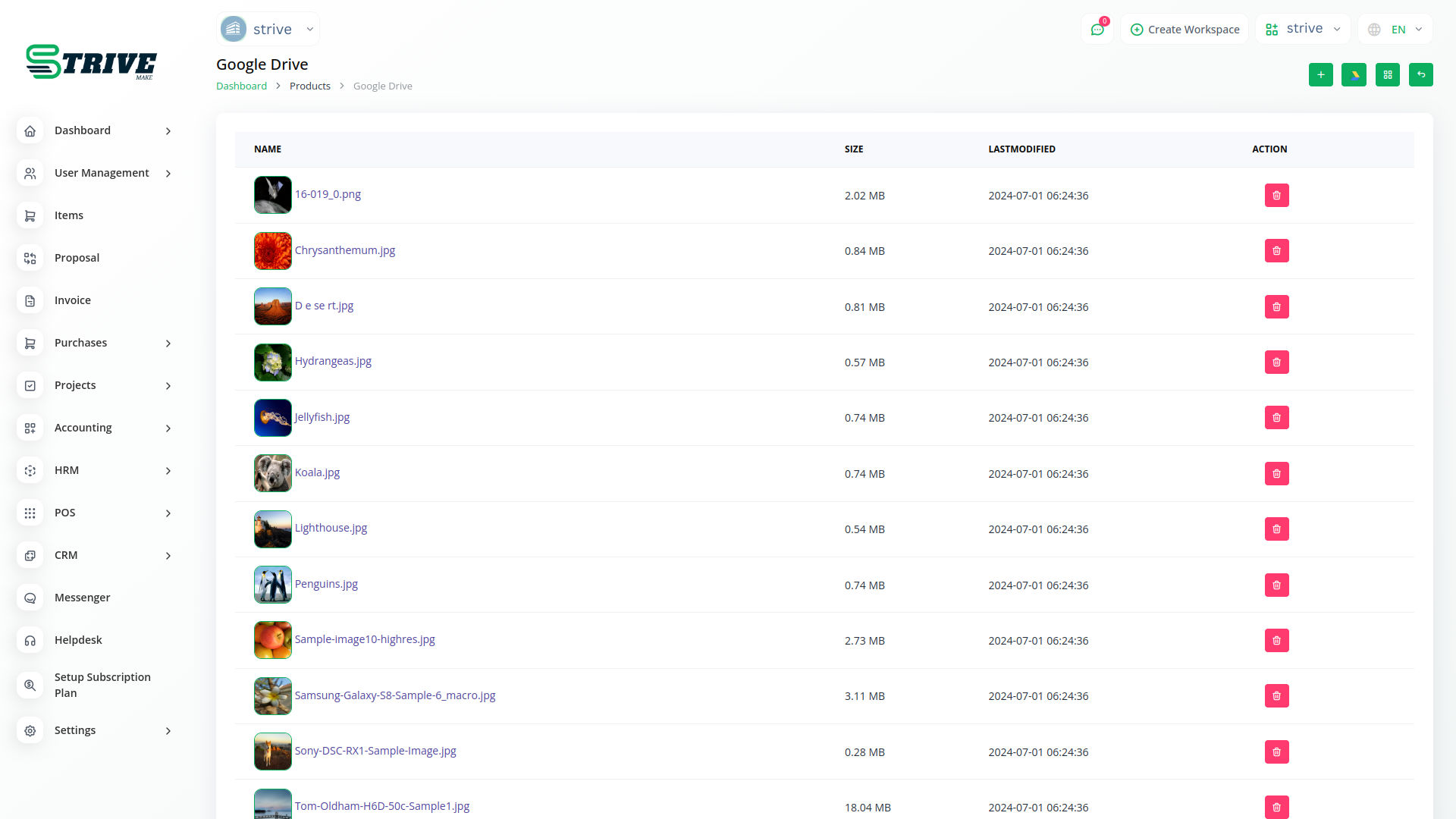
Google Drive List View
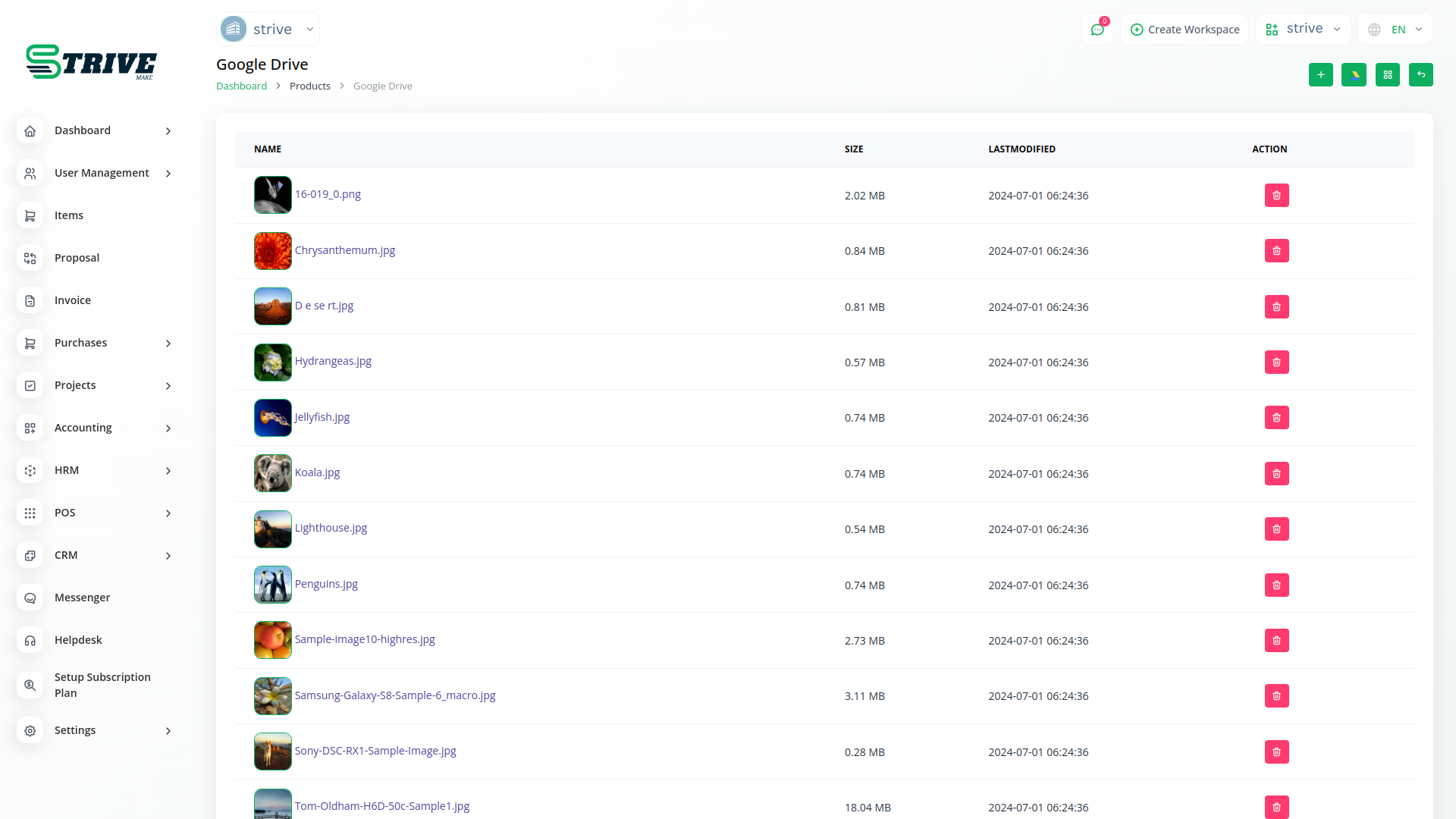
This feature presents your Google Drive files and images in a sleek and organized list format. Navigating through your documents has never been smoother – effortlessly scroll, search, and locate the files you need, all within the familiar confines of our platform. Simplify your workflow and enhance your productivity as you access, edit, and collaborate on documents, right from the convenience of the List View.
Assign Google Drive Folders to Submodules
Unleash the full potential of collaboration and organization with our groundbreaking feature – the ability to seamlessly link Google Drive folders with submodules. With this innovative enhancement, StriveMake empowers you to synchronize your Google Drive documents with specific submodules, ensuring that your files are precisely where you need them. Whether you're managing projects, tasks, or any other submodule, this feature lets you effortlessly integrate your essential documents, images, and files.
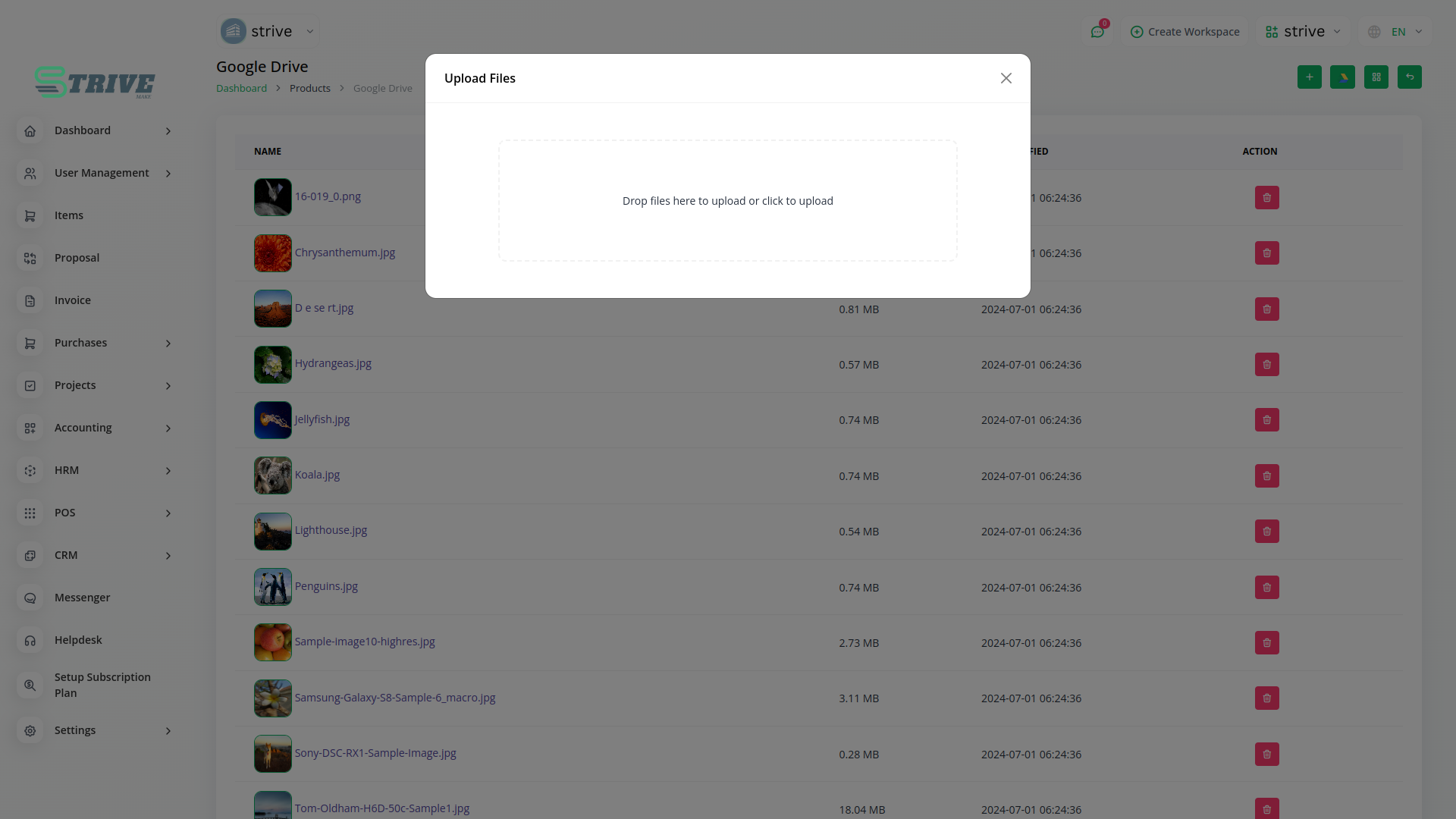
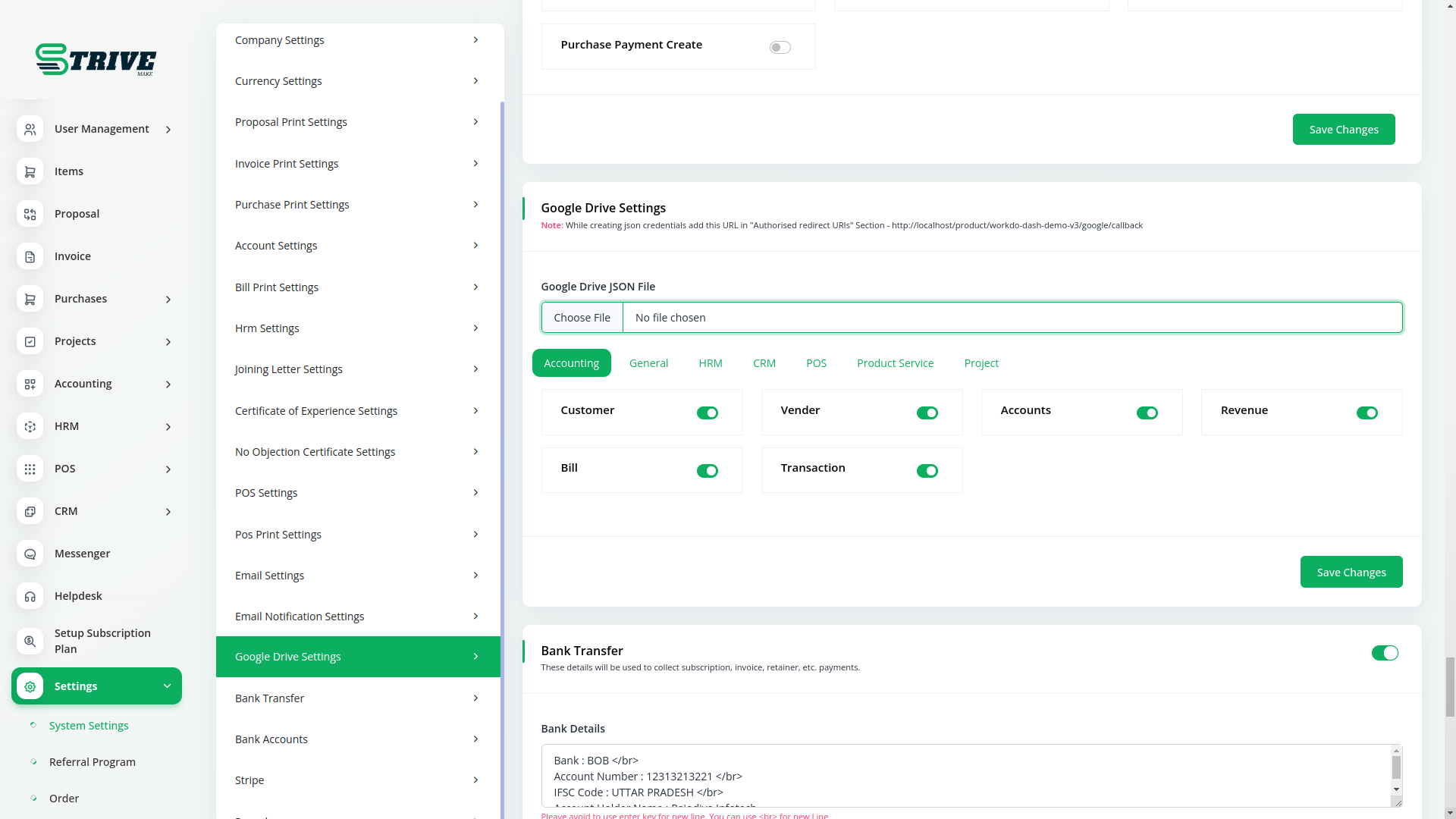
Settings Page for Google Drive Integration
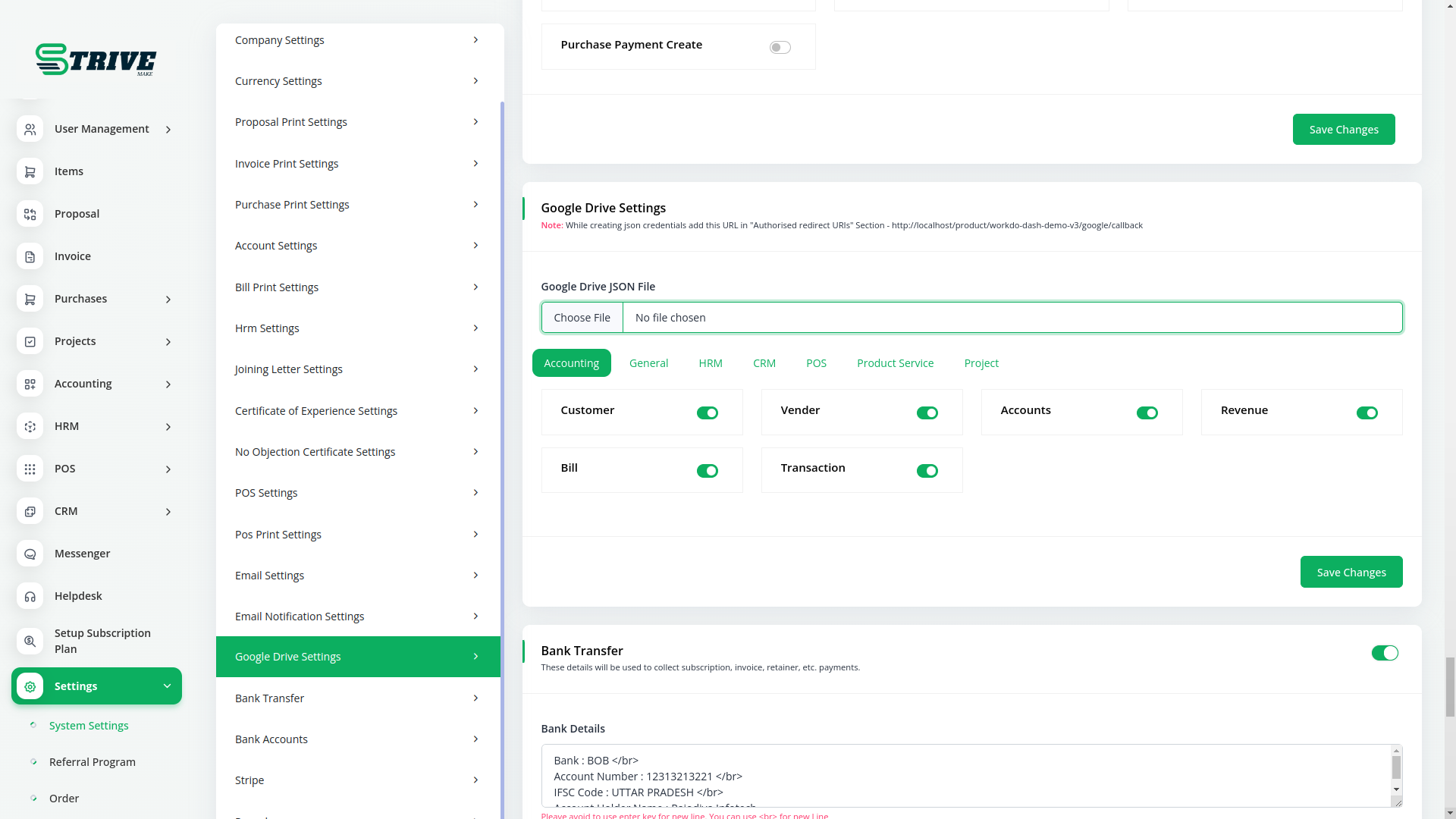
Streamline your tasks and boost productivity by seamlessly integrating Google Drive into StriveMake. Upload your Google Drive credential JSON, choose submodules to enable, and enjoy direct access to your documents and files. Say goodbye to unnecessary app switching and cumbersome downloads – effortlessly edit and view various file types right within the StriveMake interface.
Why choose dedicated modules for your business?
With StriveMake, you can conveniently manage all your business functions from a single location.
Empower Your Workforce with StriveMake
Access over Premium Add-ons for Accounting, HR, Payments, Leads, Communication, Management, and more, all in one place!
- Pay-as-you-go
- Unlimited installation
- Secure cloud storage
- Instant activation
- Cancel anytime
- All updates included
- 24/7 priority support
- Instant activation
- Cancel anytime
- All updates included
- 24/7 priority support
About the Google Drive add-on
Google Drive gives your business cloud storage for files of every kind, from contracts and spreadsheets to images and presentations. Running it through StriveMake links that storage to the records it supports, so a folder of project deliverables sits beside the project itself and client files attach to the right CRM contact. With one login you upload, organize and retrieve files in the same place you manage sales, HR, accounting and reports, instead of hunting across separate apps.
What you can do with Google Drive
- Browse and manage Google Drive folders inside StriveMake
- Attach stored files to projects, contacts and invoices
- Share files with controlled access for team members
- Keep documents synced and available from one workspace
Who Google Drive is for
Businesses that store files in Google Drive and want them tied to the customers, projects and records they belong to.
Google Drive — frequently asked questions
What does the Google Drive add-on do?
It brings your Google Drive storage into StriveMake so you can browse folders, upload files and attach documents to business records without leaving your workspace. Files you keep in Drive become available next to the projects, contacts and invoices they support, keeping your operational data and your file storage connected.
How much does the Google Drive add-on cost?
The Google Drive add-on is $2,00/month or $16,00/year on top of your StriveMake plan, and you can turn it off whenever you like.
Can I attach a Drive file to a project or invoice?
Yes. The add-on lets you link files stored in Google Drive directly to projects, CRM contacts, invoices and other records. A contract or deliverable stays connected to the work it relates to, so the team retrieves the right file in context rather than searching folders by hand.
Does Google Drive work with the rest of StriveMake?
It does. The add-on operates inside your StriveMake workspace alongside CRM, HR, projects, accounting and reporting. A single login covers your stored files and your business data together, which means documents and the records they support live in one connected place.
Related modules you might like
With StriveMake, you can conveniently manage all your business functions from a single location.


