Form Builder
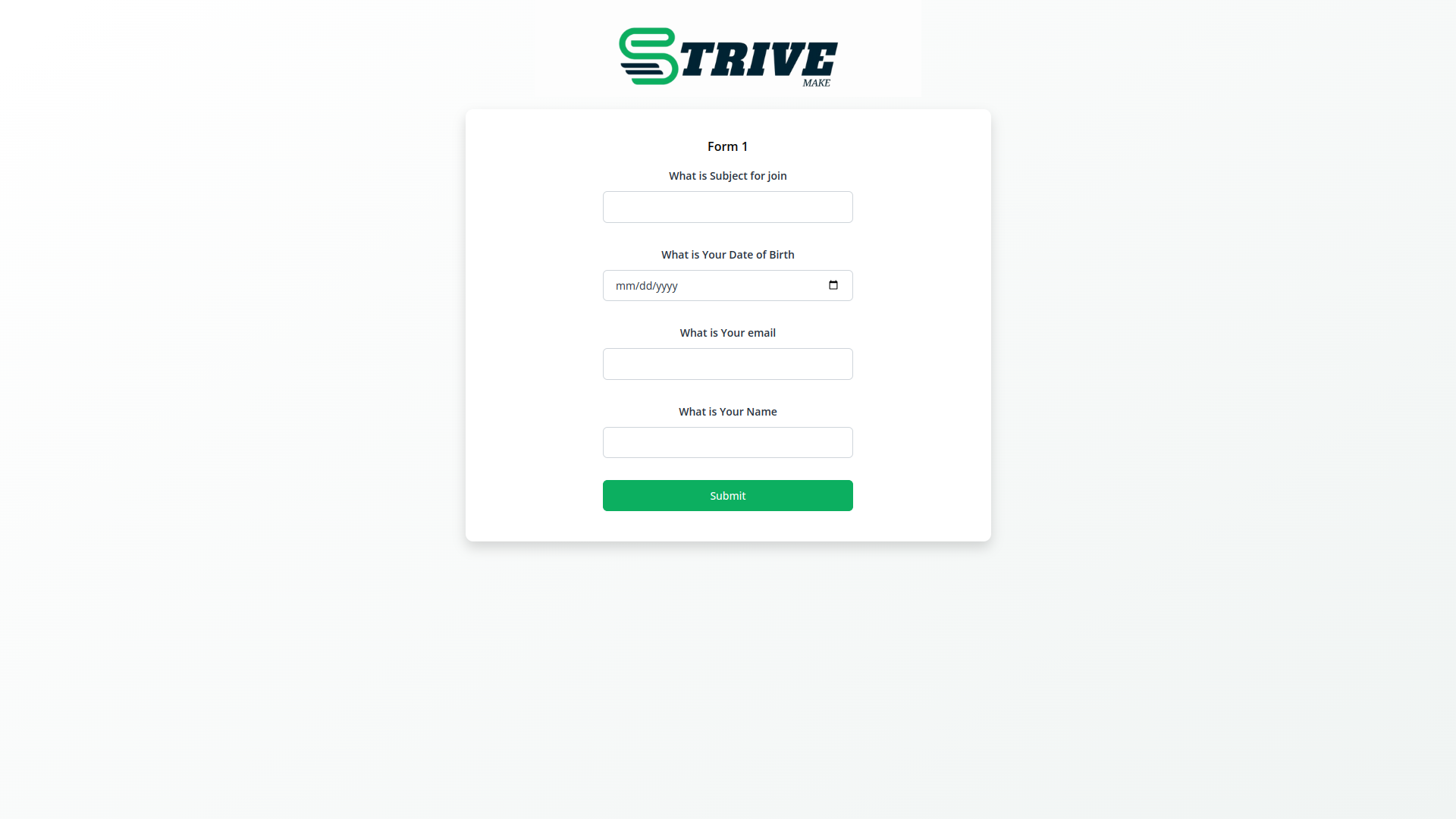
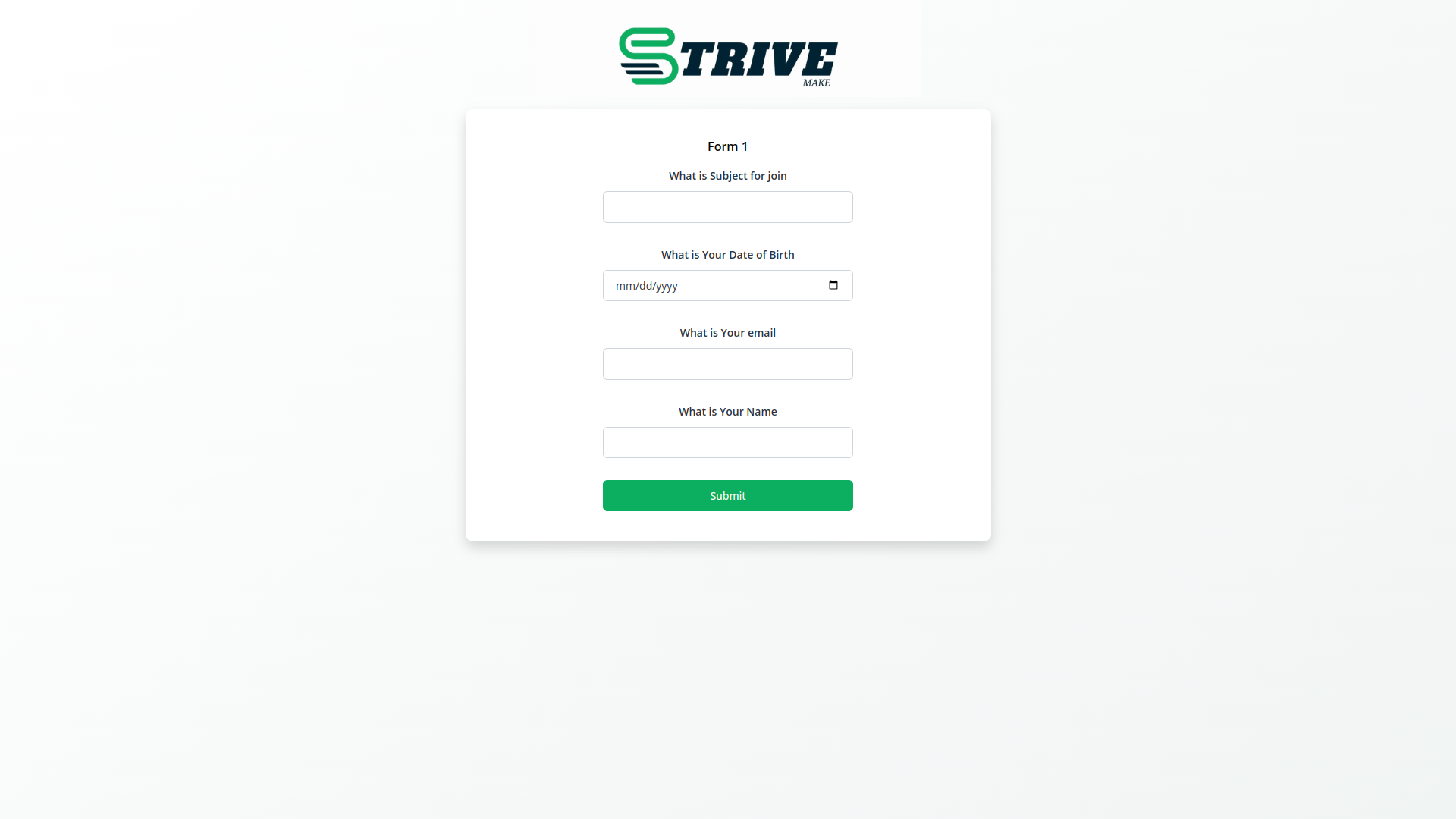
An inline frame (iframe) of a form builder performs as an external form of the product which can be attached to any of the other websites without redirecting the internal form and getting the responses to the main product. This mainly works as a third party to get more leads from various websites.
Add Form builder module, using this provides create lead option
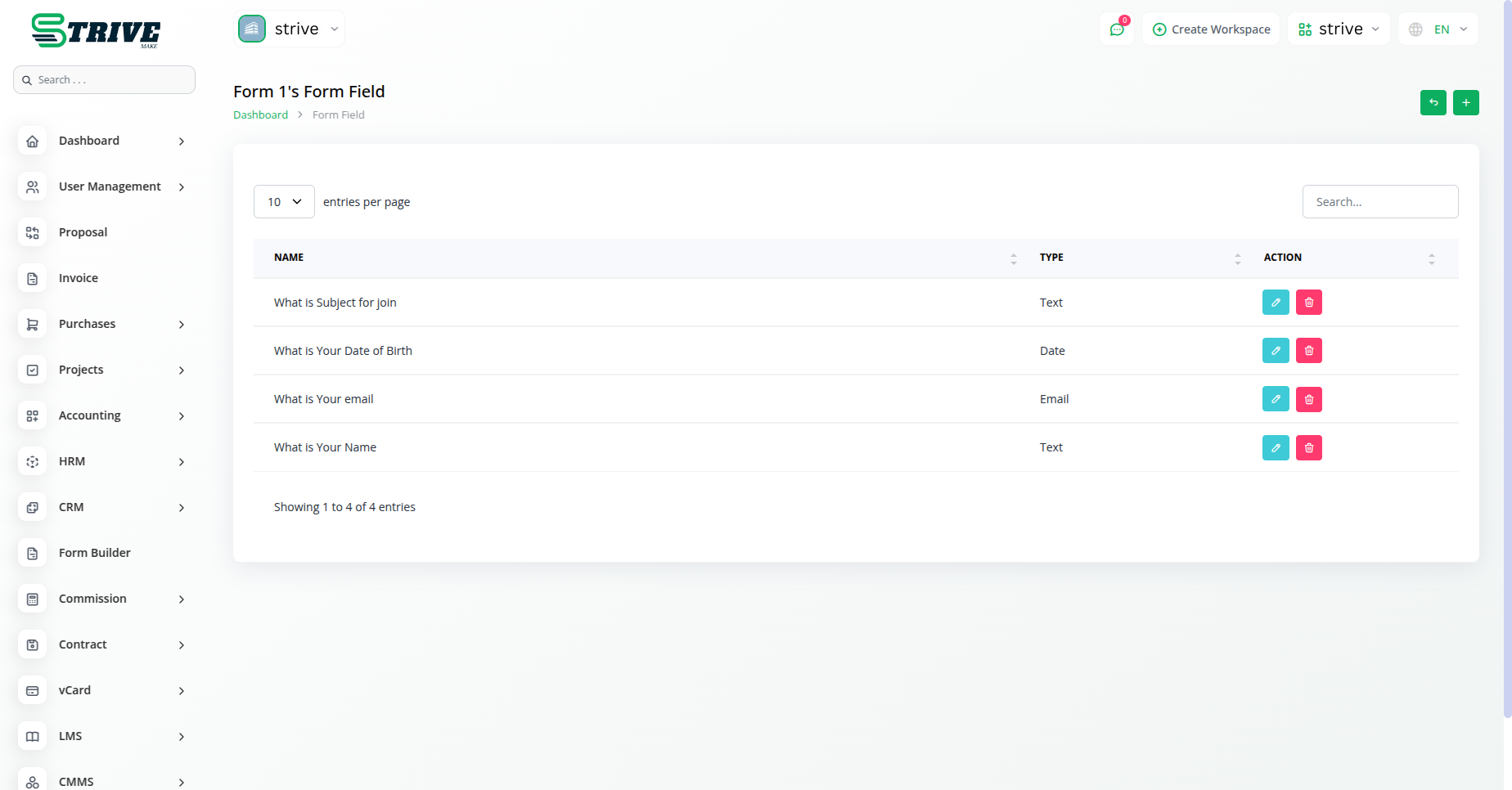
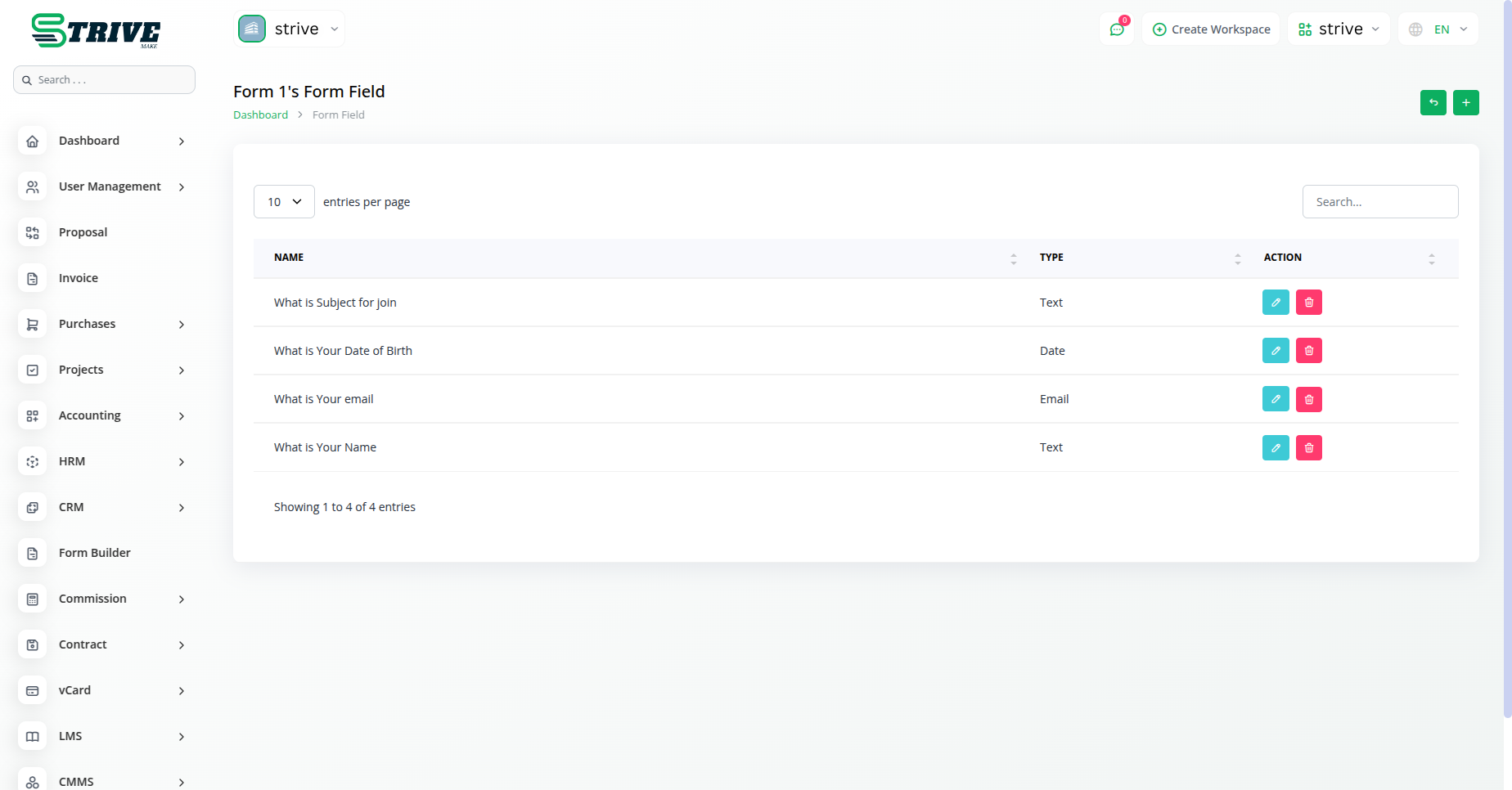
Create and manage various required forms with diverse form fields, like, Text, Email, Number, Date, and Description as per the business needs for leads.
Form Builder Introduction
Form Tools was originally designed to provide an access and storage script for your own web forms. While the script still allows this functionality through external forms, the Form Builder expands on this functionality by allowing you to construct forms right within the Form Tools interface and publish them on your site through the click of a button.
Publishing your First Form
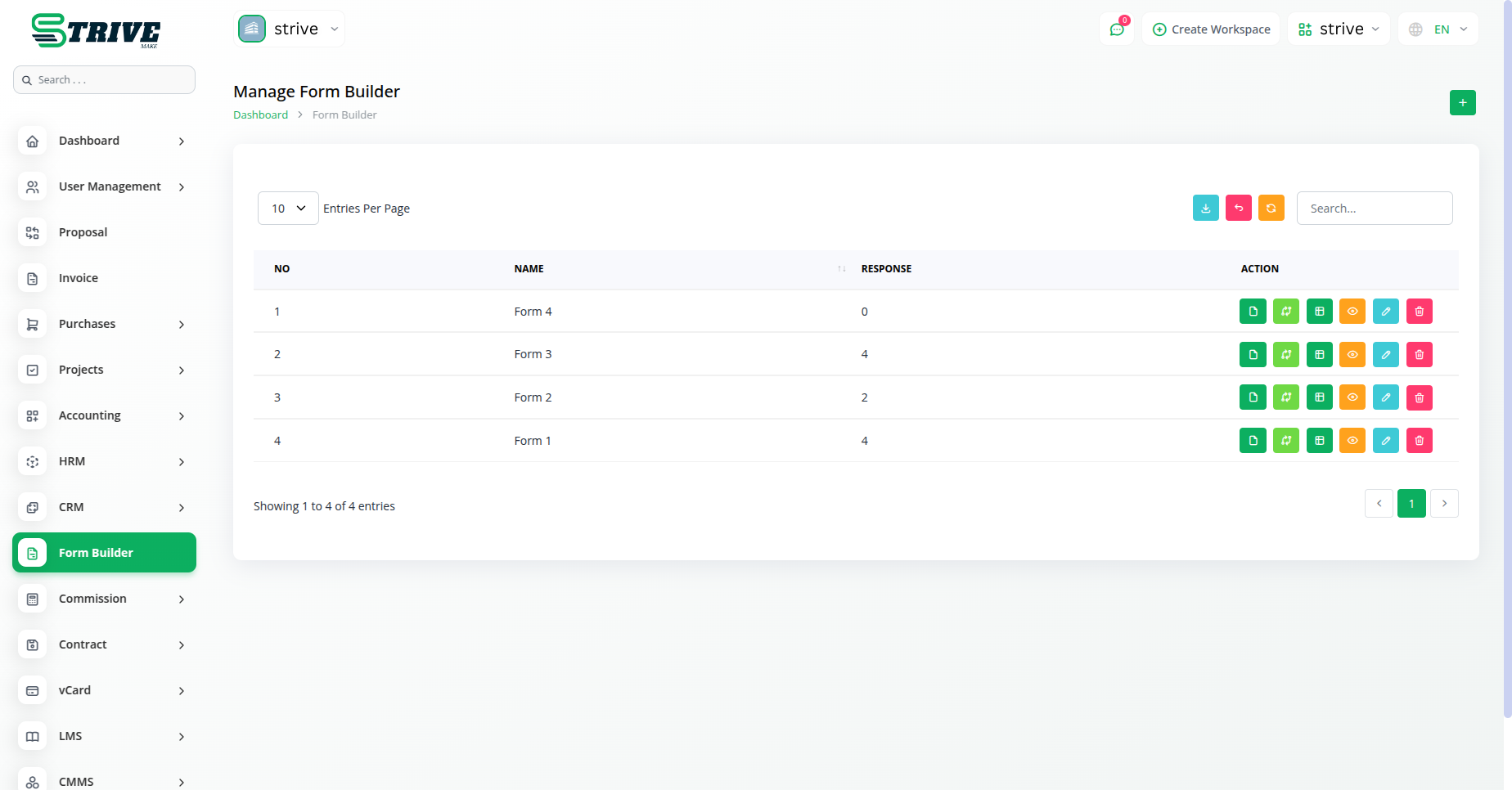
Publishing your forms with the Form Builder is extremely easy. This page explains how to create and publish a form from scratch. We don`t go into any great detail, but hopefully it`s enough to get you started and see how the whole process works.
Streamlined Form Management: Unlocking Powerful Actions
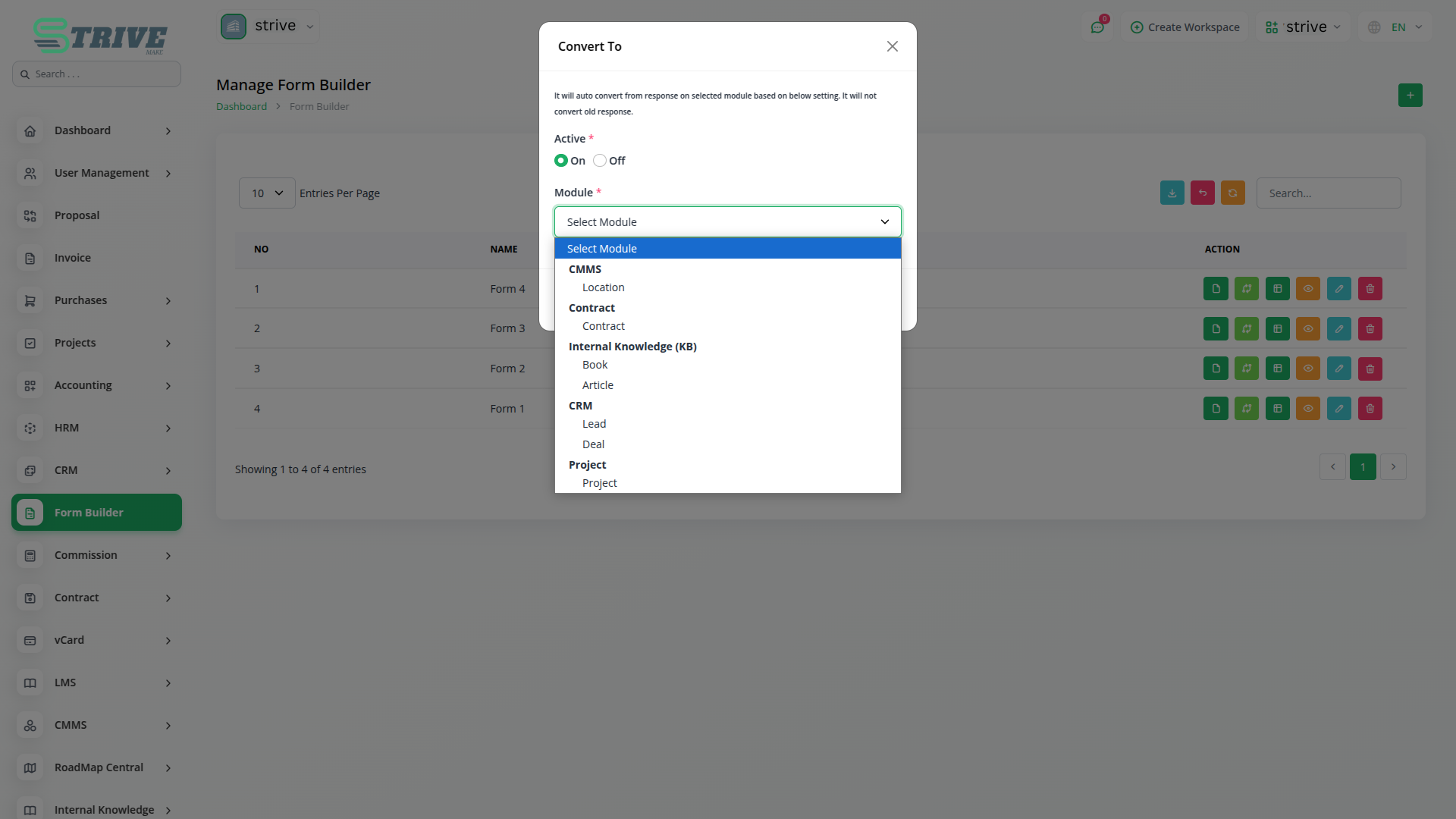
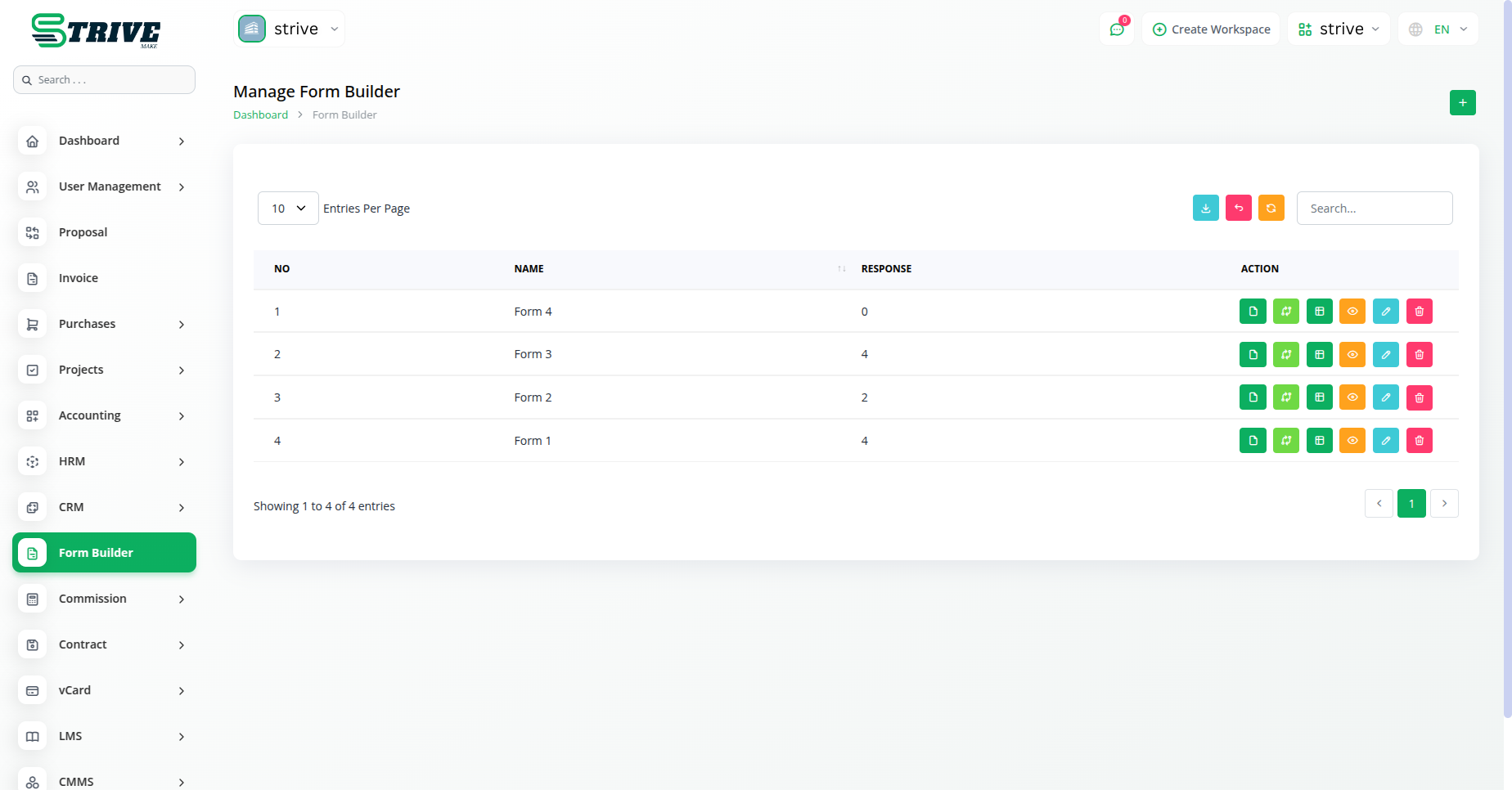
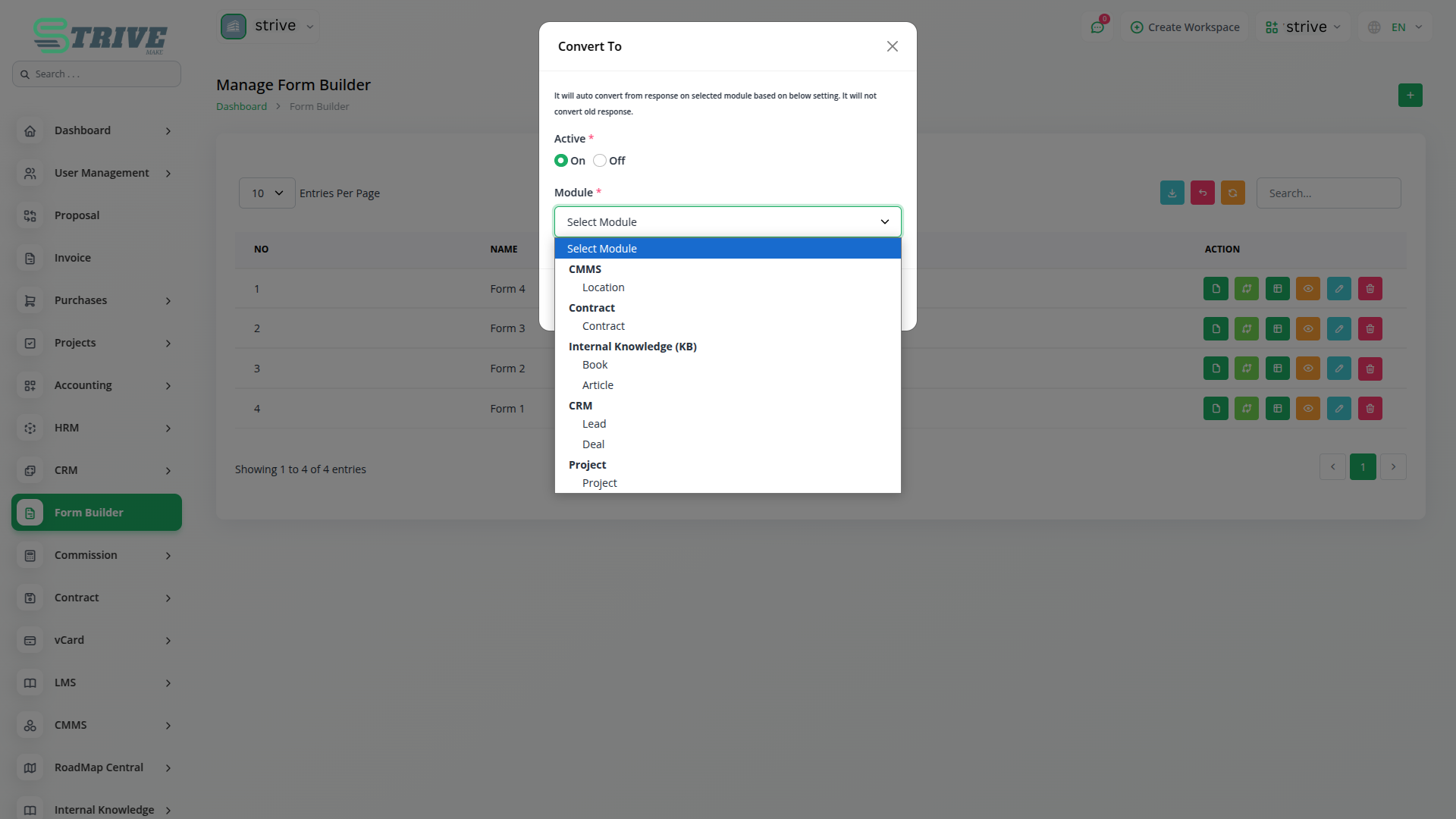
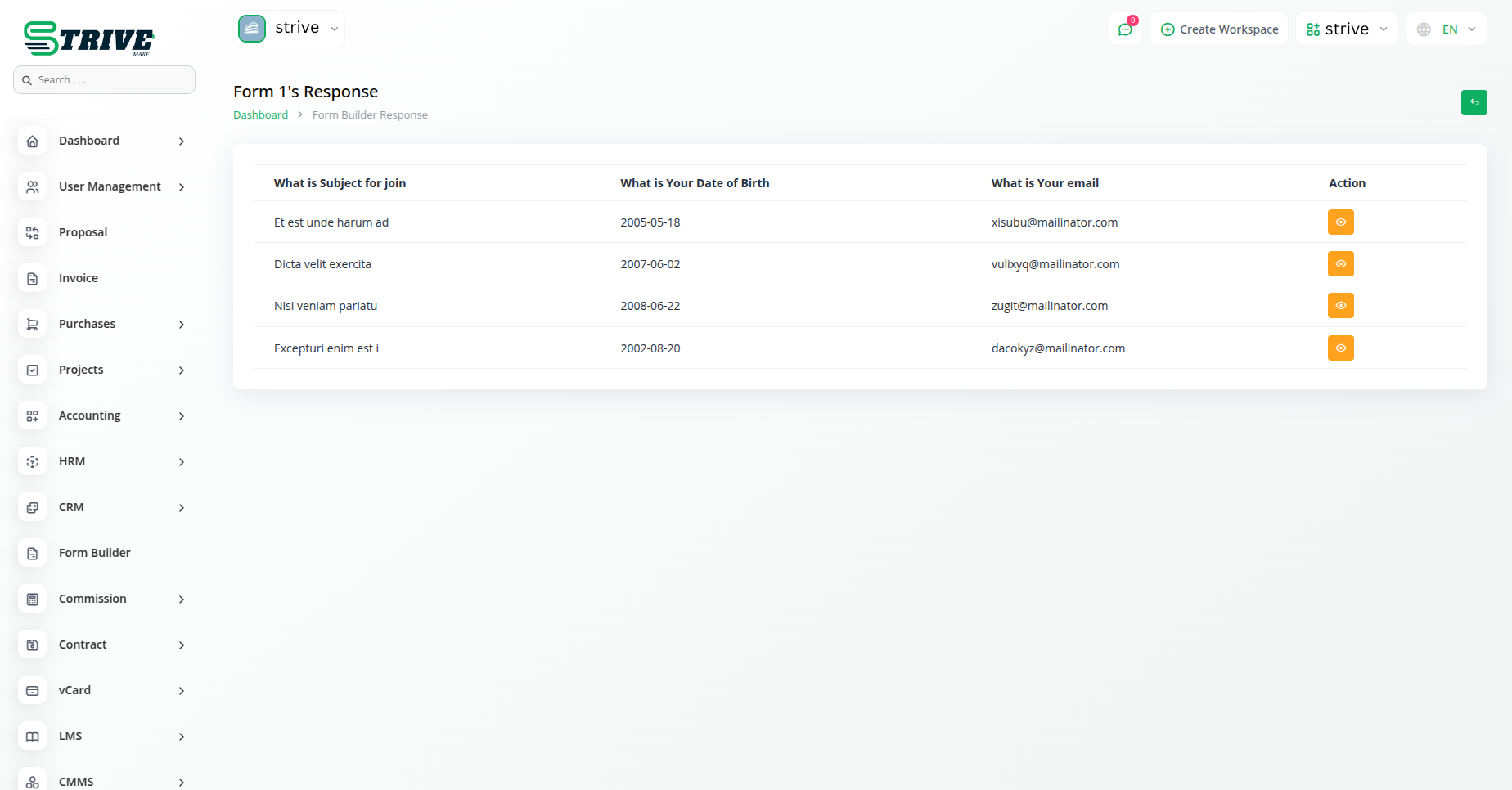
Within our platforms Actions section, youll find a range of functionalities tailored to streamline your workflow. Here, you can effortlessly copy the form link, access form field editing or viewing options, review responses, and seamlessly convert forms into leads or CRM entries. When transforming a form into a lead, all details are seamlessly transferred to the lead column. Conversely, converting it into CRM enables convenient form filling directly from the frontend. Additionally, you retain the flexibility to edit the form name to suit your preferences.
Why choose dedicated modules for your business?
With StriveMake, you can conveniently manage all your business functions from a single location.
Empower Your Workforce with StriveMake
Access over Premium Add-ons for Accounting, HR, Payments, Leads, Communication, Management, and more, all in one place!
- Pay-as-you-go
- Unlimited installation
- Secure cloud storage
- Instant activation
- Cancel anytime
- All updates included
- 24/7 priority support
- Instant activation
- Cancel anytime
- All updates included
- 24/7 priority support
About the Form Builder add-on
Form Builder lets you design and publish custom forms to collect information from customers, leads and staff without writing code. Inside StriveMake the responses do not sit in a separate inbox; they flow into the records that need them, so a lead from a contact form lands in your CRM and a request form feeds the right workflow. One login connects form intake to the projects, HR and customer data already running in your workspace.
What you can do with Form Builder
- Build forms with a drag-and-drop field editor
- Publish forms to collect leads, feedback or requests
- Route submissions into CRM and other StriveMake records
- Review and manage responses from one place
Who Form Builder is for
Teams that gather information through online forms and want submissions tied to their business records.
Form Builder — frequently asked questions
What does the Form Builder add-on do?
It lets you create custom forms with a drag-and-drop editor to collect leads, feedback, requests and other information. Because Form Builder lives in StriveMake, submissions flow into the records that need them, so a contact form can create a CRM lead and a request form can feed the right internal workflow automatically.
How much does the Form Builder add-on cost?
The Form Builder add-on is $5,00/month or $48,00/year on top of your StriveMake plan, and you can turn it off whenever you like.
Do I need to code to build a form?
No. Form Builder uses a visual editor where you add and arrange fields without writing code. You choose the inputs you need, publish the form, and start collecting responses, all from inside your StriveMake workspace rather than relying on a separate form service.
Does Form Builder work with the rest of StriveMake?
Yes. Submissions connect to the CRM, project and HR data in your workspace through one login. A lead captured on a form becomes a contact, and a staff request becomes a tracked item, so the information you gather drives real work rather than landing in a disconnected inbox.
Related modules you might like
With StriveMake, you can conveniently manage all your business functions from a single location.


