Calendar
Calendar is a unique approach to the classic event calendar concept. Fully responsive with modern design and display your events in easy to read and navigate way. The plugin is packed with rich arsenal of features and options to help you create fully detailed and informative events quick and easy!
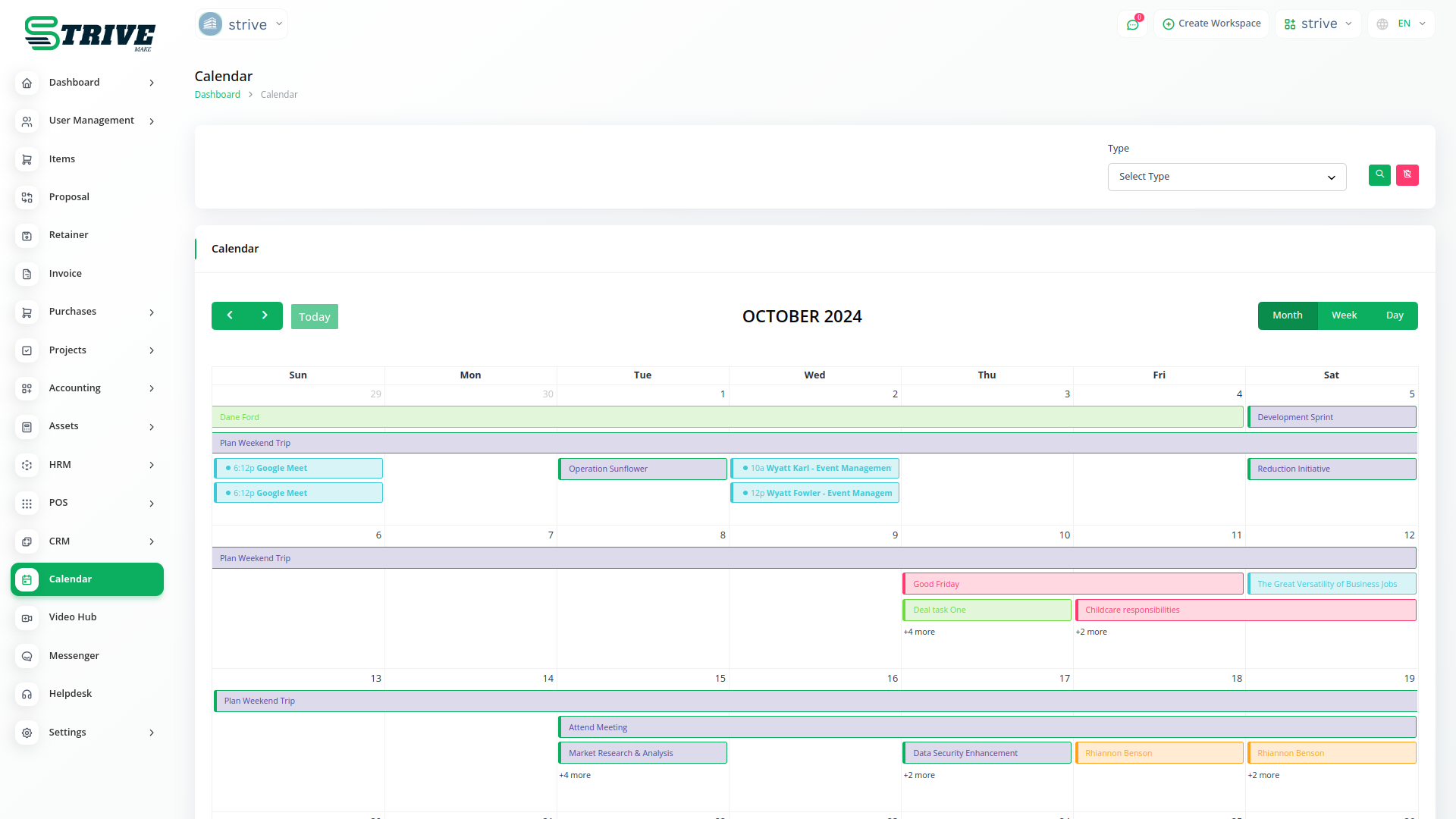
You can use Calendar Show all Events
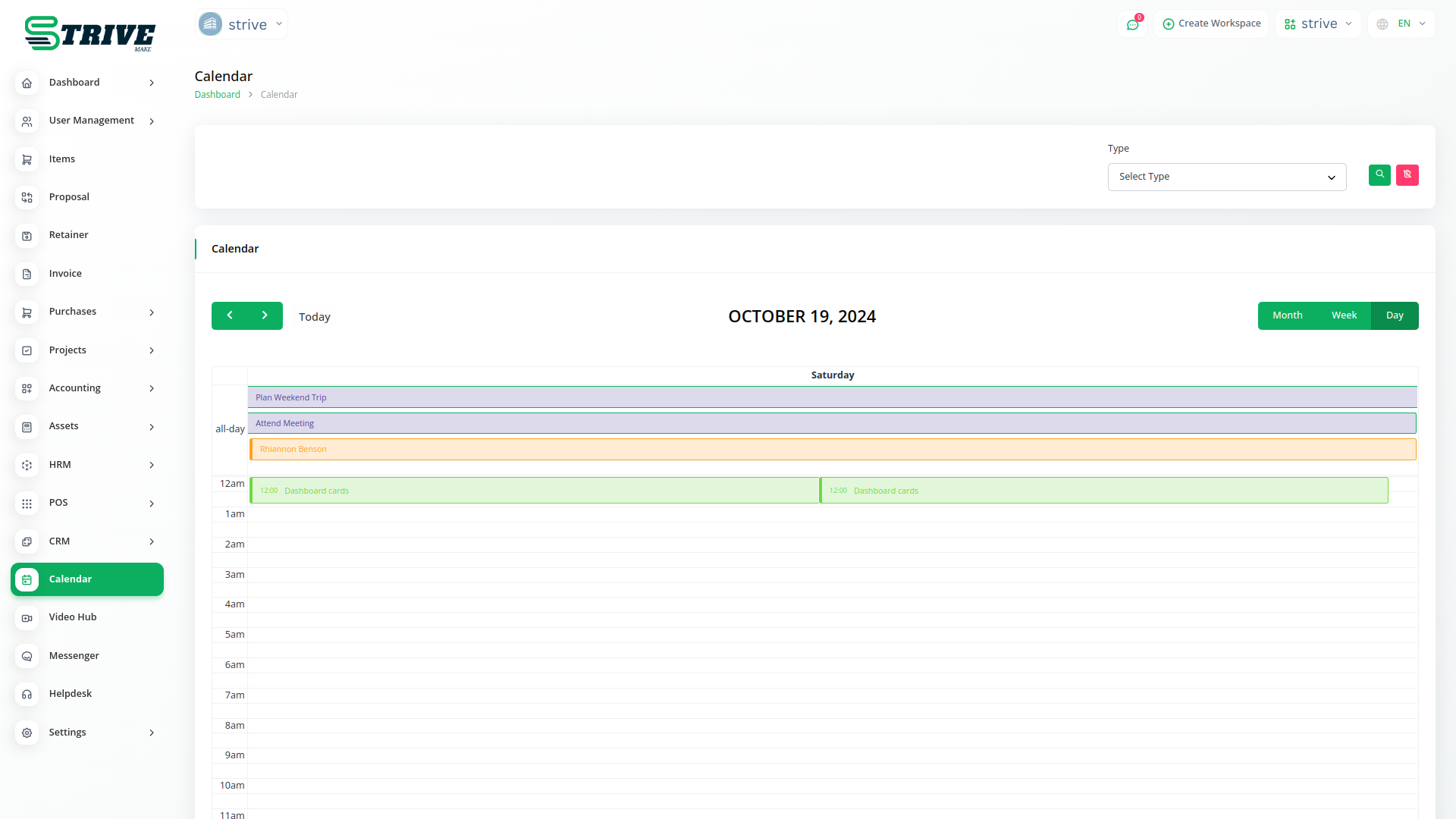
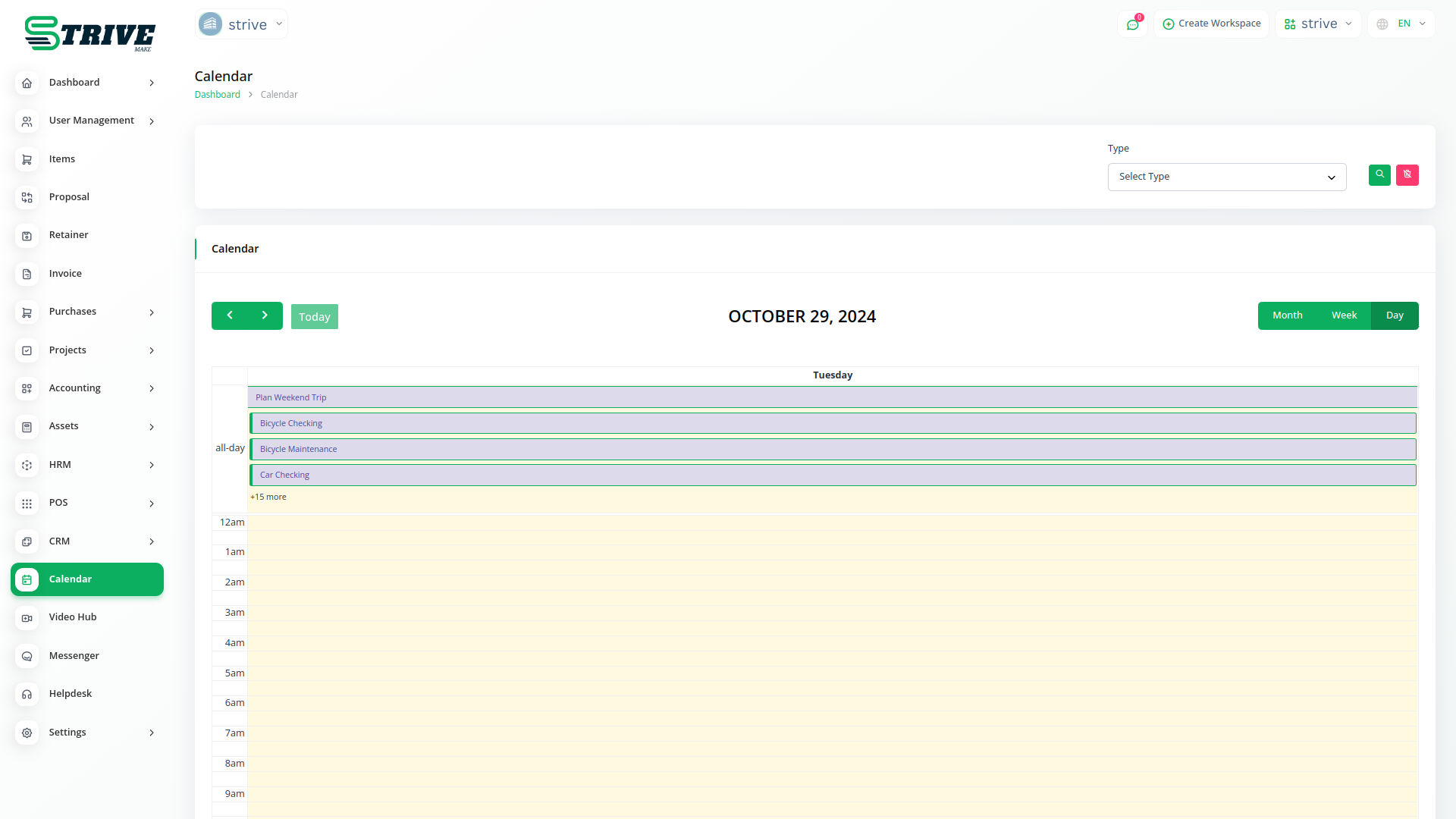
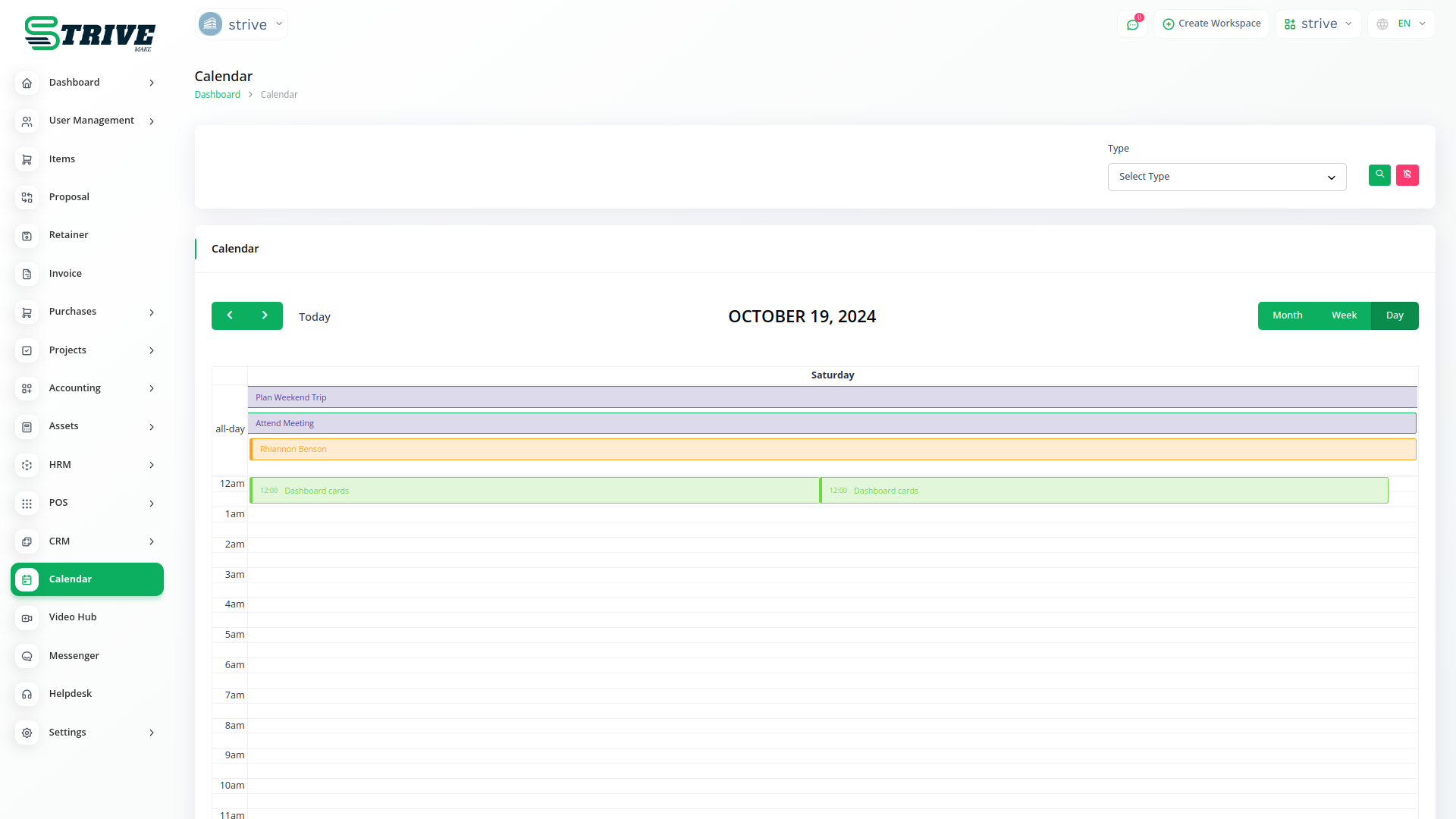
The calendar with an event view makes it easier to keep a tab on important meetings.
Calender Helps You Simplify Your Work
The zoom meeting created will be synced with the calendar which will show the meeting details, as well as which are people joining the meeting and at what time. This calendar syncing feature helps to schedule meetings accordingly.
Get a calendar view for every task detail. In short, managing task has never been easier with the calender of task visibility in the system.
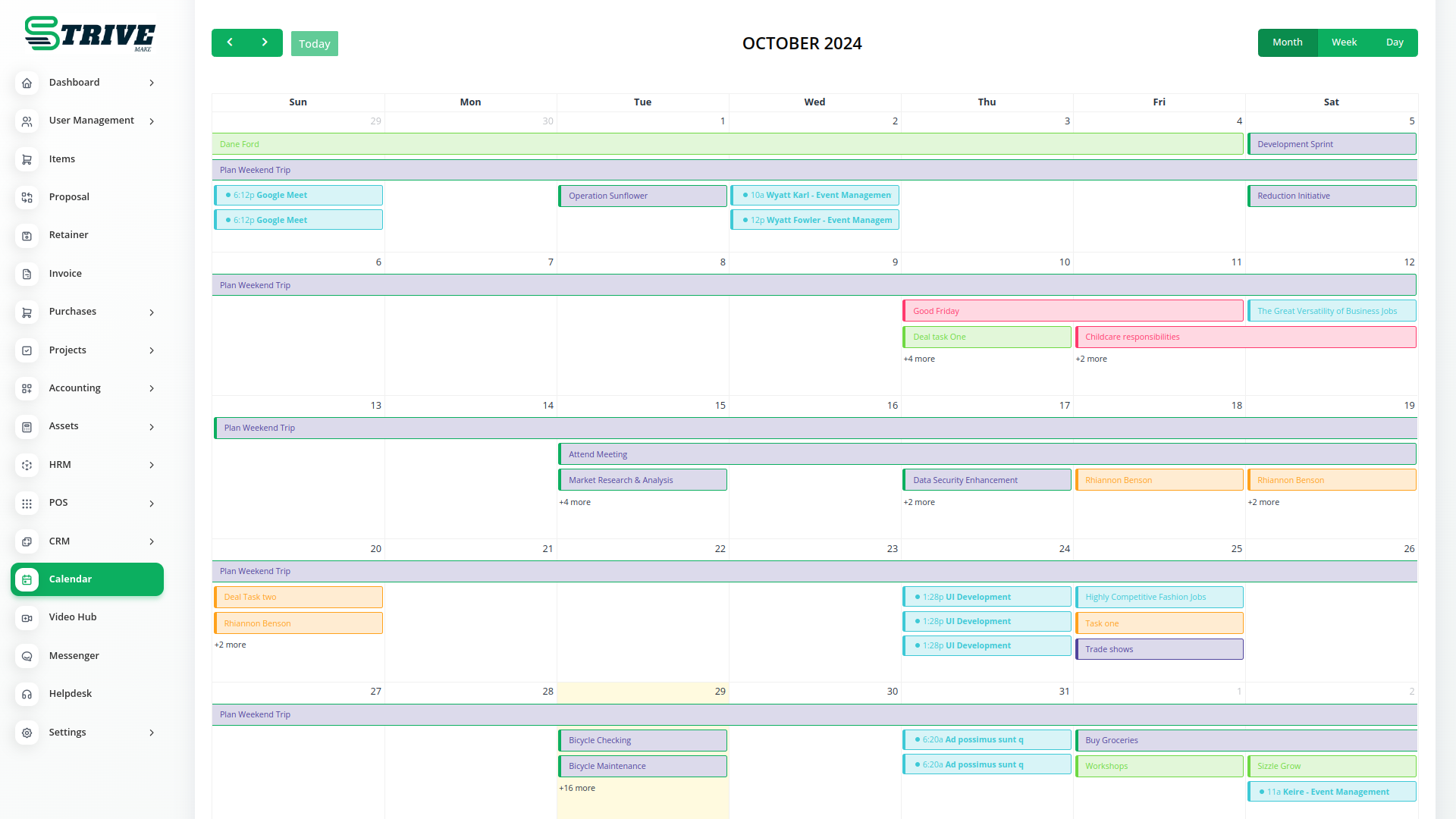
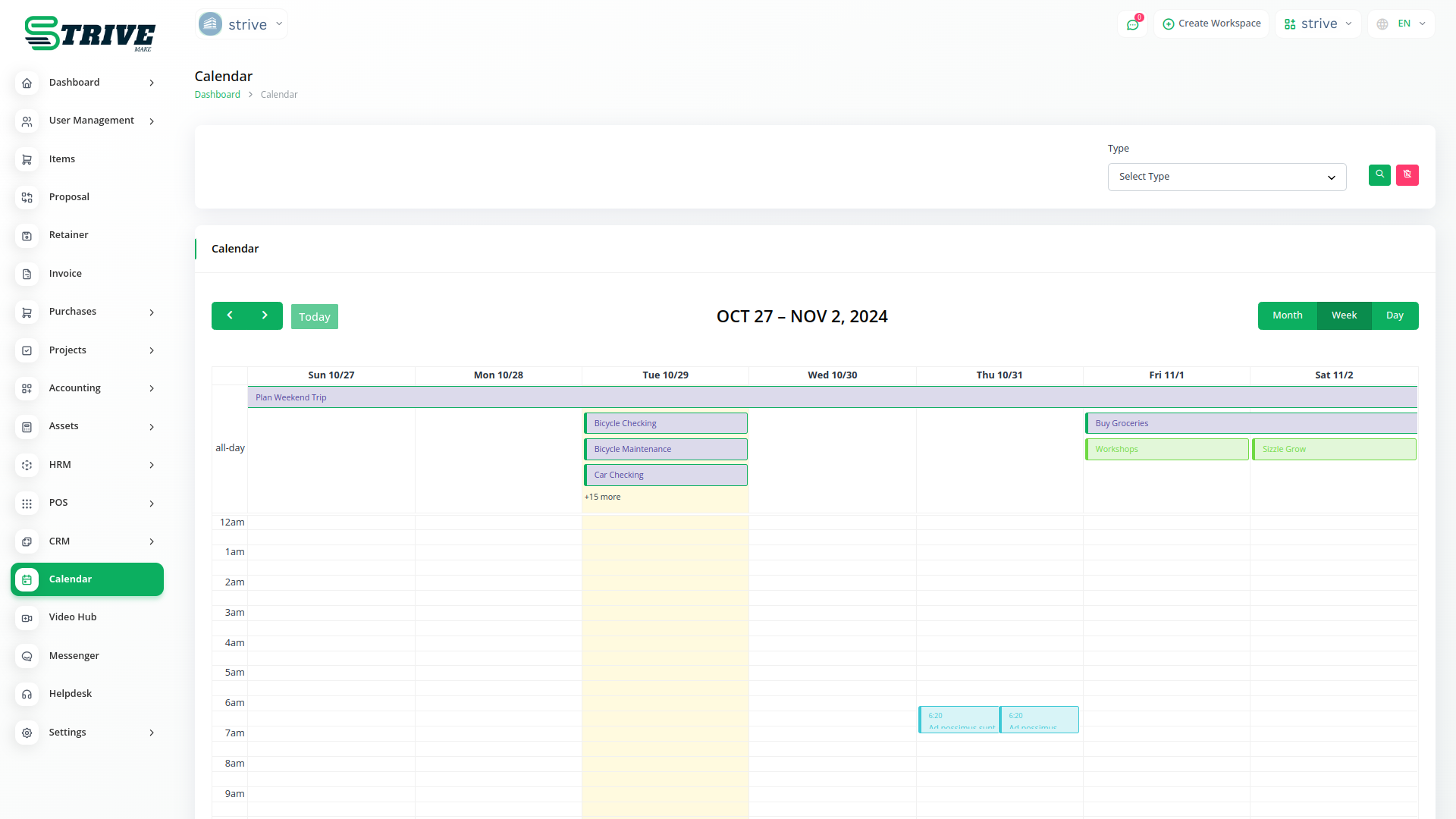
Calender Helps You Simplify Your Work
An event calendar is a design pattern that allows the user to select a date. The dates are not presented as a traditional list that a user scrolls through, or as input fields where the user enters numbers, but rather as a visual representation of a monthly calendar.
Users are impatient creatures: anything that may seem like an inefficient course of action to achieve the goals they have they will regard as suboptimal and take a dim view of.
Allowing users to select a date from a list—rather than input the information manually— saves them time and effort. A user might be trying to submit a date, track an order, arrange content according to a specific range of dates, or filter results.
Event Calendar
Event calendars are at their best when the user is entering dates in the near future or past; when dealing with information far in the past or future, users have to flick through all the different pages in the event calendar before they reach the desired date or date range. For example, if the users are trying to enter birthdates, they would have to make many movements through the calendar and the process would take longer as the age increased, which is in no way ideal for older users (not to mention the added downer for many of them in getting a protracted visual showing just how old they are!).
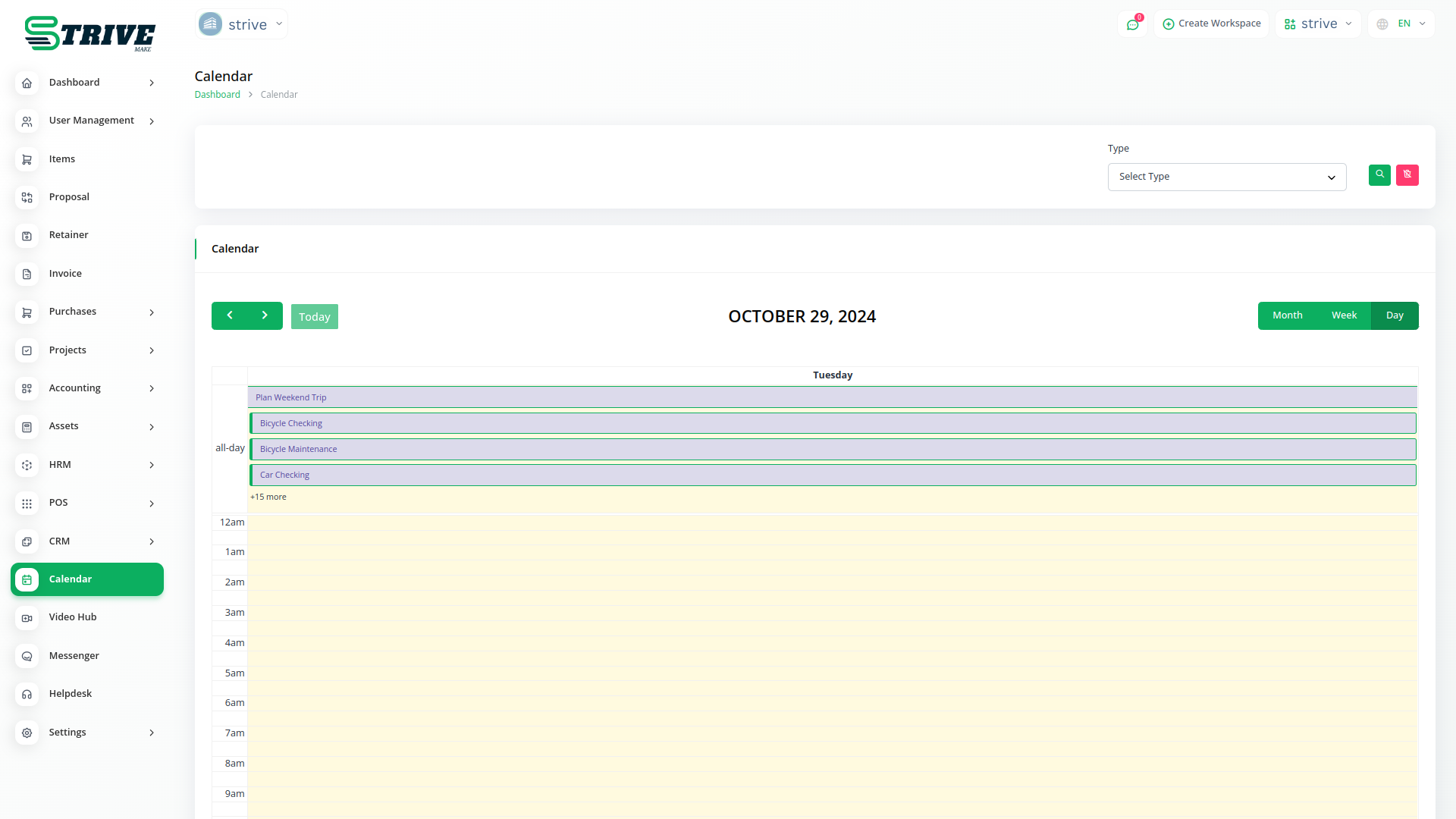
The Take Away
Event calendars are a great visual way of letting the user enter a date or date range. When implementing event calendars, you need to take into consideration that date formats differ across cultures. Also, you should help the user out by presenting dates that are closest to the present.
Why choose dedicated modules for your business?
With StriveMake, you can conveniently manage all your business functions from a single location.
Empower Your Workforce with StriveMake
Access over Premium Add-ons for Accounting, HR, Payments, Leads, Communication, Management, and more, all in one place!
- Pay-as-you-go
- Unlimited installation
- Secure cloud storage
- Instant activation
- Cancel anytime
- All updates included
- 24/7 priority support
- Instant activation
- Cancel anytime
- All updates included
- 24/7 priority support
About the Calendar add-on
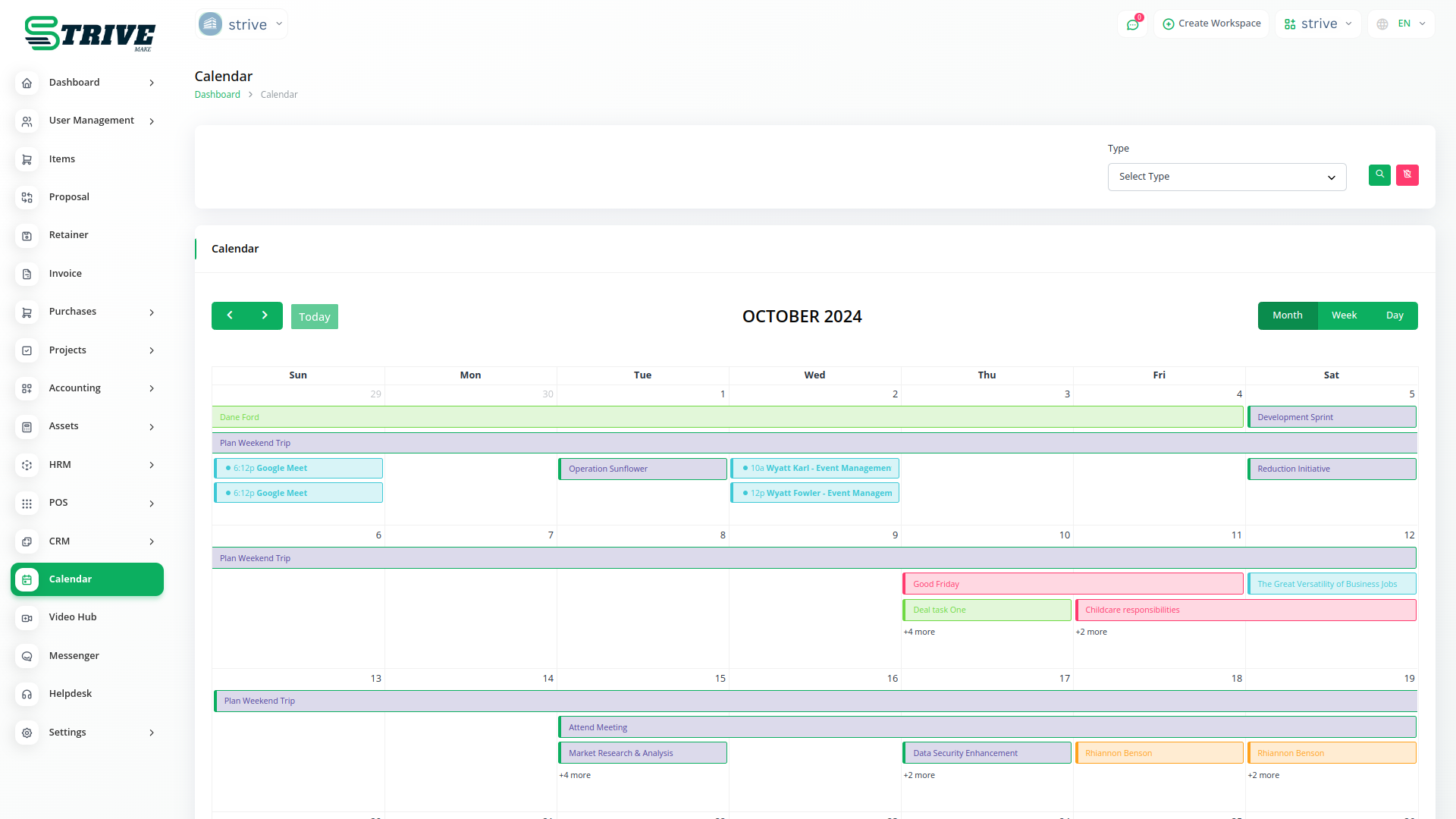
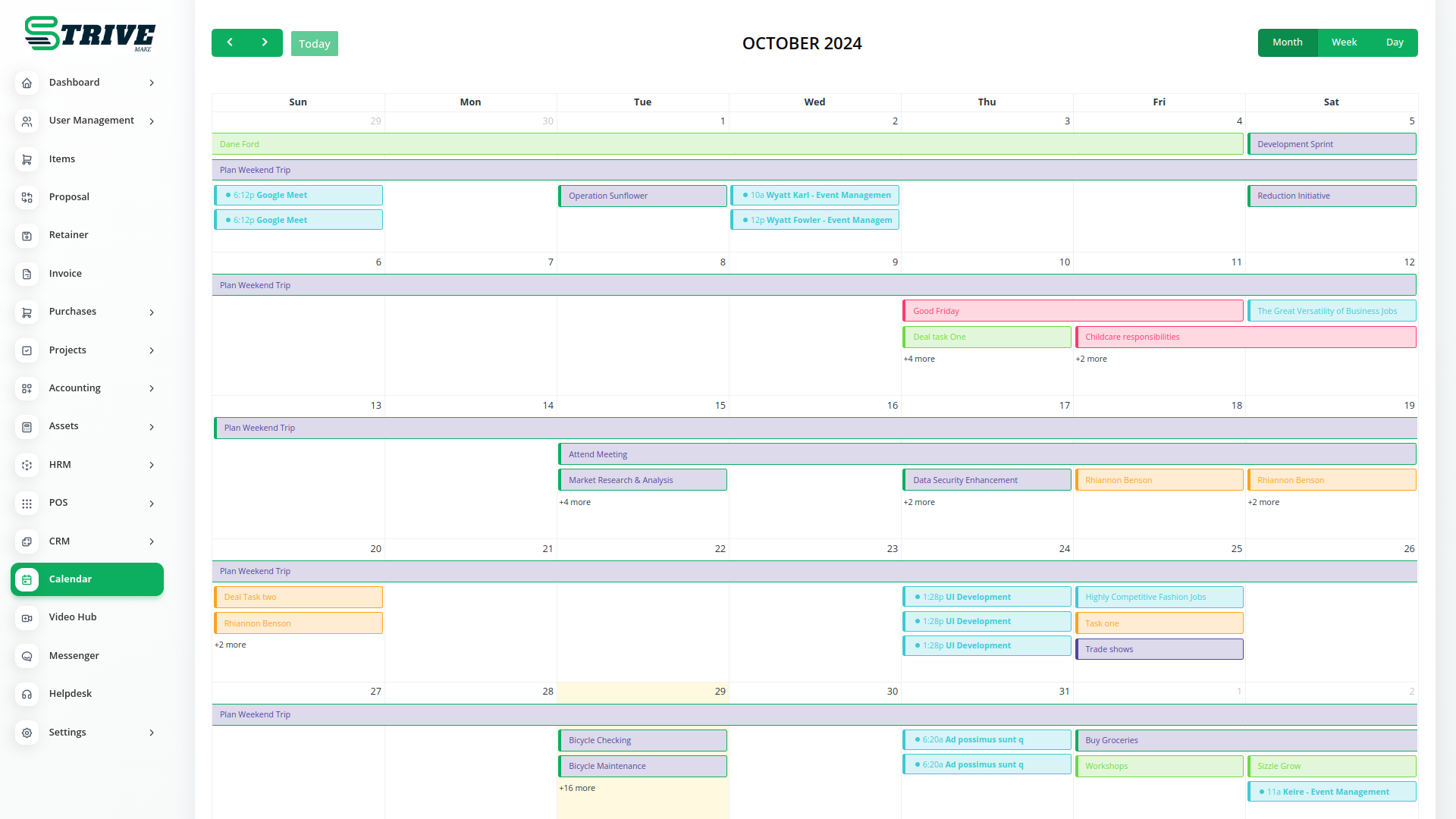
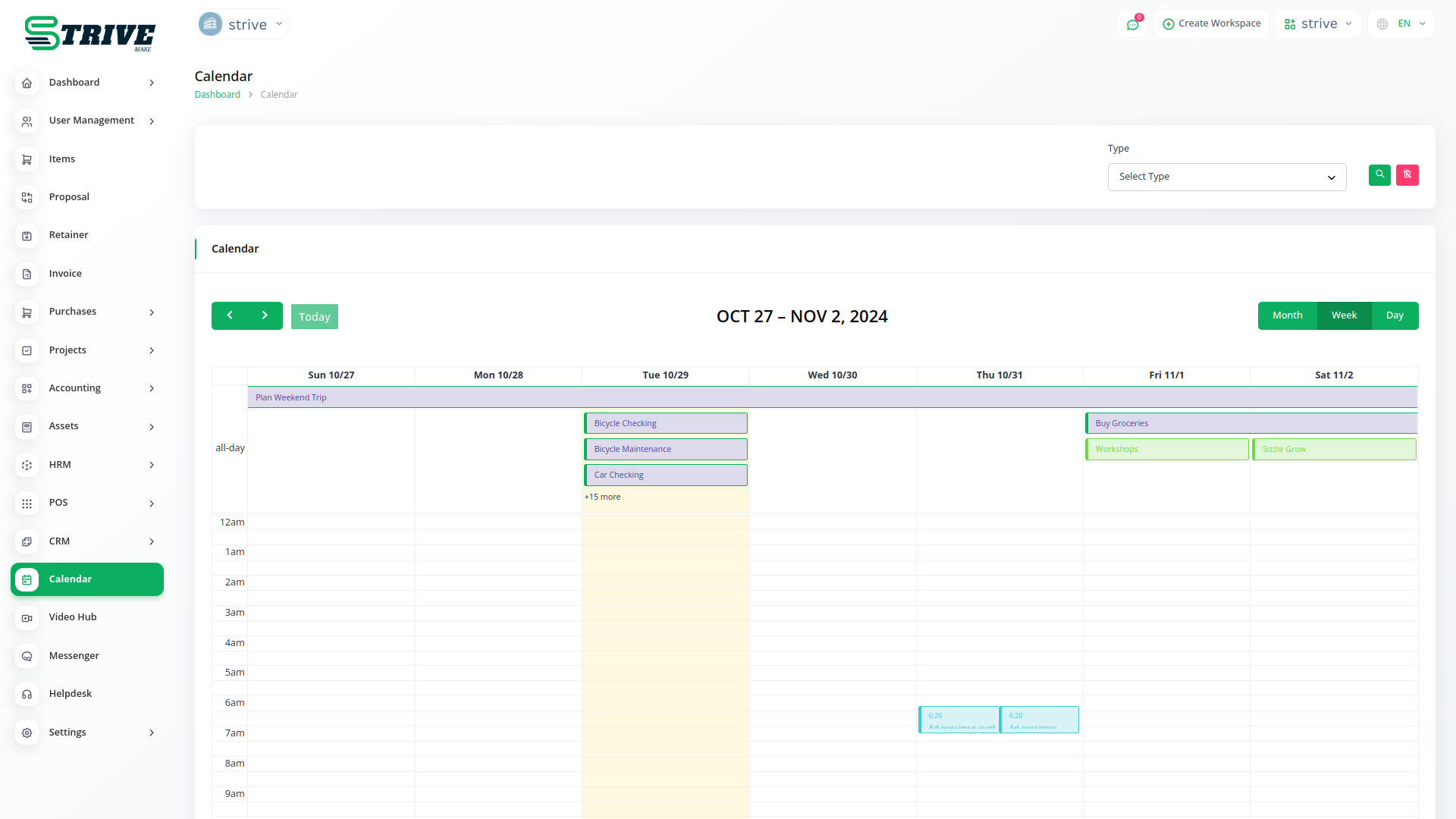
Calendar gives your workspace a shared view of everything that is scheduled, from tasks and appointments to deadlines and events. Instead of checking several tools to know what is coming up, your team sees due dates, bookings and meetings in one place. Because the Calendar draws on data from CRM, projects and appointments, items appear automatically as they are created elsewhere. One login gives everyone a single timeline of commitments, helping teams plan their days and avoid clashes across the whole business.
What you can do with Calendar
- Unified view of tasks, events and appointments
- Day, week and month layouts for planning
- Items pulled from CRM, projects and bookings
- Color coding and filtering by type or owner
Who Calendar is for
Teams that want one shared timeline of tasks, meetings and deadlines instead of scattered separate calendars.
Calendar — frequently asked questions
What does the Calendar add-on do?
Calendar shows everything scheduled across your workspace in a single timeline. Tasks, appointments, deadlines and events appear together in day, week or month views. Because it pulls from other StriveMake modules, items show up automatically as they are created, giving your team one reliable place to see what is coming up.
How much does the Calendar add-on cost?
The Calendar add-on is $3,00/month or $29,00/year on top of your StriveMake plan, and you can turn it off whenever you like.
Where do the items on the Calendar come from?
They come from across StriveMake. Task due dates from projects, appointments from scheduling and other dated records all surface on the Calendar. This means you are not maintaining a separate diary by hand. As work is planned in the relevant module, it appears on the shared calendar automatically.
Does Calendar work with the rest of StriveMake?
Yes, that is the point of it. The Calendar aggregates dated items from CRM, projects, appointments and more into one view, so nothing scheduled is hidden in a separate tool. One login gives your whole team a shared, accurate timeline of commitments across every part of the platform.
Related modules you might like
With StriveMake, you can conveniently manage all your business functions from a single location.


