Zendesk
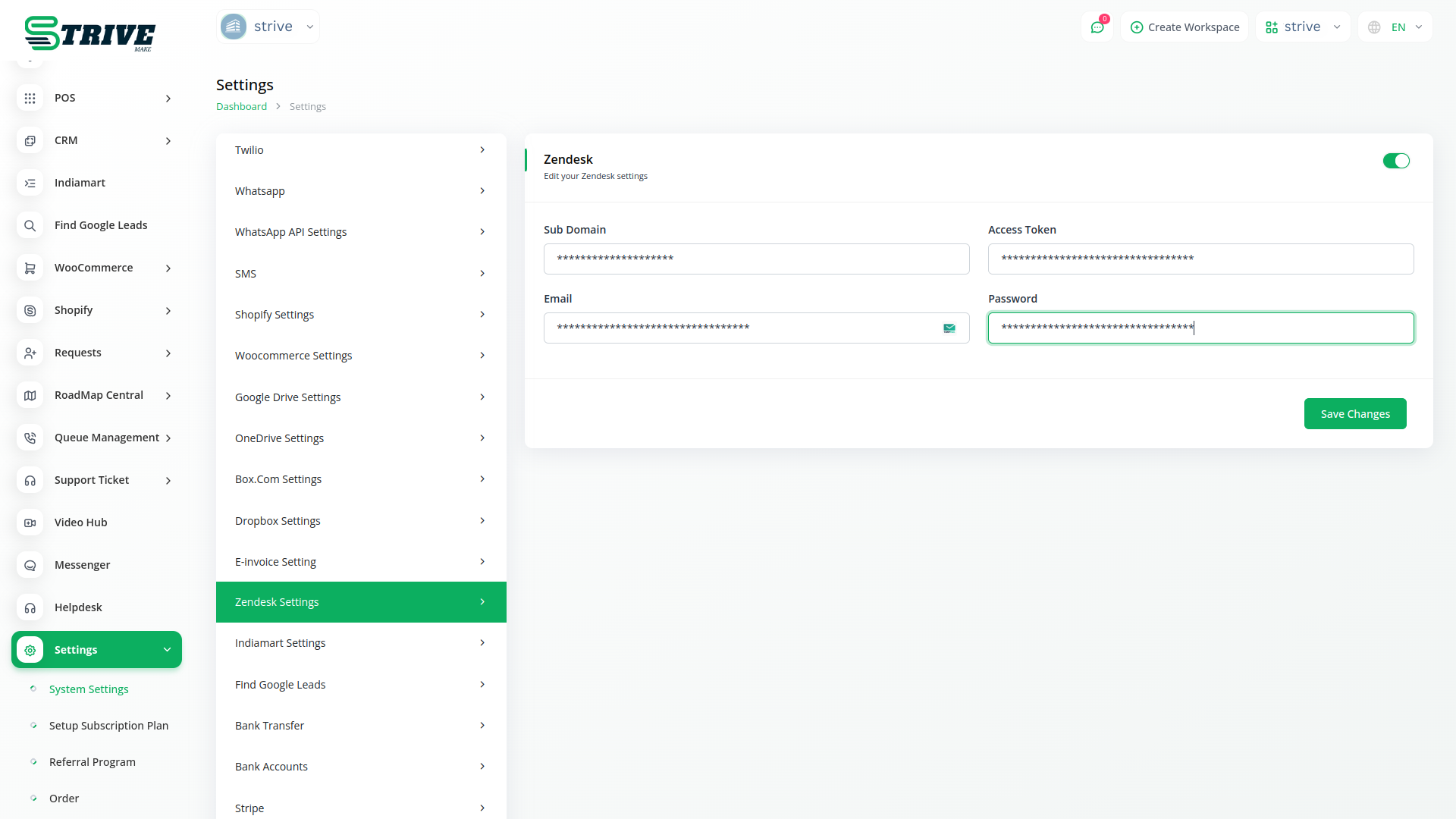
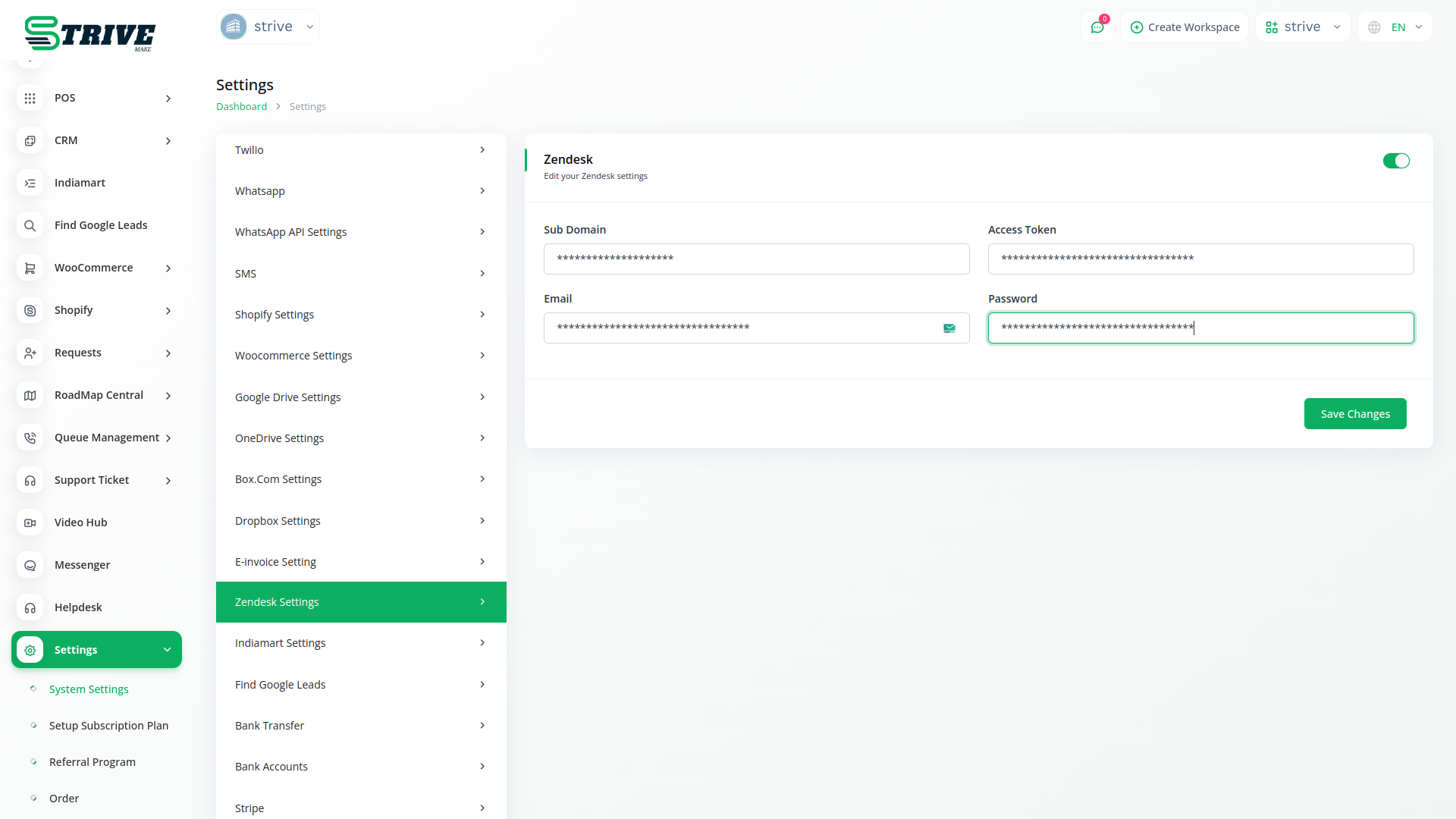
Zendesk ticketing system manages customer issues efficiently, while the knowledge base empowers self-service, reducing support tickets and enhancing overall efficiency in customer support.
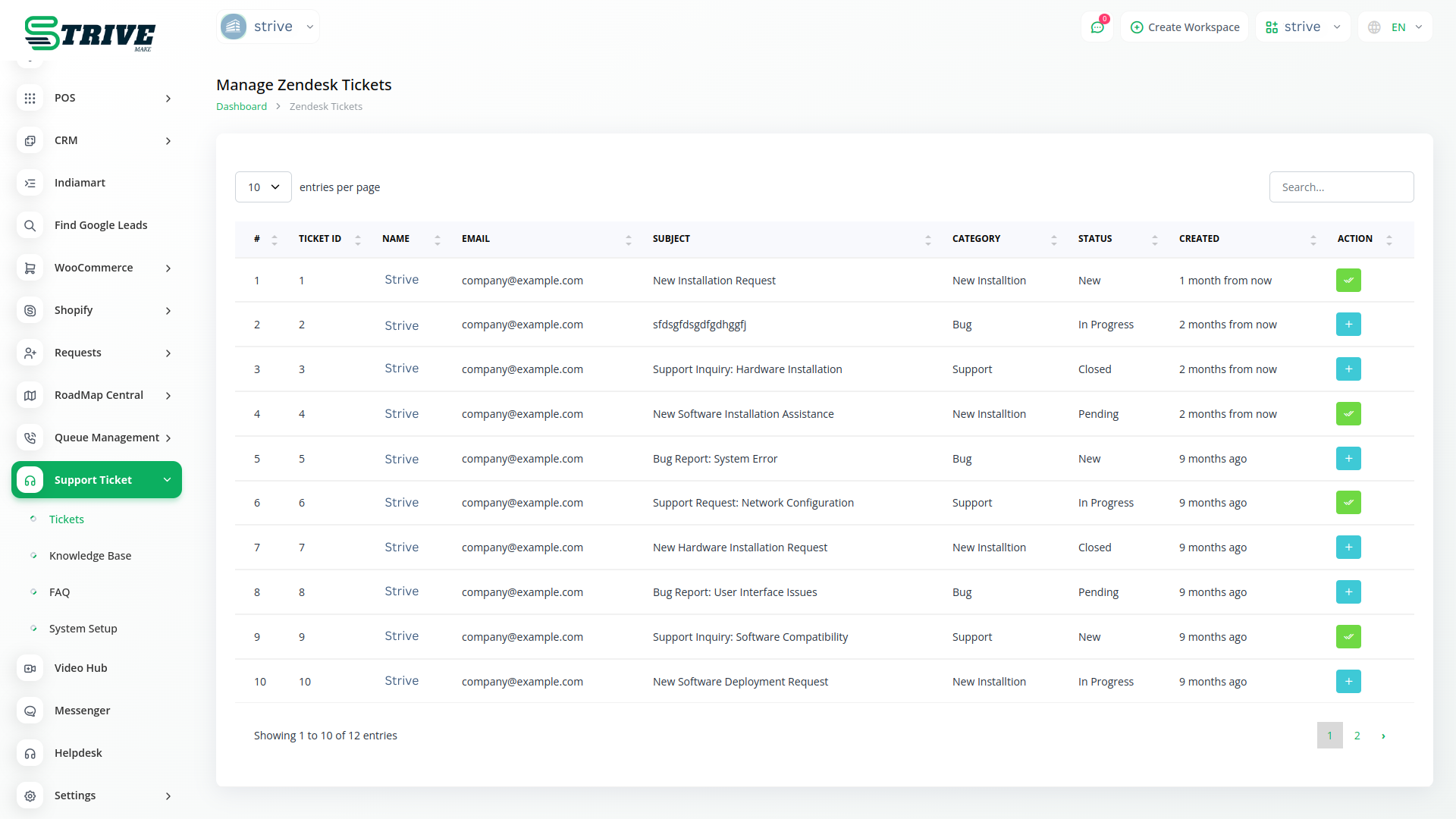
Enhancing Efficiency and Collaboration: The Benefits of Two-Way Sync Between Zendesk Tickets and Knowledge Base
Empower support teams with real-time access, collaborative updates, and seamless workflows through Zendesk two-way sync feature. Enhance efficiency, slash response times, and foster a cohesive support environment by synchronizing ticket and knowledge base interactions.
Zendesk boosts service with seamless ticket syncing.
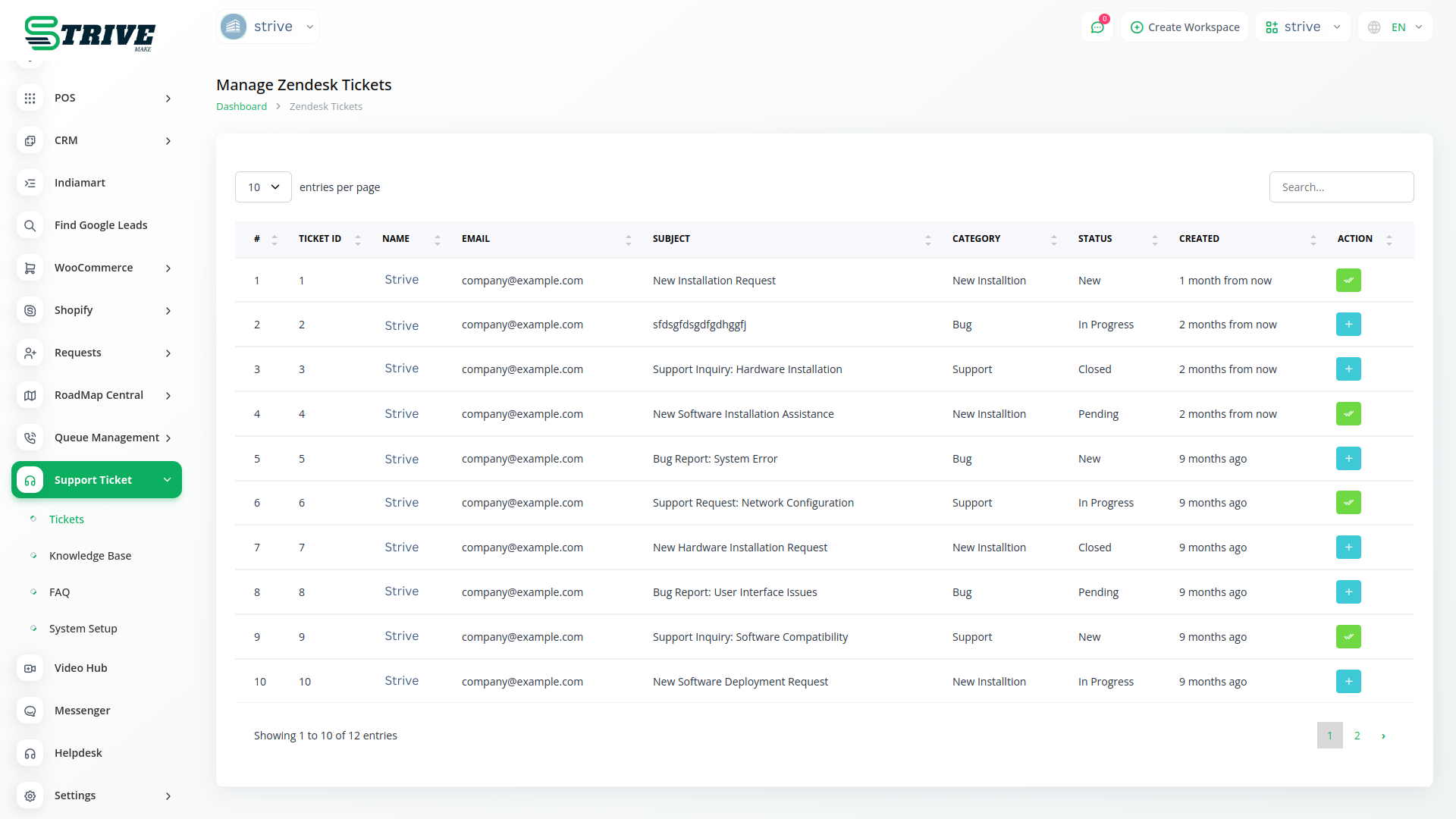
Keep track of all your tickets and agents with ease. support ticket centralized dashboard puts all clients tickets, as well as all your agents in one place. This way, it’ll be easy to ensure that queries are being addressed at the right time.
Make it super easy for your clients to create tickets. With StriveMake, your clients can open tickets in seconds. They also receive instant responses from your agents - so they can rest, assured that help is on the way.
Attend to your customers’ queries in record time, and gain their trust. With StriveMake, multiple admins from your team can access and manage tickets.
Support Ticket makes creating tickets fun and simple for your clients. Your clients can select their query from a list of FAQs, fill the simplified form, attach files, submit, and receive a unique ticket ID - In a matter of seconds!
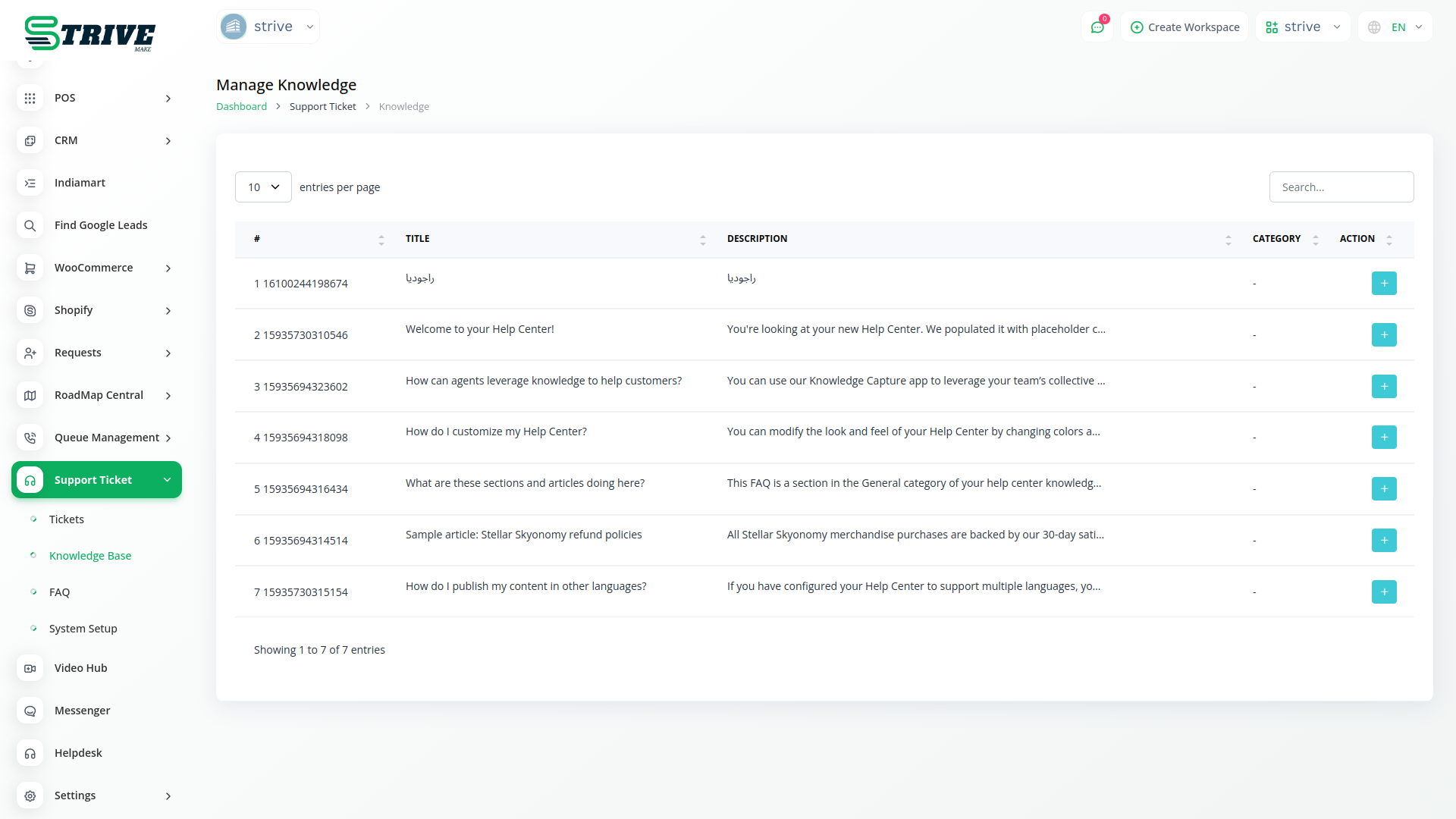
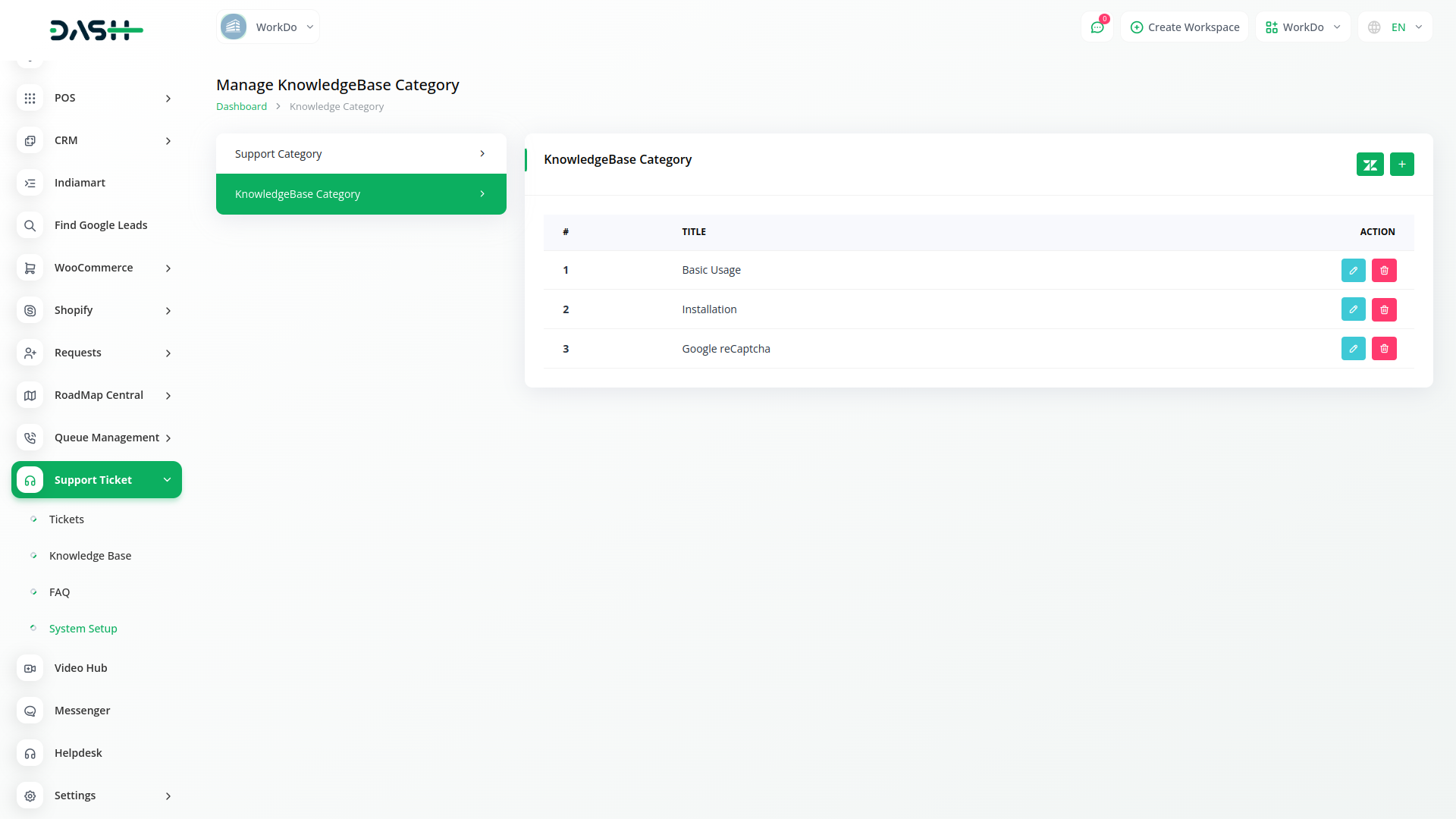
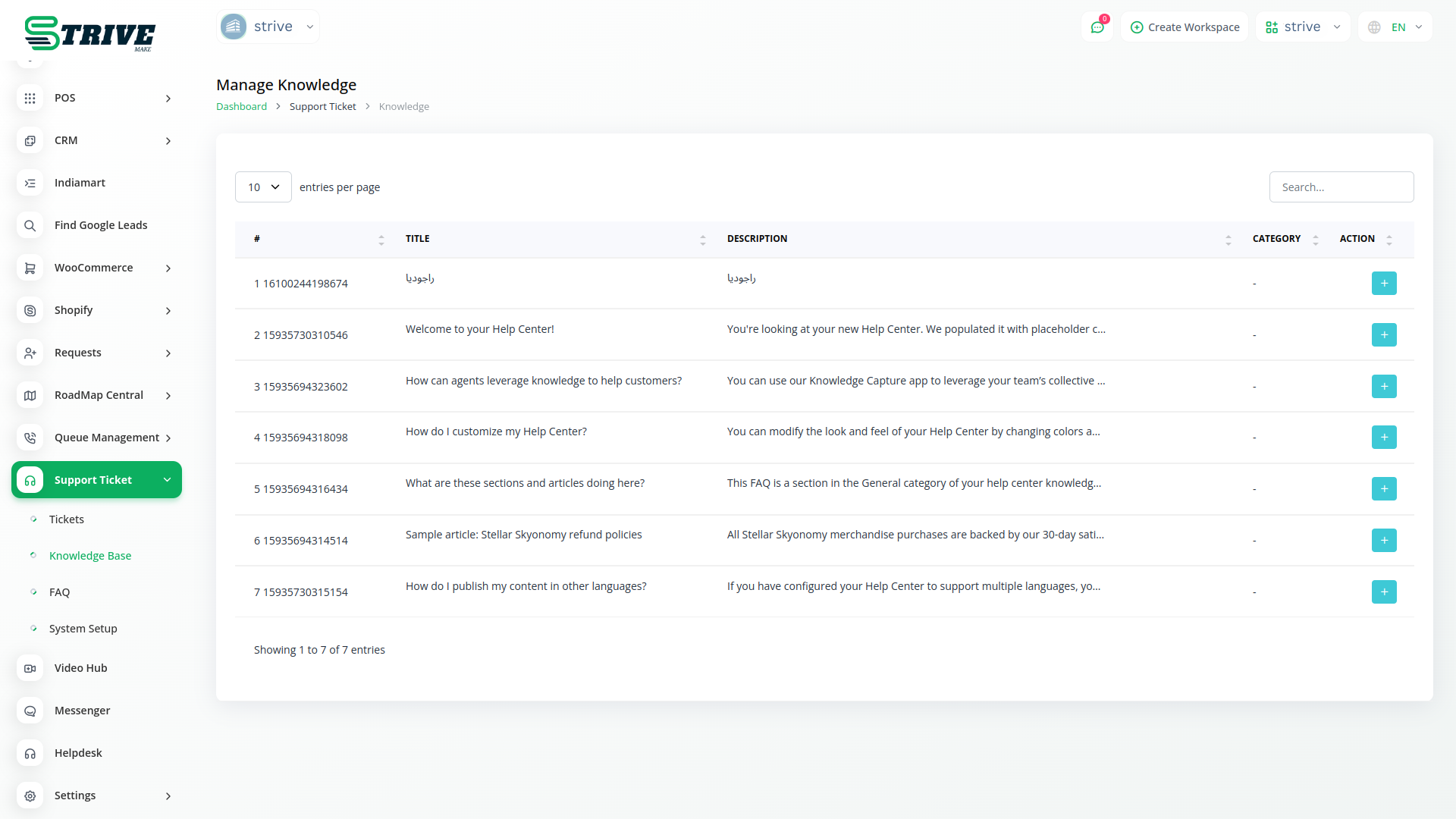
Organize & Manage Your Knowledge Base
Effortlessly structure and oversee your knowledge base efficiently. Sync valuable information seamlessly from Zendesk, enhancing accessibility and organization.
Manage and control your entire support ticket system without lifting a finger. Create ticket categories, organize tickets, respond to them, and edit their status. Add multiple admins and agents, assign customer requests to them - and do so much more!
View all your tickets and agents at a glance. Access the statistics of all your tickets and agents. View a monthly support ticket chart, get a graphical presentation of all ticket categories, and more! - in just one dashboard.
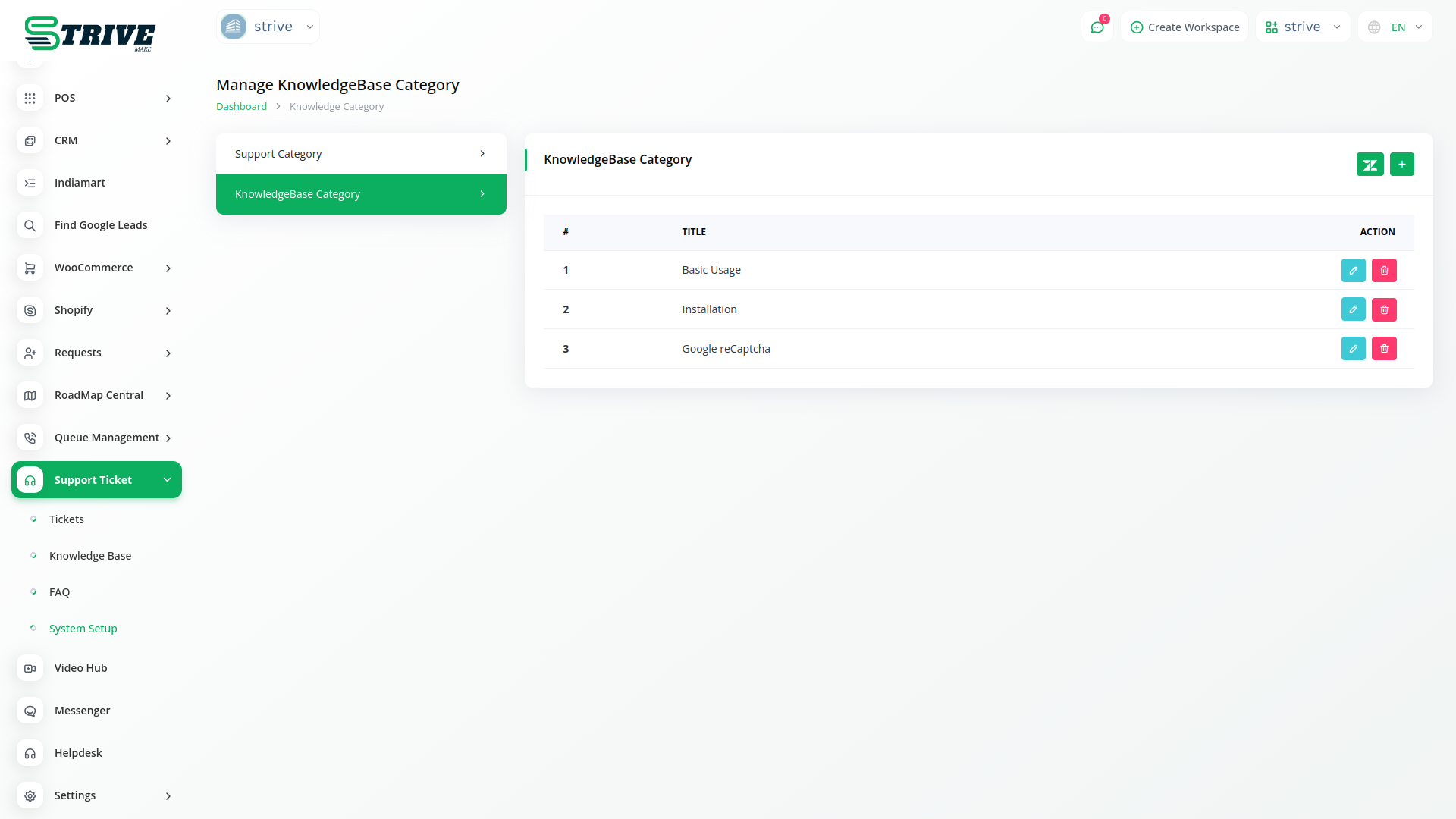
The Frequently Asked Questions are always convenient no matter what. What about the feature which adds more benefit to that? Here, this Knowledge Base Module is helping you with the same. You can update the “Knowledgebase Category” according to your requirements and familiarity, and you can give a thorough description under the particular title.
Zendesk: Smart, efficient ticket management for satisfying customer support.
Zendesk offers intelligent ticket management, streamlining customer support for optimal efficiency. Enhance satisfaction with their smart solutions for effective issue resolution.
Why choose dedicated modules for your business?
With StriveMake, you can conveniently manage all your business functions from a single location.
Empower Your Workforce with StriveMake
Access over Premium Add-ons for Accounting, HR, Payments, Leads, Communication, Management, and more, all in one place!
- Pay-as-you-go
- Unlimited installation
- Secure cloud storage
- Instant activation
- Cancel anytime
- All updates included
- 24/7 priority support
- Instant activation
- Cancel anytime
- All updates included
- 24/7 priority support
About the Zendesk add-on
Zendesk is a customer service and support platform built around ticketing, helping teams capture, track, and resolve customer requests across channels. Connecting it to StriveMake brings support conversations next to the customer records you already keep, so a ticket is no longer disconnected from the contact, deal, or project it relates to. With CRM, HR, accounting and reporting in the same workspace, your support team works with fuller context, and customer interactions stay tied to the rest of the business under one login.
What you can do with Zendesk
- Capture and track customer support tickets
- Link support conversations to existing customer records
- Shared context across CRM and service teams
- Centralized view of customer interactions
Who Zendesk is for
Support and customer service teams that need ticketing tied directly to their customer data.
Zendesk — frequently asked questions
What does the Zendesk add-on do?
It connects your Zendesk support environment with StriveMake, so customer service tickets and the records behind them sit closer together. Support agents can work with context from your CRM, and the requests customers raise stay linked to the contacts and history already stored in your workspace rather than living in isolation.
How much does the Zendesk add-on cost?
The Zendesk add-on is included free with your StriveMake plan — there is no extra charge to switch it on.
How does connecting Zendesk help my support team?
When a ticket arrives, agents often need to know who the customer is, what they bought, and their past interactions. Linking Zendesk to your StriveMake records surfaces that context alongside the conversation, which means faster, more informed responses and less time spent hunting across separate systems for the same details.
Does Zendesk work with the rest of StriveMake?
Yes. Support data connects to the CRM and other modules you run, so tickets relate back to contacts, deals and projects in one platform. That connected setup keeps customer service aligned with sales, operations and reporting, all reachable under a single login.
Related modules you might like
With StriveMake, you can conveniently manage all your business functions from a single location.


