Slack
Chatting with customer support, receiving an appointment reminder, messaging your rideshare driver, getting a personalized coupon in your inbox, video conferencing with your doctor—all of those interactions have something in common: they’re powered by Twilio.

More Effective With Slack Notification
Automate away routine tasks with the power of generative AI and simplify your workflow with all your favorite apps ready to go in Slack.
Choose how you want to work?
In Slack, you’ve got all the flexibility to work when, where and how it’s best for you. You can easily chat, send audio and video clips, or join a huddle to talk things through live.
Bring your team together
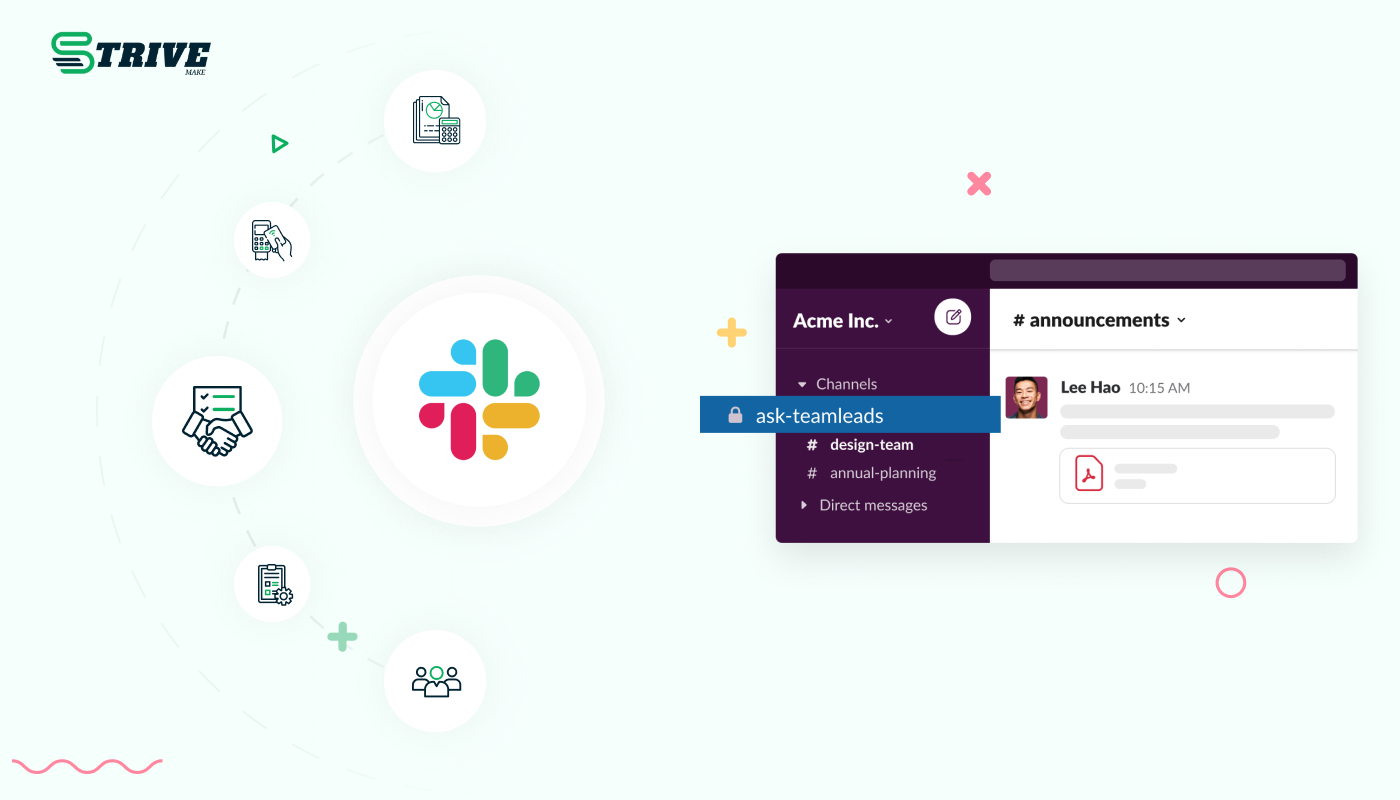
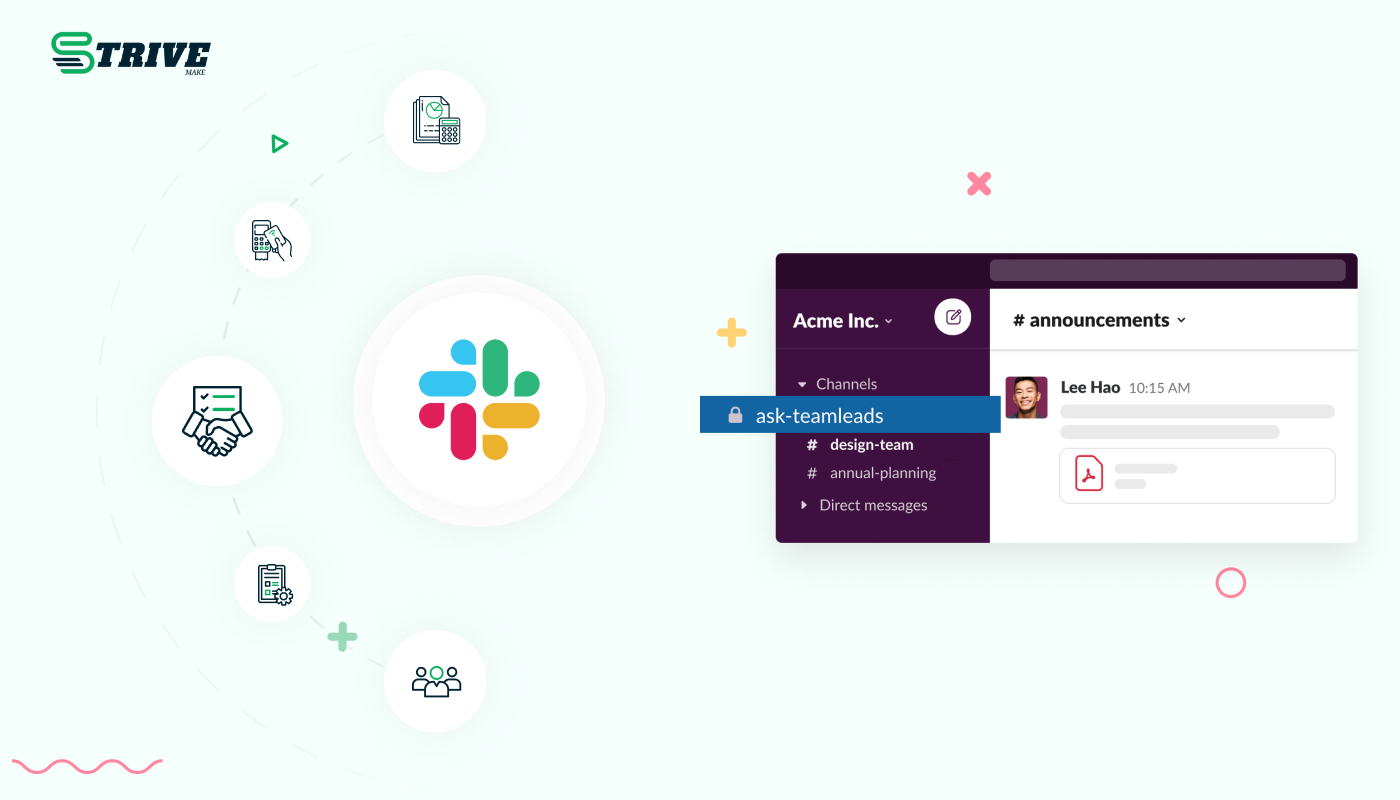
At the heart of Slack are channels: organised spaces for everyone and everything that you need for work. In channels, it’s easier to connect across departments, offices, time zones and even other companies.
Why choose dedicated modules for your business?
With StriveMake, you can conveniently manage all your business functions from a single location.
Empower Your Workforce with StriveMake
Access over Premium Add-ons for Accounting, HR, Payments, Leads, Communication, Management, and more, all in one place!
- Pay-as-you-go
- Unlimited installation
- Secure cloud storage
- Instant activation
- Cancel anytime
- All updates included
- 24/7 priority support
- Instant activation
- Cancel anytime
- All updates included
- 24/7 priority support

About the Slack add-on
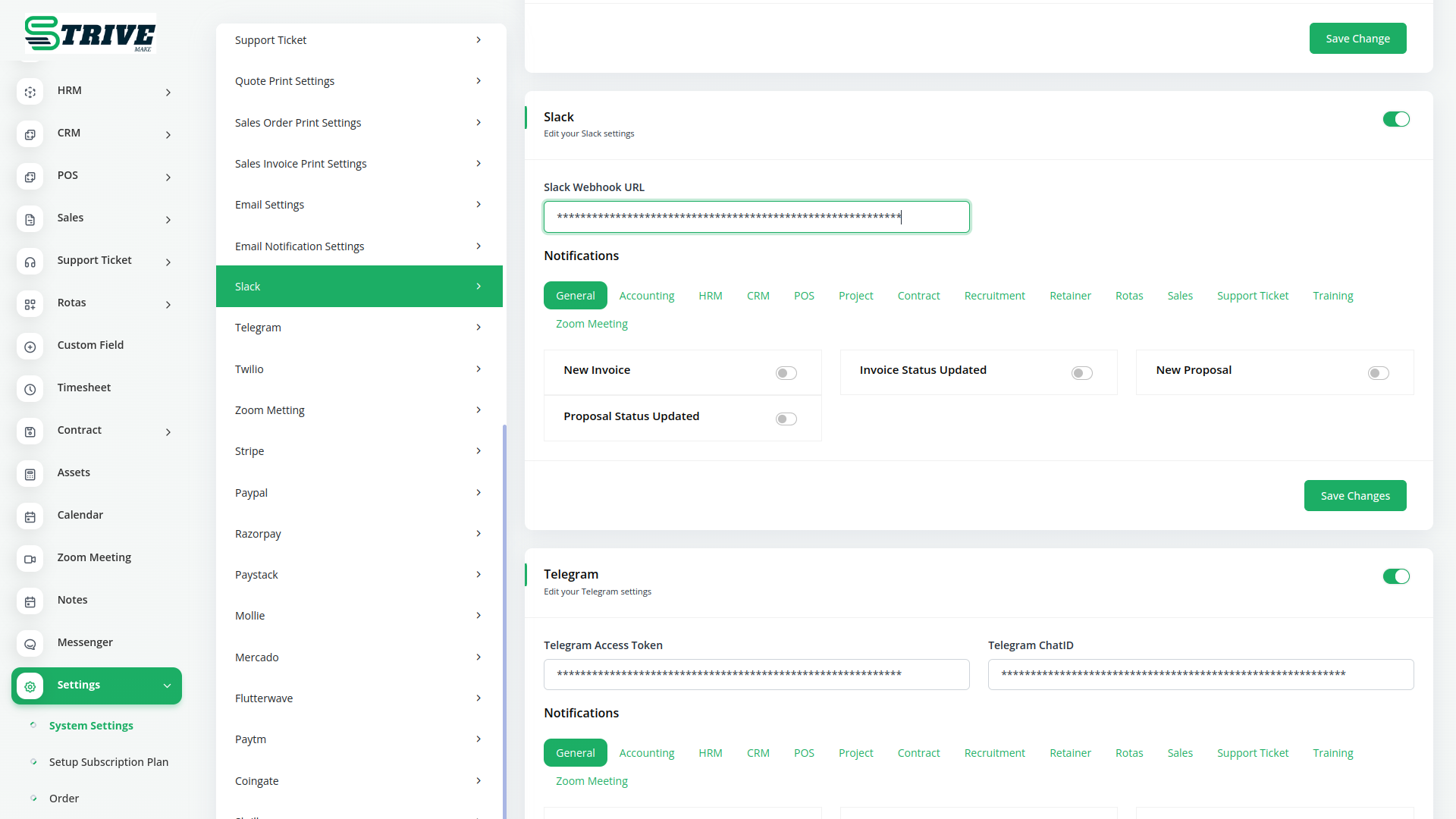
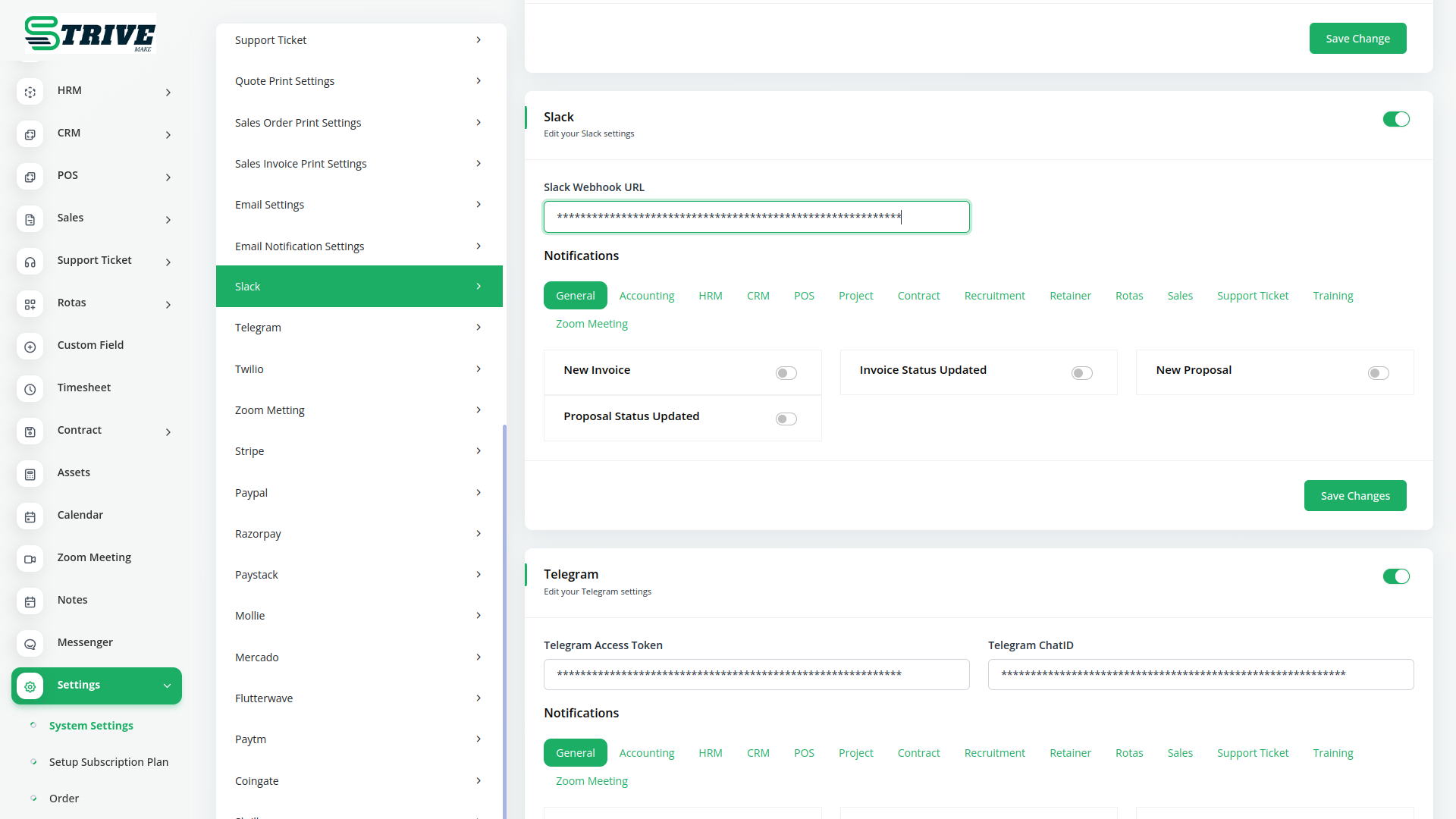
Slack is a team messaging platform organised around channels, and this add-on pushes StriveMake notifications into the Slack workspace your team already lives in. New leads, completed tasks, raised tickets or received payments can appear in the right channel the moment they happen. Because the alerts come from StriveMake, each one reflects real activity across your CRM, projects and accounting. Your team stays informed where they collaborate, and there is no need to keep a separate tab open to watch for updates.
What you can do with Slack
- Post StriveMake notifications to chosen Slack channels
- Alert teams about new leads, tasks, tickets and payments
- Configure which events trigger a Slack message
- Keep notifications linked to their StriveMake records
Who Slack is for
Teams that coordinate work in Slack and want business events surfaced in their channels automatically.
Slack — frequently asked questions
What does the Slack add-on do?
It connects StriveMake to your Slack workspace and sends messages to selected channels when events occur, such as a new lead or a completed task. The notifications come straight from your live data, so your team sees real activity in Slack without checking the platform separately.
How much does the Slack add-on cost?
The Slack add-on is $15,00/month or $144,00/year on top of your StriveMake plan, and you can turn it off whenever you like.
Can I send different events to different Slack channels?
Yes. You can route specific notifications to the channels that need them, for example sales alerts to one channel and support tickets to another. This keeps each team focused on relevant updates, while every message still links back to the underlying record in StriveMake.
Does Slack work with the rest of StriveMake?
It does. The notifications draw on the same CRM, projects and accounting modules in your workspace, so a Slack alert about a payment or task reflects genuine activity. Your team gets real-time visibility inside the chat tool they already use to collaborate.
Related modules you might like
With StriveMake, you can conveniently manage all your business functions from a single location.


