Google Captcha
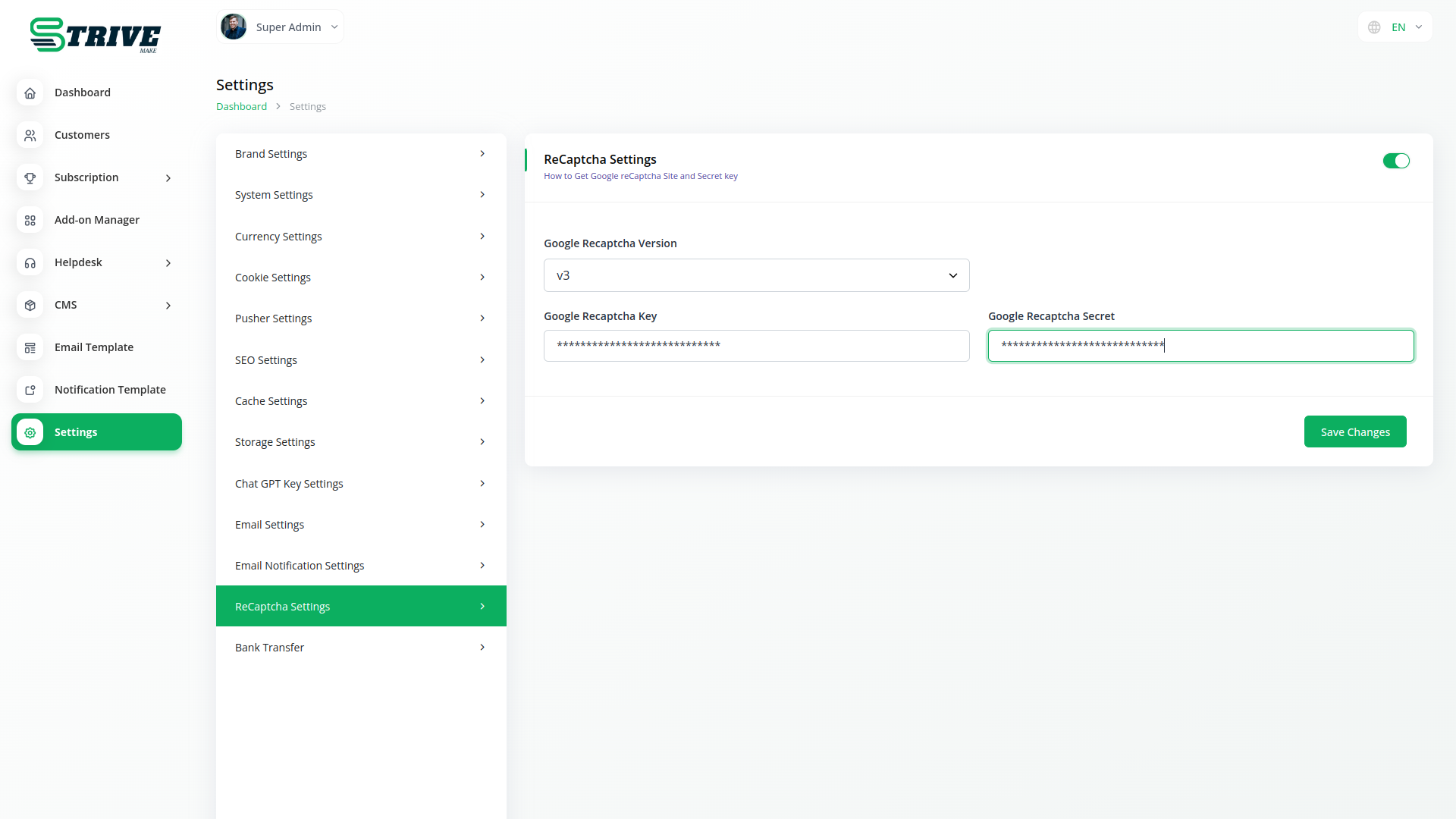
The Key pair consists of a site key and secret key. The site key is used to invoke reCAPTCHA service on your site or mobile application.
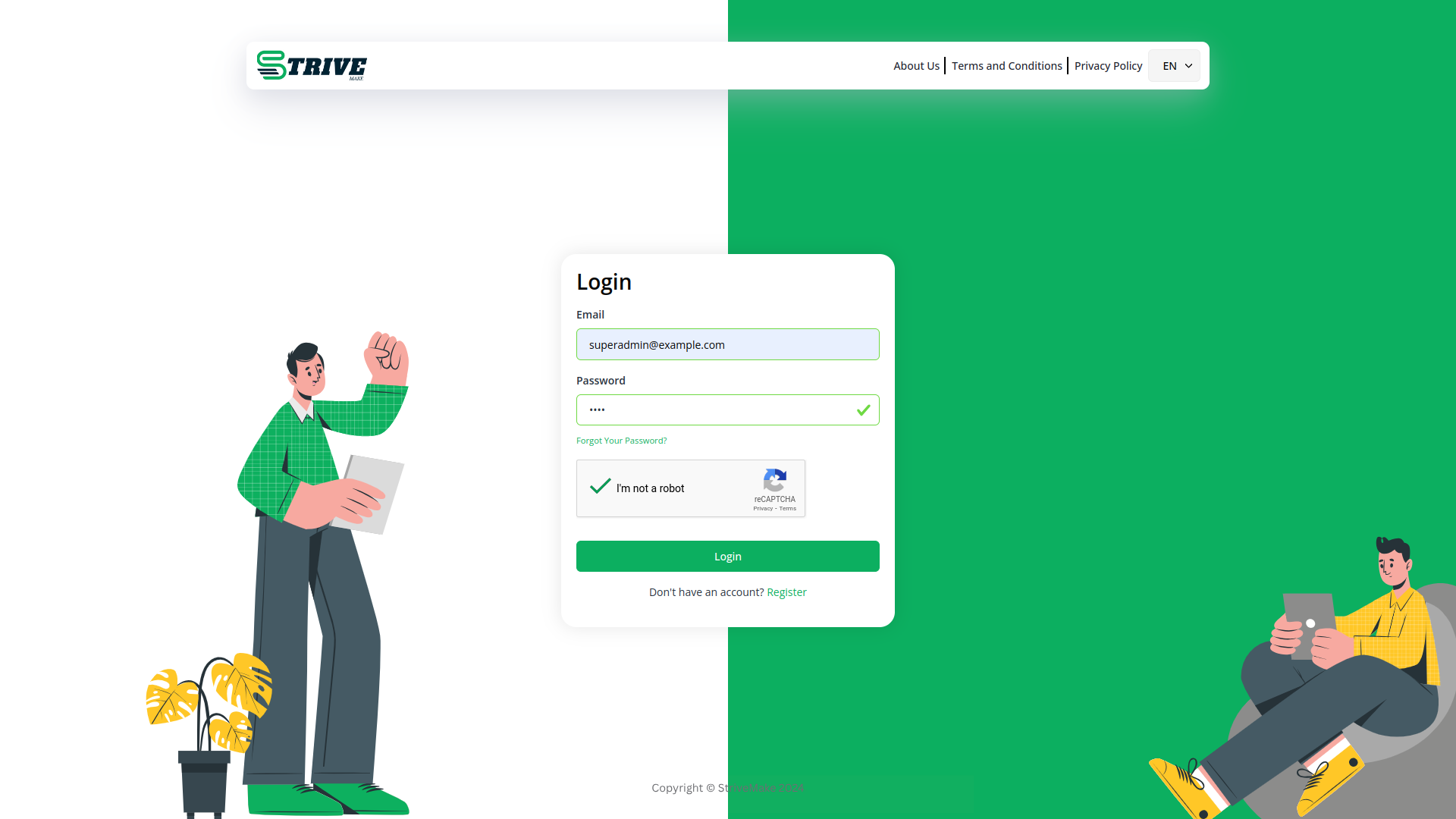
Google Captcha
Google Captcha, or reCAPTCHA, is a security tool that prevents automated bots from spamming websites. It presents challenges to users, ensuring they are human and not malicious bots. This helps protect online forms and enhance overall website security.
What Is ReCAPTCHA?
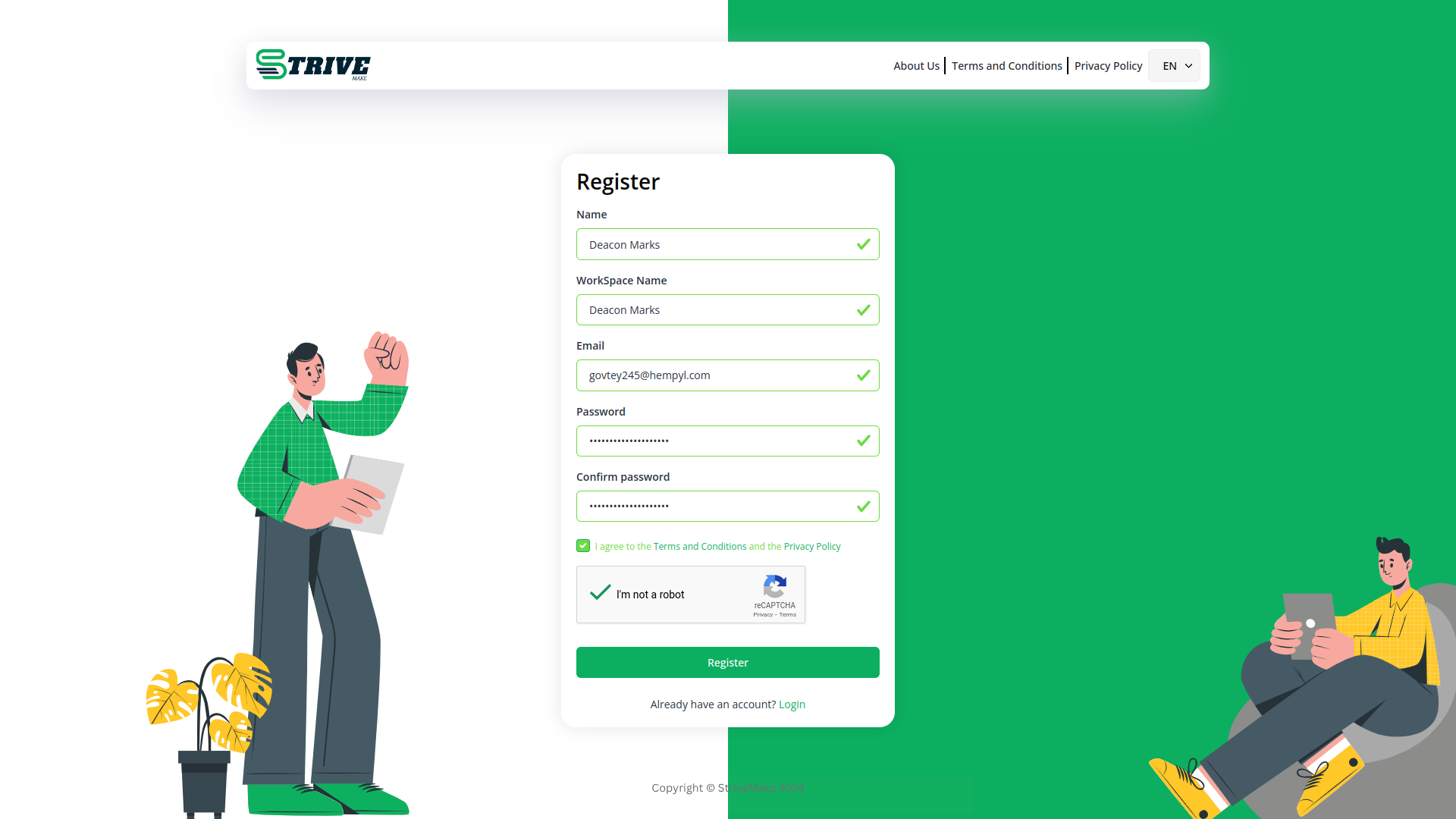
CAPTCHA stands for Completely Automated Public Turing Test to tell Computers and Humans Apart. CAPTCHA is essentially a simple test that verifies that human website users are not malicious bots intent on enacting fraud and abuse on a site. Google has its own version of CAPTCHA, which is called reCAPTCHA. reCAPTCHA is a free service that uses an advanced risk analysis engine and adaptive CAPTCHAs to protect websites from abusive automated software.
Why Your Website Needs ReCAPTCHA
Hackers, bad bots, and malicious software can wreak havoc on websites that don't have the proper protection — like reCAPTCHA — in place. To outsmart bad bots, you need the right tools working for your website. That's where reCAPTCHA comes in. Let's dive into how to set it up on your Morweb-powered site.
Why choose dedicated modules for your business?
With StriveMake, you can conveniently manage all your business functions from a single location.
Empower Your Workforce with StriveMake
Access over Premium Add-ons for Accounting, HR, Payments, Leads, Communication, Management, and more, all in one place!
- Pay-as-you-go
- Unlimited installation
- Secure cloud storage
- Instant activation
- Cancel anytime
- All updates included
- 24/7 priority support
- Instant activation
- Cancel anytime
- All updates included
- 24/7 priority support
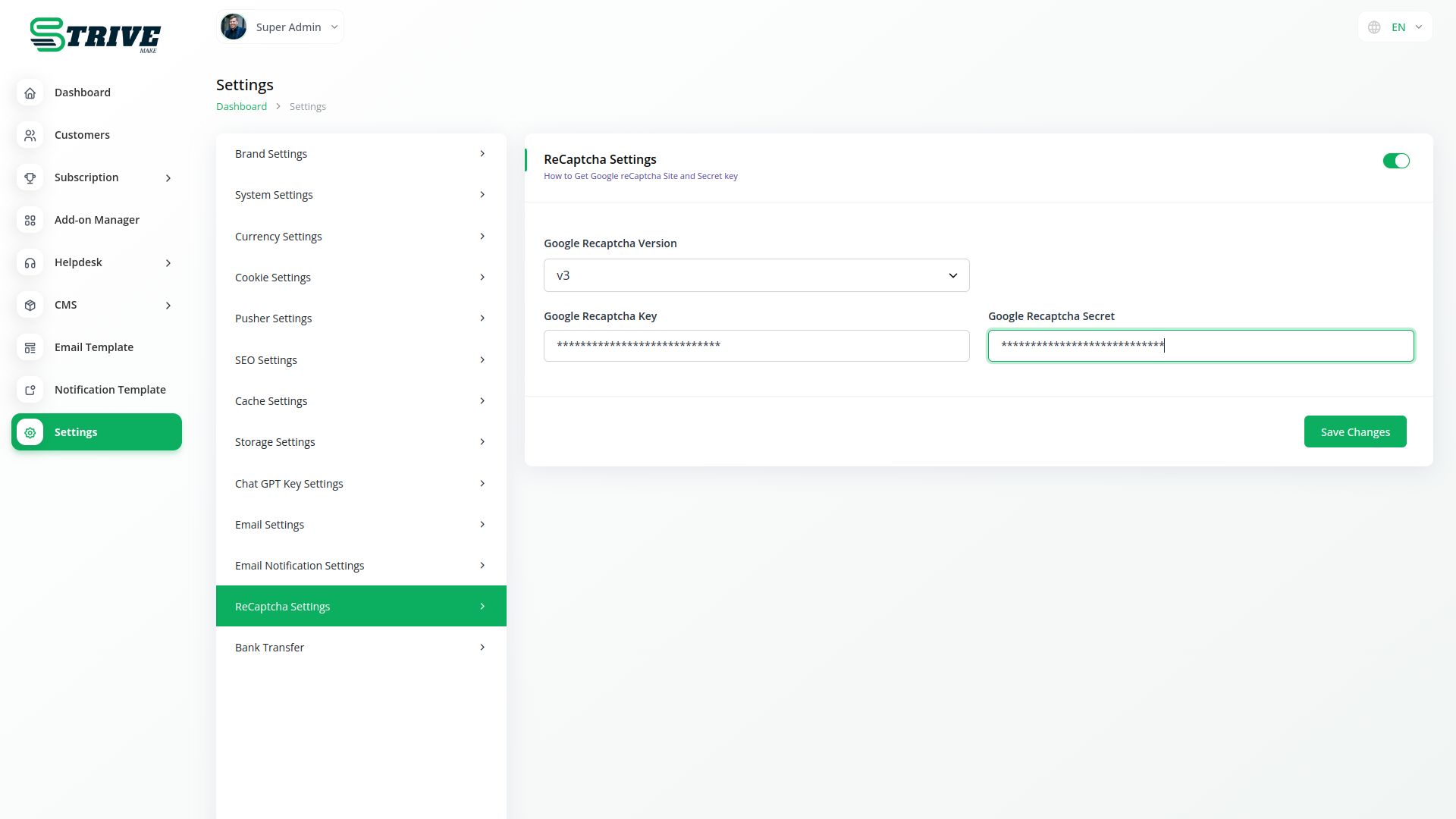
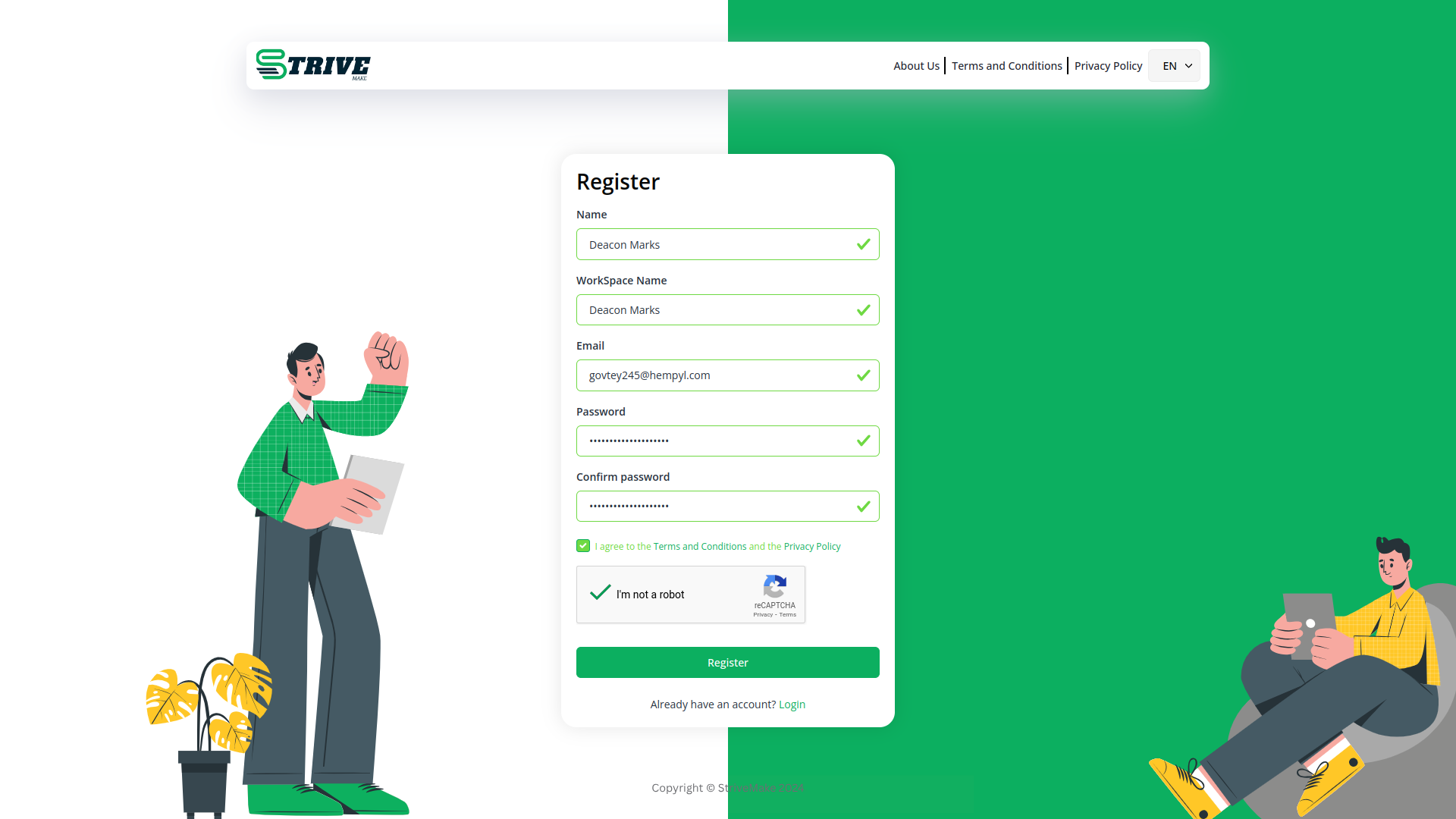
About the Google Captcha add-on
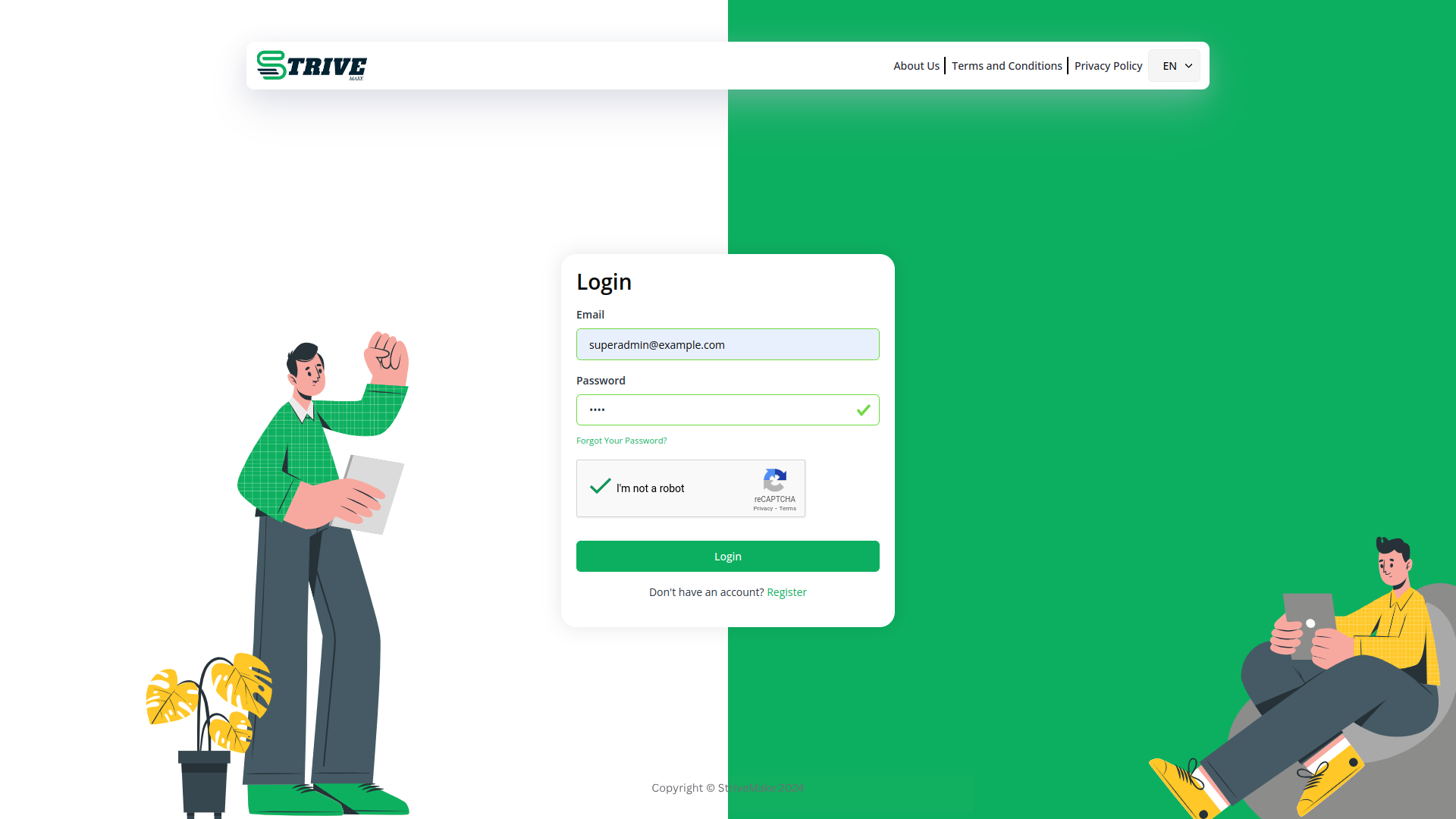
Google Captcha adds Google reCAPTCHA protection to the forms in your StriveMake workspace, blocking spam bots and automated abuse before they reach your data. Login pages, signup forms and contact forms gain a verification step that real users pass easily while bots are stopped. Running it inside StriveMake means the protection applies across the same forms that feed your CRM and operations, keeping junk entries out of your records. One setting secures your front-facing forms without adding friction for genuine customers.
What you can do with Google Captcha
- Add Google reCAPTCHA to StriveMake forms
- Block spam bots and automated submissions
- Protect login, signup and contact forms
- Keep junk entries out of your CRM data
Who Google Captcha is for
Any business that wants to stop spam and bot abuse on its public-facing forms.
Google Captcha — frequently asked questions
What does the Google Captcha add-on do?
It integrates Google reCAPTCHA into your StriveMake forms so automated bots are filtered out before they submit. Genuine visitors verify quickly, while spam and abusive submissions are blocked. This keeps the data flowing into your CRM and other modules clean and trustworthy.
How much does the Google Captcha add-on cost?
The Google Captcha add-on is included free with your StriveMake plan — there is no extra charge to switch it on.
Which forms can Google Captcha protect?
It can secure front-facing forms such as login, registration and contact pages where bots commonly attack. By adding a verification step to these entry points, you reduce fake signups and spam messages without making the experience harder for real customers.
Does Google Captcha work with the rest of StriveMake?
It does. The protection applies to the same forms that feed your CRM, support and other modules, so the records created inside StriveMake stay free of bot-generated junk. Once configured, it works quietly in the background across your workspace.
Related modules you might like
With StriveMake, you can conveniently manage all your business functions from a single location.


