Google Authentication
Google Authenticator generates 2-Step Verification codes on your phone. 2-Step Verification provides stronger security for your Google Account by requiring a second verification step when you sign in. In addition to your password, youll also need a code generated by the Google Authenticator app on your phone.
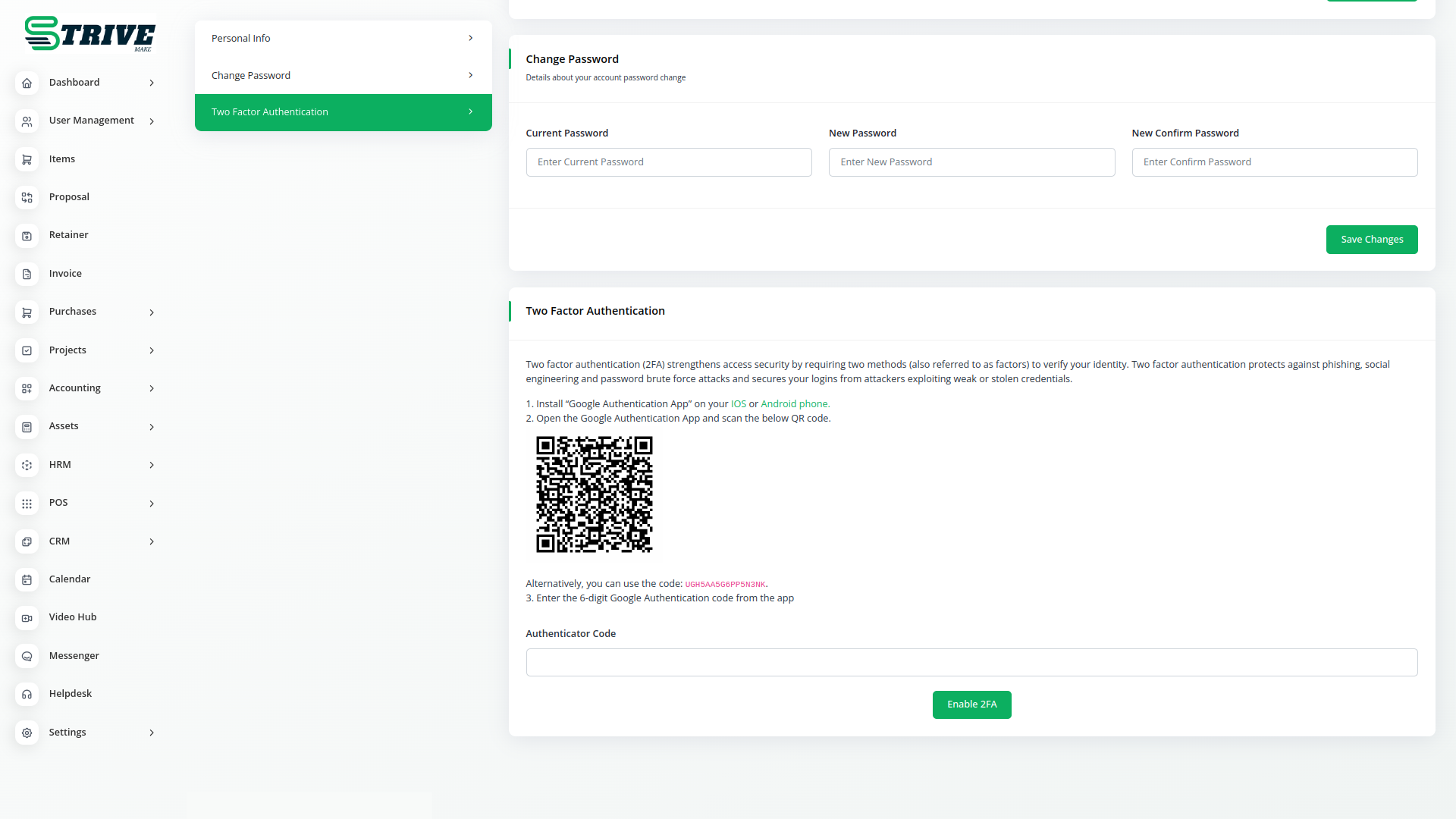
Use Two-factor Authentication
Google Authenticator is a mobile security application based on two-factor authentication (2FA) that helps to verify user identities before granting them access to websites and services. Two-factor authentication makes it less likely that an intruder can masquerade as an authorized user.
Google Authenticator and how it works?
Google Authenticator is the application based on two-factor Authentication (2FA) that helps for identifying user identity and the confirmation on what a user claims to be and whether he actually is.
Google Authenticator is used for two-step verification based on Time-based One Time Password(TOTP) and HMAC-based One Time Password(HOTP) for authenticating users.
TOTP is an algorithm that computes a one-time password from a shared secret key and the current time. HTOP is an algorithm which uses hmac algorithm to generate one-time password.
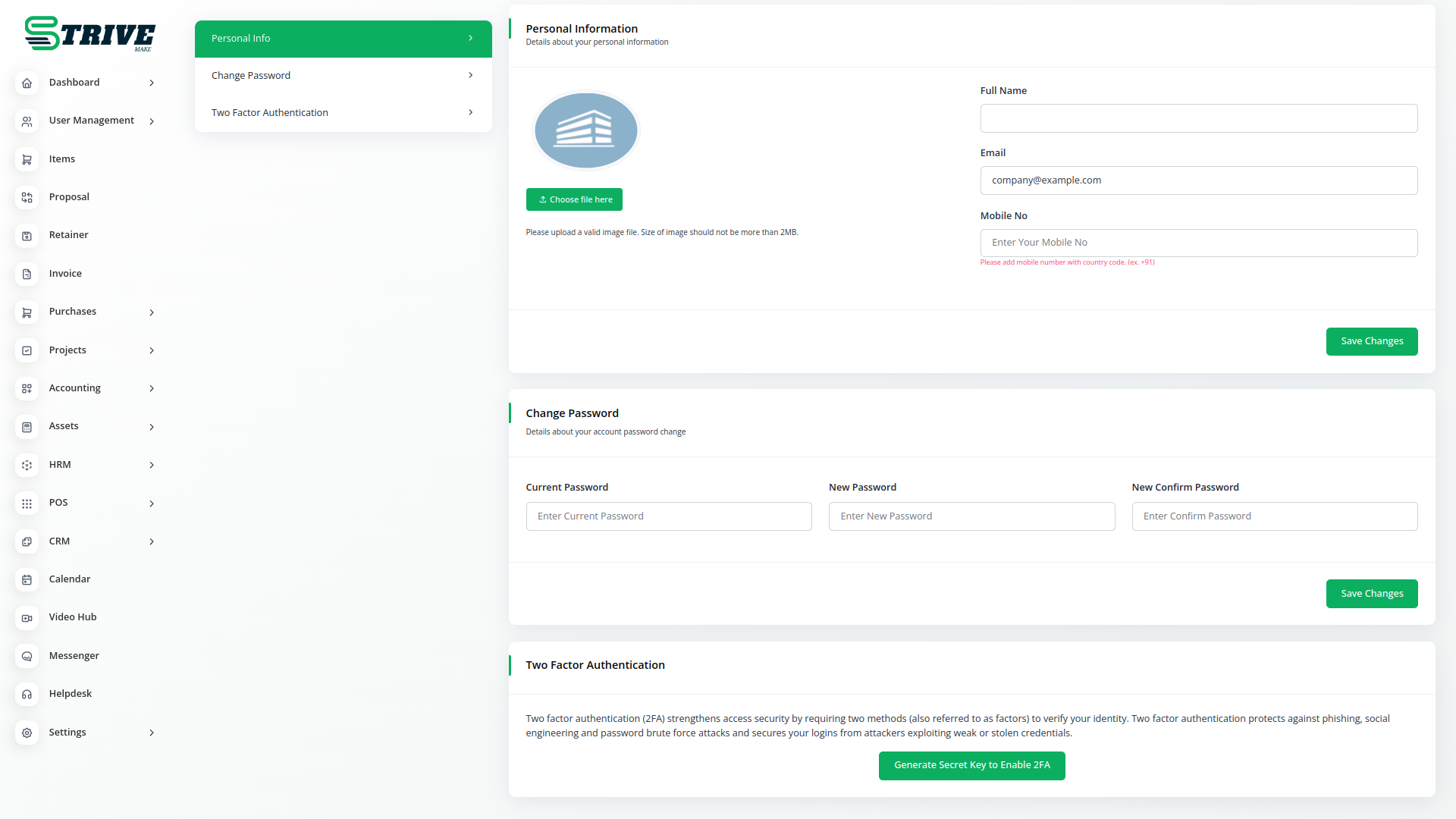
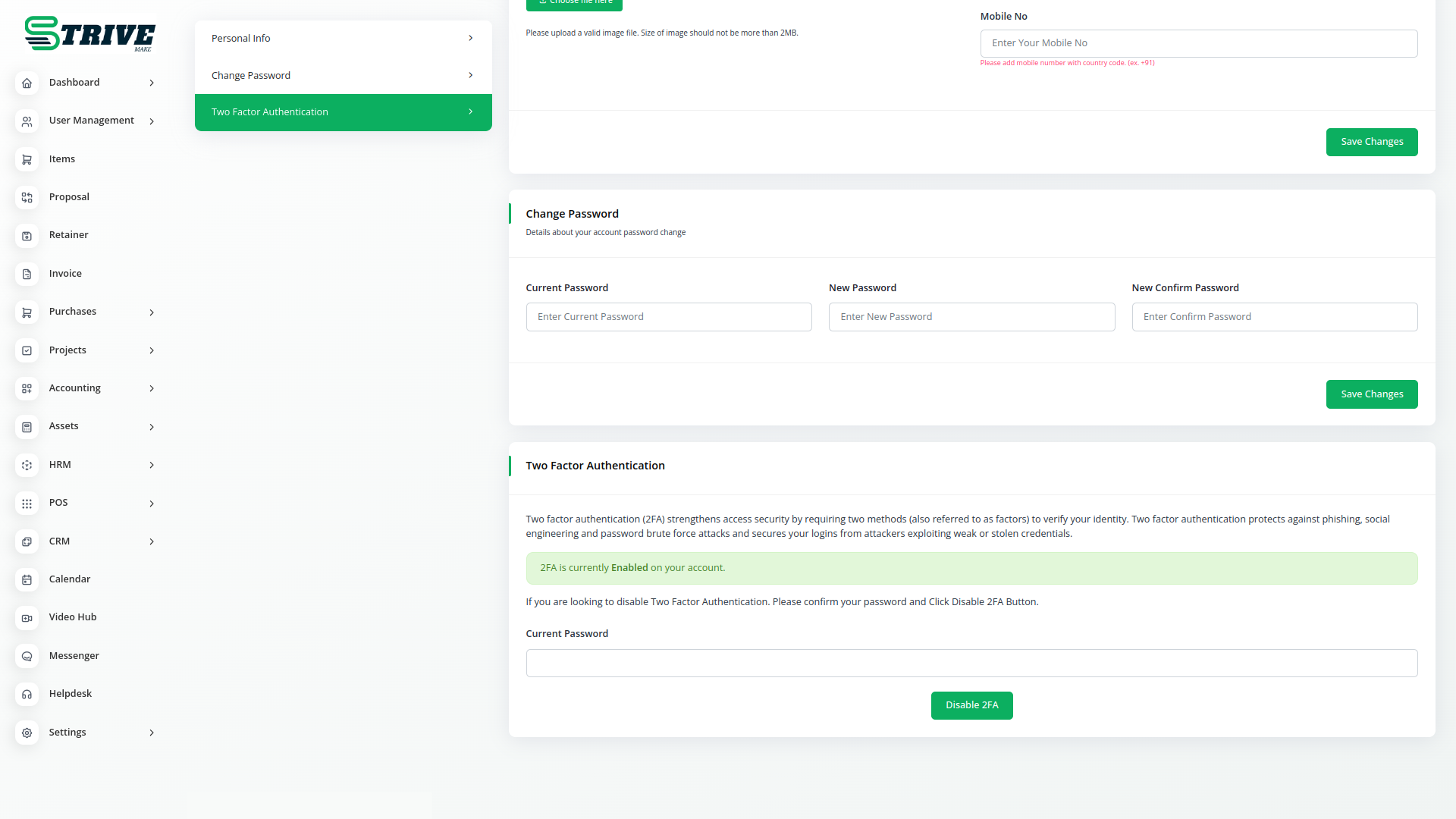
Authenticator
Two-factor authentication makes it less likely that an intruder can masquerade as an authorized user. Authentication factors are categories of credentials used to verify that someone or something is who or what they are declared to be. There are three categories: Knowledge factors are credentials that the user knows, typically a user name and password; possession factors are things that the user has, typically a mobile phone; and inherence factors are things that the user is, typically a biometric characteristic such as a fingerprint or an iris pattern.
Why choose dedicated modules for your business?
With StriveMake, you can conveniently manage all your business functions from a single location.
Empower Your Workforce with StriveMake
Access over Premium Add-ons for Accounting, HR, Payments, Leads, Communication, Management, and more, all in one place!
- Pay-as-you-go
- Unlimited installation
- Secure cloud storage
- Instant activation
- Cancel anytime
- All updates included
- 24/7 priority support
- Instant activation
- Cancel anytime
- All updates included
- 24/7 priority support
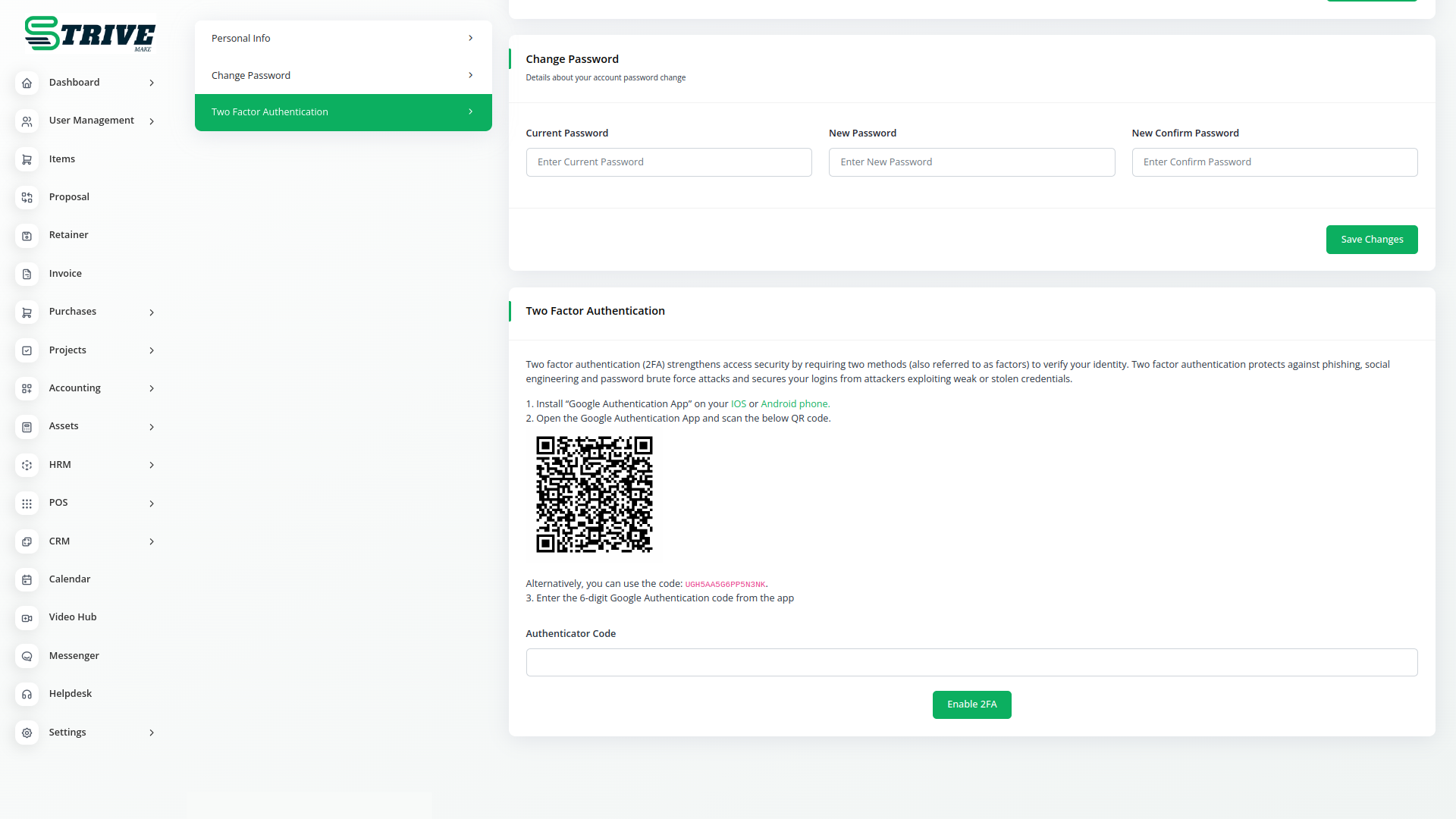
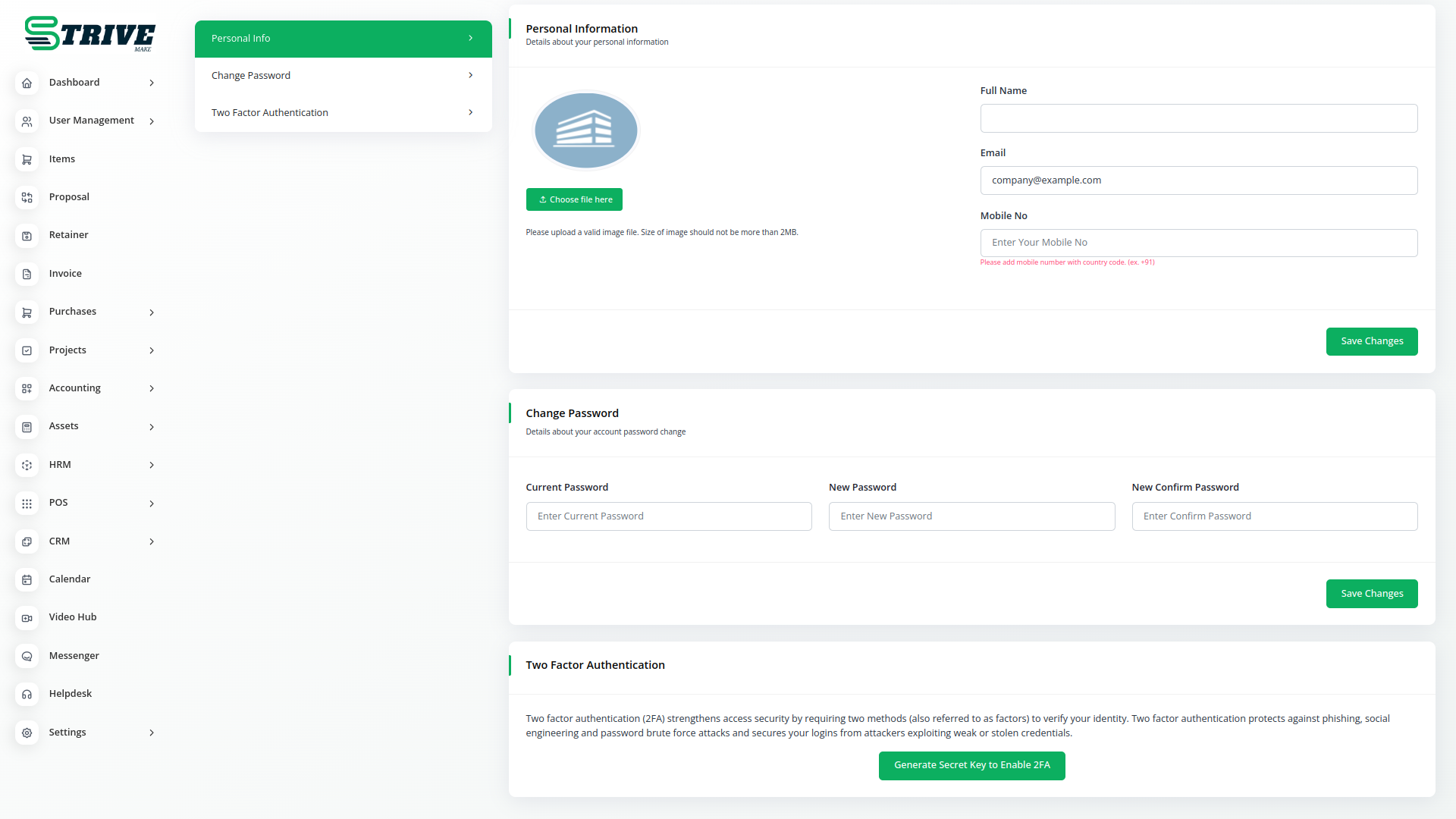
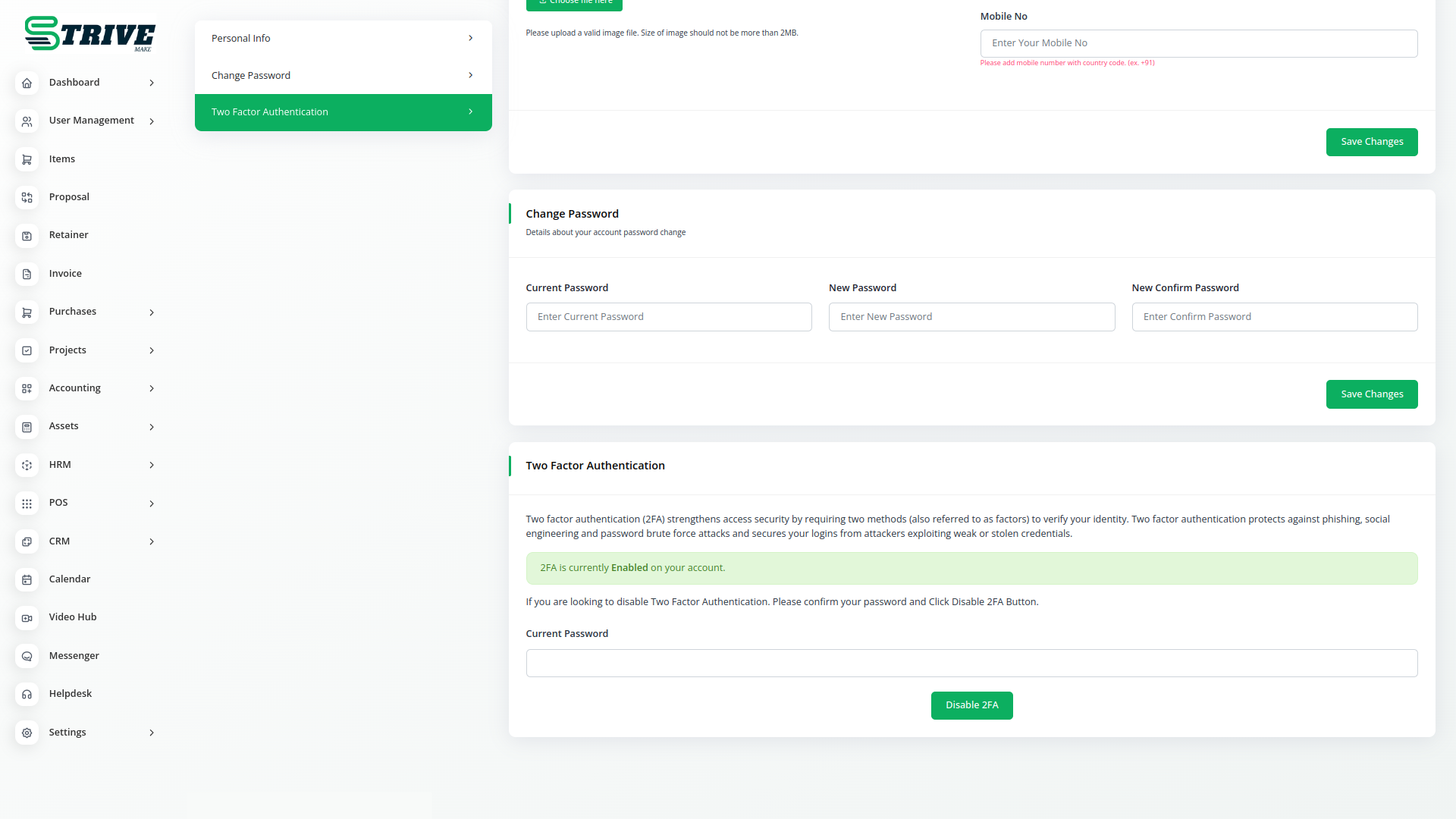
About the Google Authentication add-on
Google Authentication strengthens account security in StriveMake by adding Google-powered verification to the login process. Rather than relying on passwords alone, your team confirms identity through Google trusted system, which lowers the risk of unauthorized access to sensitive CRM, HR, accounting and project data. Because the safeguard sits on the same platform as your business modules, you get stronger protection without bolting on a separate tool, and access policies stay manageable from one place under a single connected login.
What you can do with Google Authentication
- Adds Google-powered verification to account login
- Stronger protection for sensitive business data
- Reduces reliance on passwords alone
- Centralized control over who can access the workspace
Who Google Authentication is for
Organizations that want to harden account security and protect sensitive records from unauthorized access.
Google Authentication — frequently asked questions
What does the Google Authentication add-on do?
It brings Google-backed identity verification into your StriveMake login flow, adding a layer of security beyond a standard password. By confirming users through Google trusted system, it makes it harder for unauthorized people to reach your CRM, HR, accounting and project data, while access stays managed inside your workspace.
How much does the Google Authentication add-on cost?
The Google Authentication add-on is $3,00/month or $19,00/year on top of your StriveMake plan, and you can turn it off whenever you like.
How does this improve account security?
Passwords on their own can be guessed, reused, or leaked. Adding Google-powered verification means a valid login depends on more than a single secret, so a stolen password is far less likely to grant access. The result is a meaningfully harder target for anyone trying to break into your business records.
Does Google Authentication work with the rest of StriveMake?
Yes. The protection applies to access across your workspace, so the same login that opens CRM, projects, HR and accounting benefits from the added verification. Security and business data live on one platform, letting you set and enforce access policies from a single place.
Related modules you might like
With StriveMake, you can conveniently manage all your business functions from a single location.


